Constructor Tech
HomeSupport ResourcesConstructor Website
  • About this guide
    • Introduction
      • Understanding Calcularis
      • When the brain doesn’t want to calculate
      • Custom-tailored training with Calcularis
      • Game-based learning for retention and motivation
      • What research and expert insights shaped Calcularis?
      • How does Calcularis support numeracy development in dyscalculics?
      • How is tactile learning incorporated into Calcularis?
      • How to use Calcularis as a parent?
      • More tips on using Calcularis
      • Understanding Grafari
      • How Orthograph can help my child?
    • Logging in to Constructor Coach
  • Logging in to Coach as a parent
  • Resetting your Coach password
  • Resetting your childs password for Coach
Introduction

Logging in to Constructor Coach

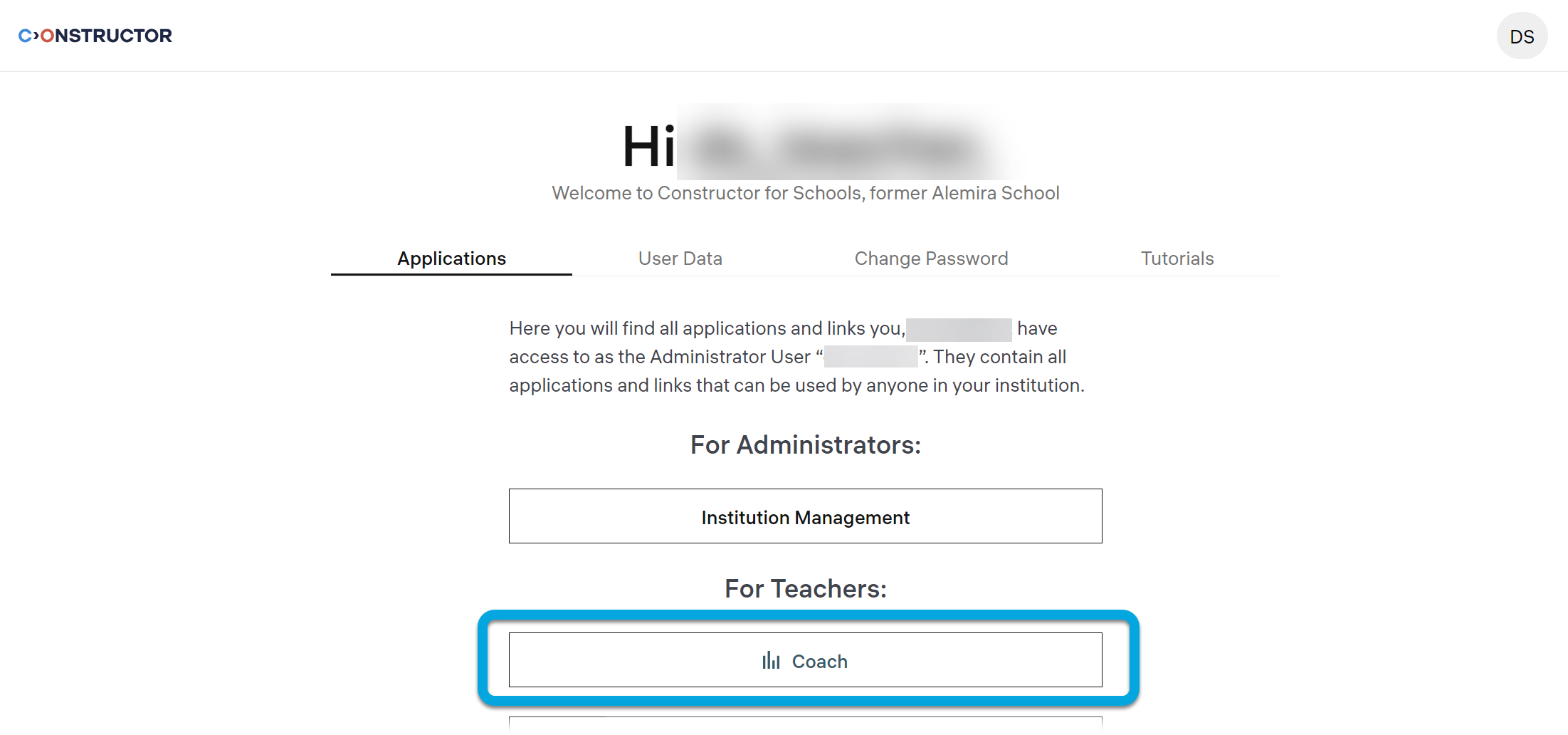
To enter the Constructor for Schools Coach interface:

  1. Enter the appropriate URL for your region into the address bar:
    • For the European Union: https://schools.constructor.app/#!login
    • For the United States: https://schools-us.constructor.app/#!login
    • For Canada: https://schools-ca.constructor.app/#!login

Press ENTER on the keybar.

  1. Click Coach.

The Learning board page will open.

How Orthograph can help my child?

Logging in to Coach as a parent

© Constructor Tech. All rights reserved.