February 6, 2024
Release 3
Overview
In Release 3, we’ve implemented the following feature:
- Text blocks in quizzes
What's new
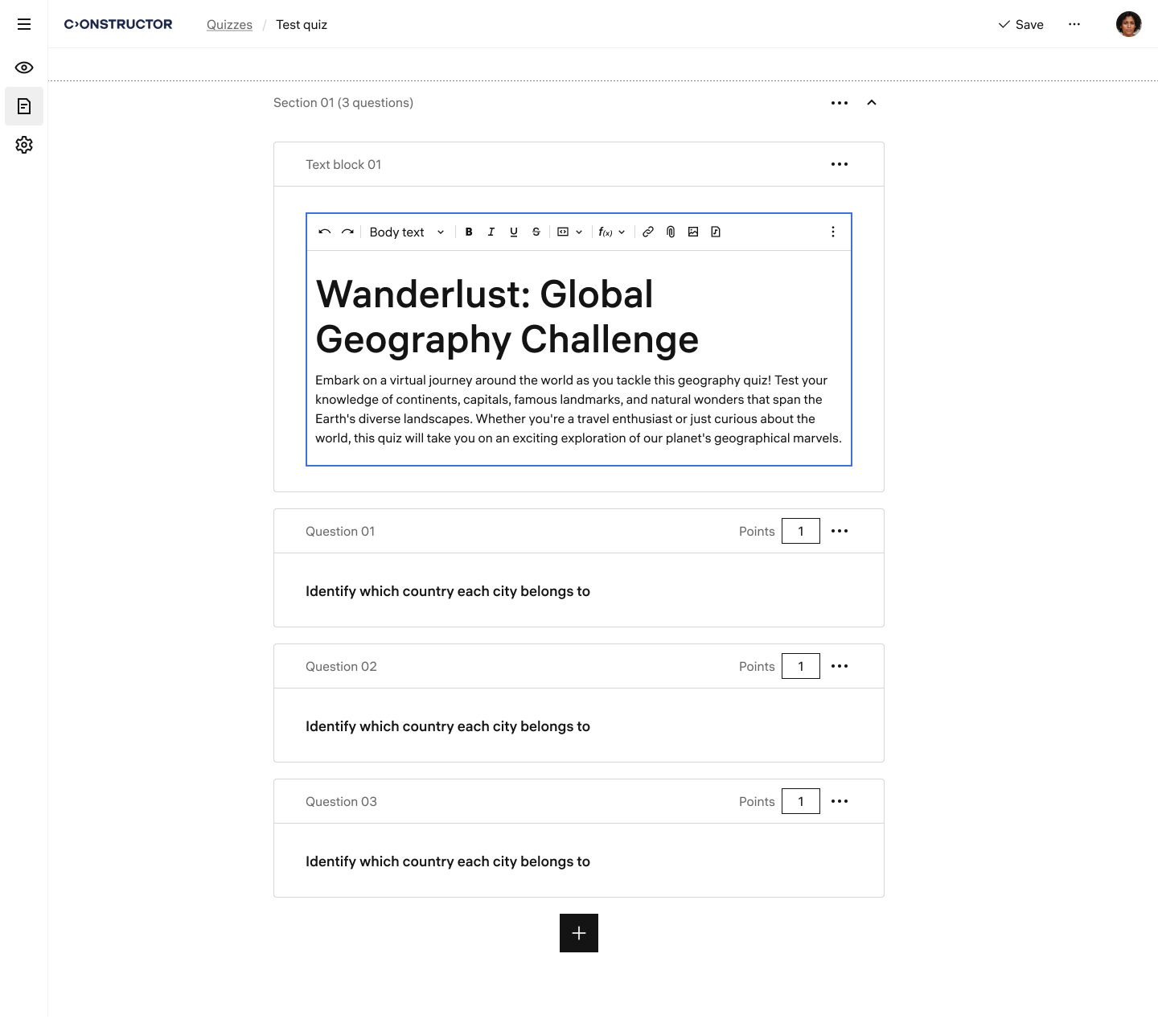
Text blocks in quizzes
Now quiz authors can add text block elements when creating or editing quizzes. Text blocks provide additional information, context, or instructions to quiz takers. Equipped with a rich text editor, text blocks also support attaching files. This allows authors to include relevant attachments that enhance the quiz-taking experience and ensure a complete understanding of the quiz content.
A text block has the same control elements as a question, enabling authors to:
- Add a text block using the plus button.
- Drag and drop text blocks to rearrange them.
- Delete the text block from the quiz.