
Managing workflows
Running workflows
To run the project data processing according to a created workflow:
- In My projects, click the name of a project you need.
- Optionally, if the project has shared desks, select the desk to work in. Wait until the project is loaded.
- In My Desk (or a collaborator's desk) of the project, open the Workflow****s section.
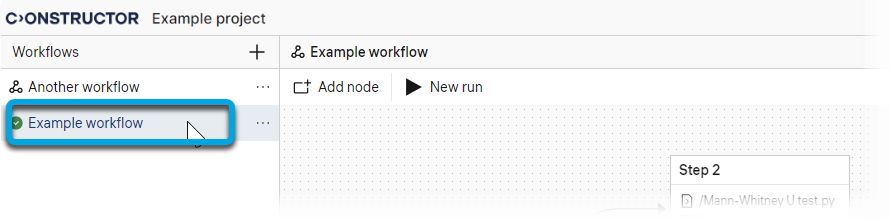
- In the workflow list, click the required workflow.
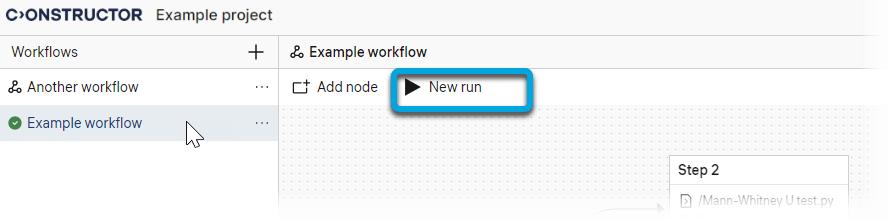
- On the workflow pane, click New run.
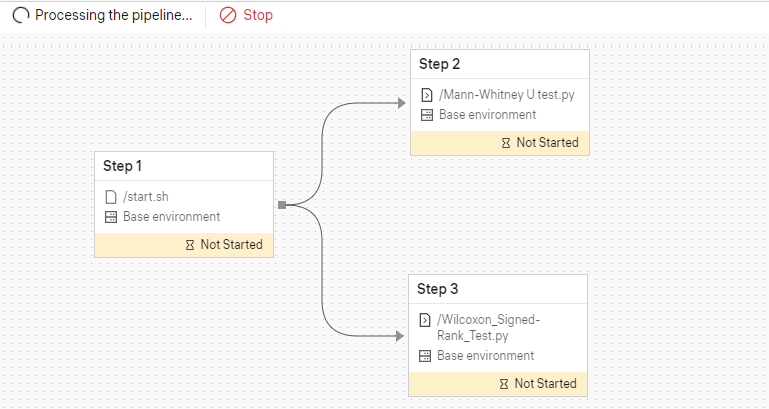
Wait until all scripts on all nodes are run. During the run, the processing status is displayed for each node (see Workflow node statuses).
To view the details on a node's run, select a node and see the Events tab (see Viewing workflow node run events).
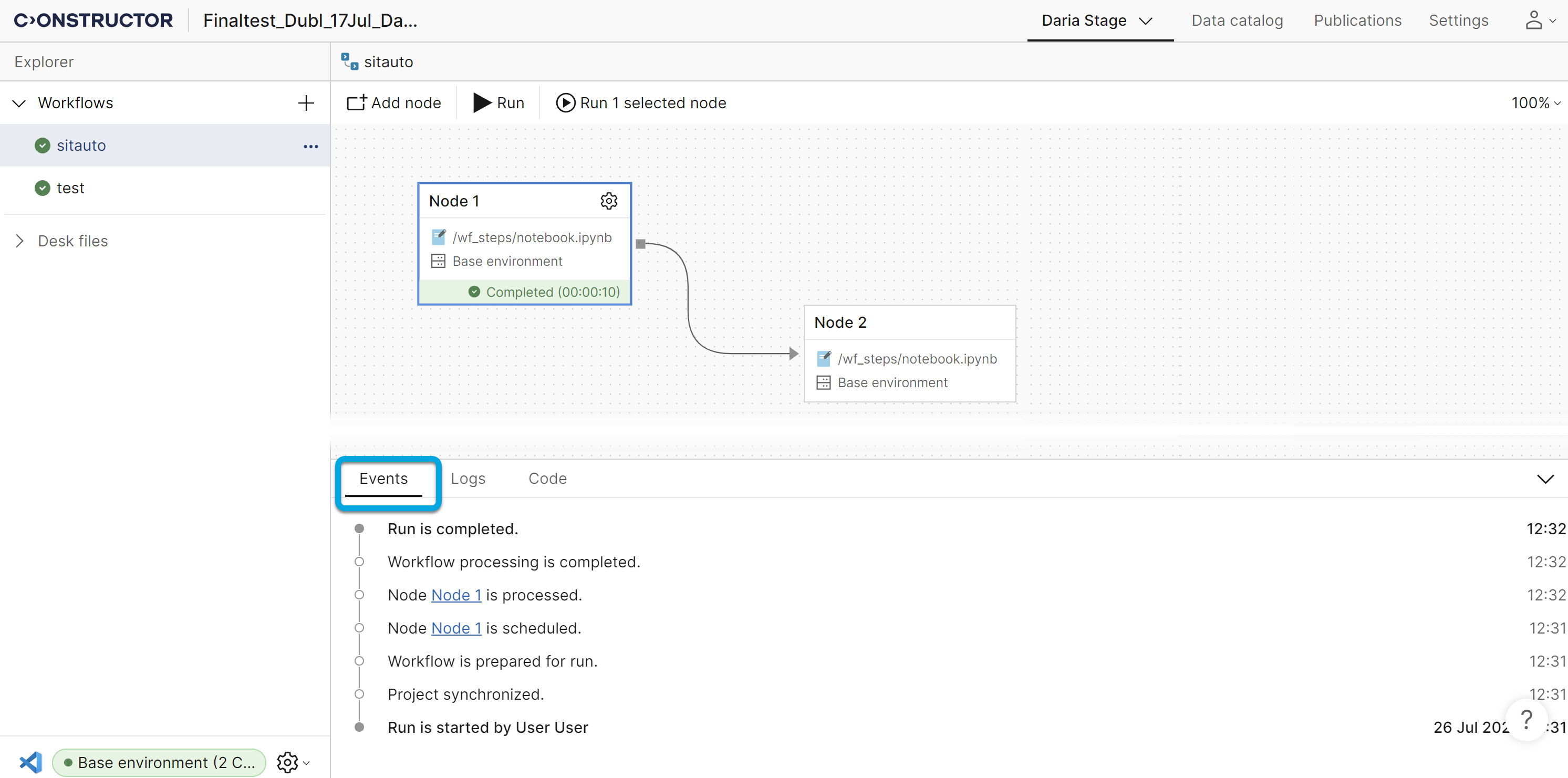
To view the results of the workflow run, select a node and see the Logs tab.
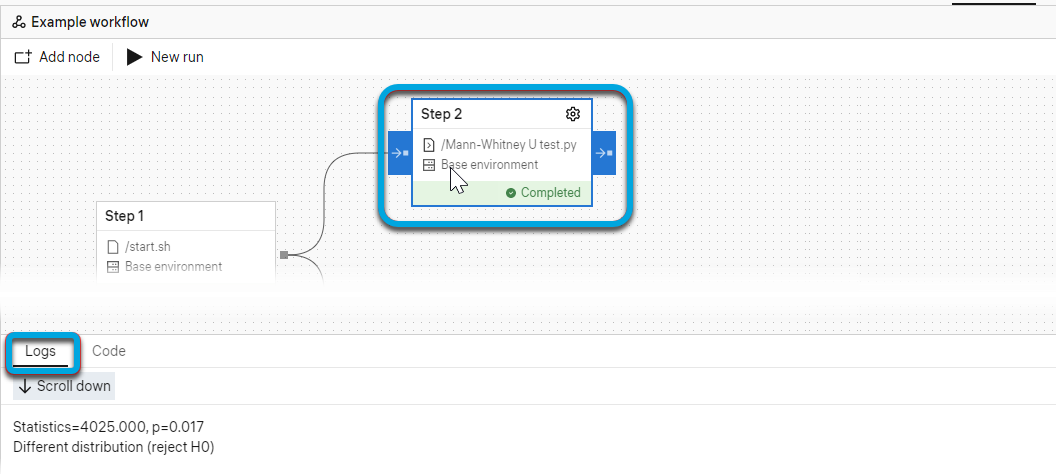
To view the contents of the script used at the step implemented on the selected node, select a node and see the Code tab.
The output data of the workflow run is recorded to the workflow_data folder of the project.
To enable recording the output data, the path "/output" must be specified in your executable files in the workflow.