Schedule Administrator Guide
Backup
Click on the Backup button in the top menu to access the Backup page.
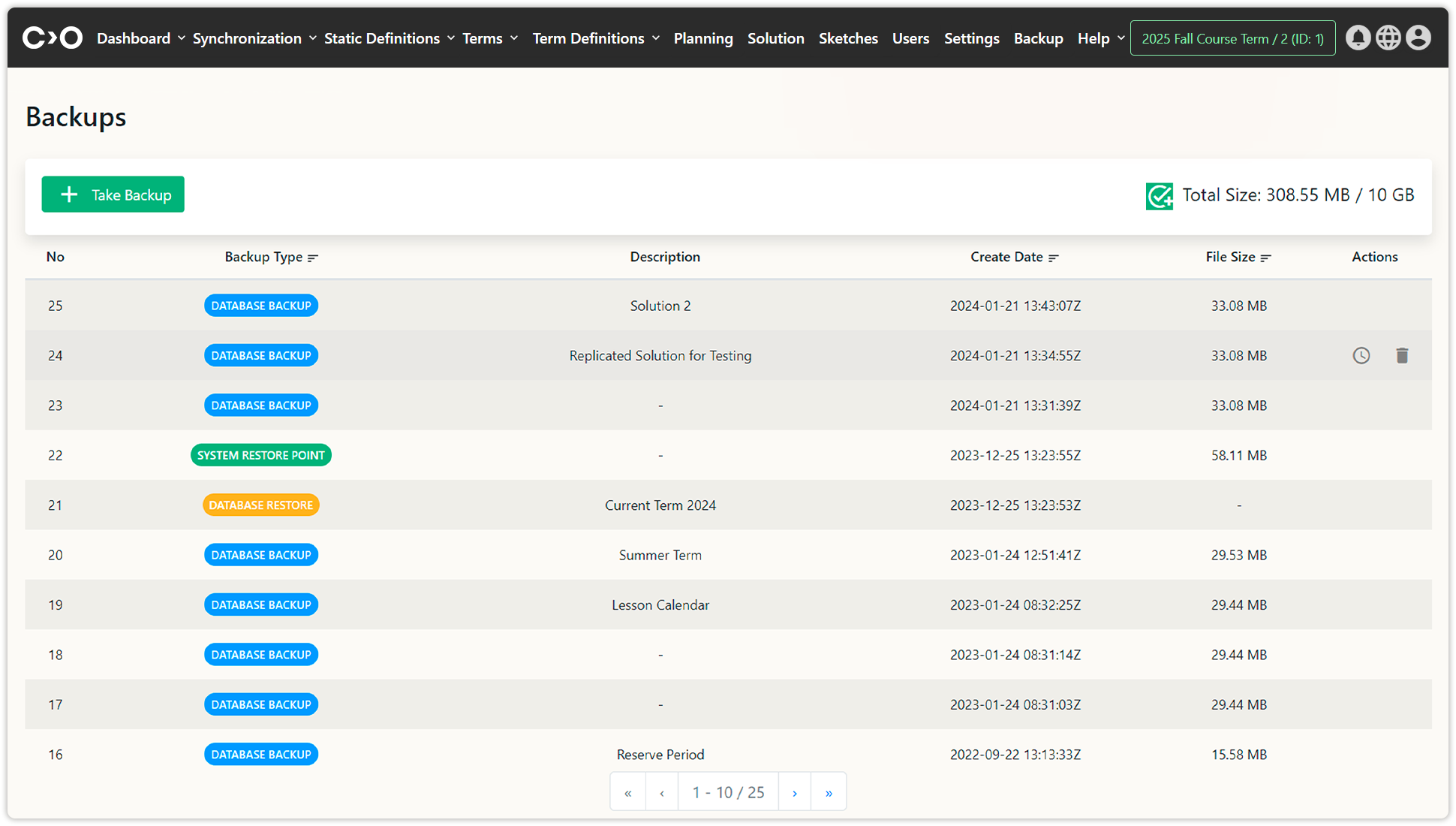
On the newly opened page, click the Take Backup button at the top left to save a backup of your selected term for future use.
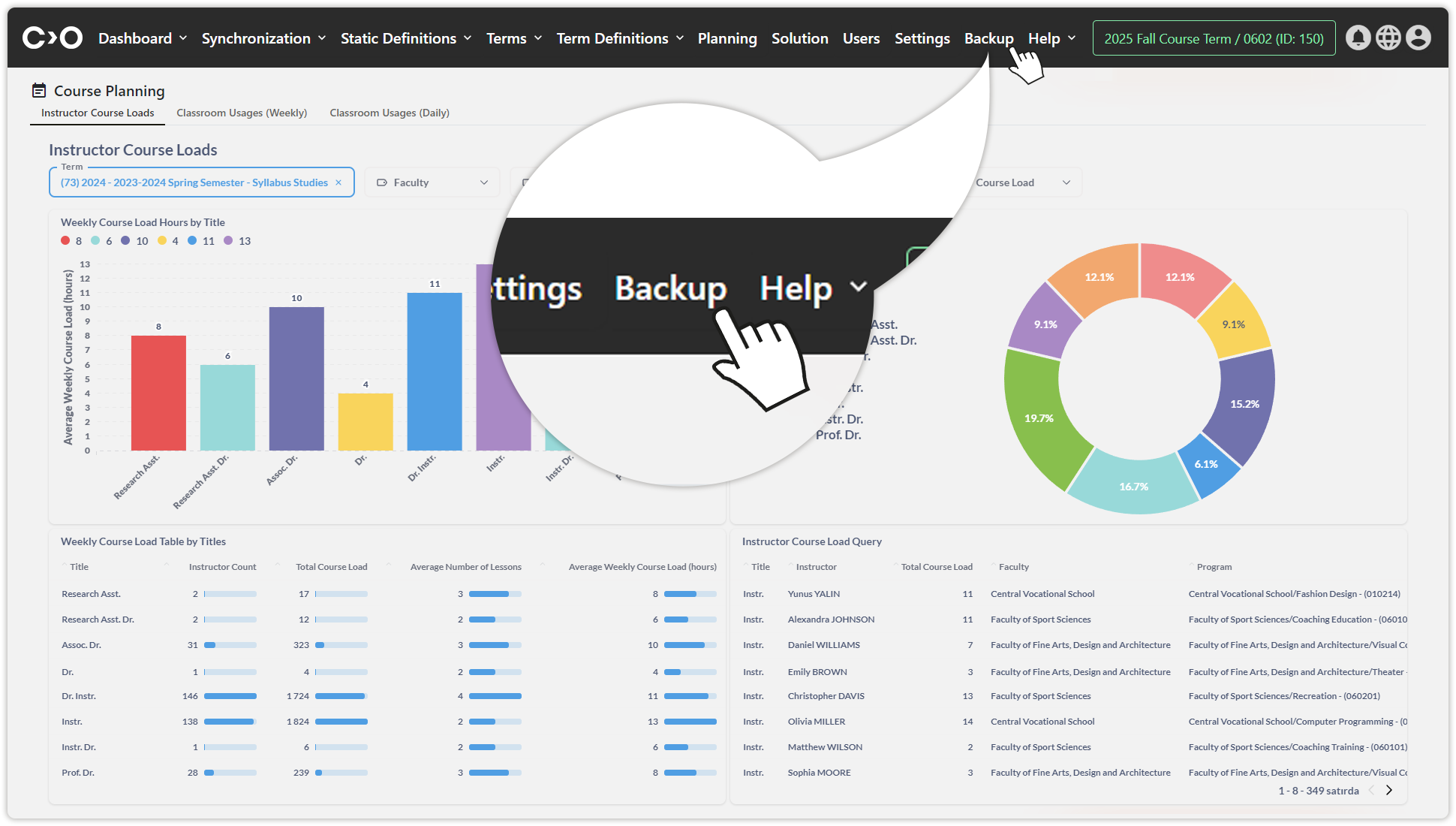
Click on the Backup button.
On the right side of each listed term row, you can:
- Click Restore Backup to restore a saved backup.
- Click Delete to remove a backup.