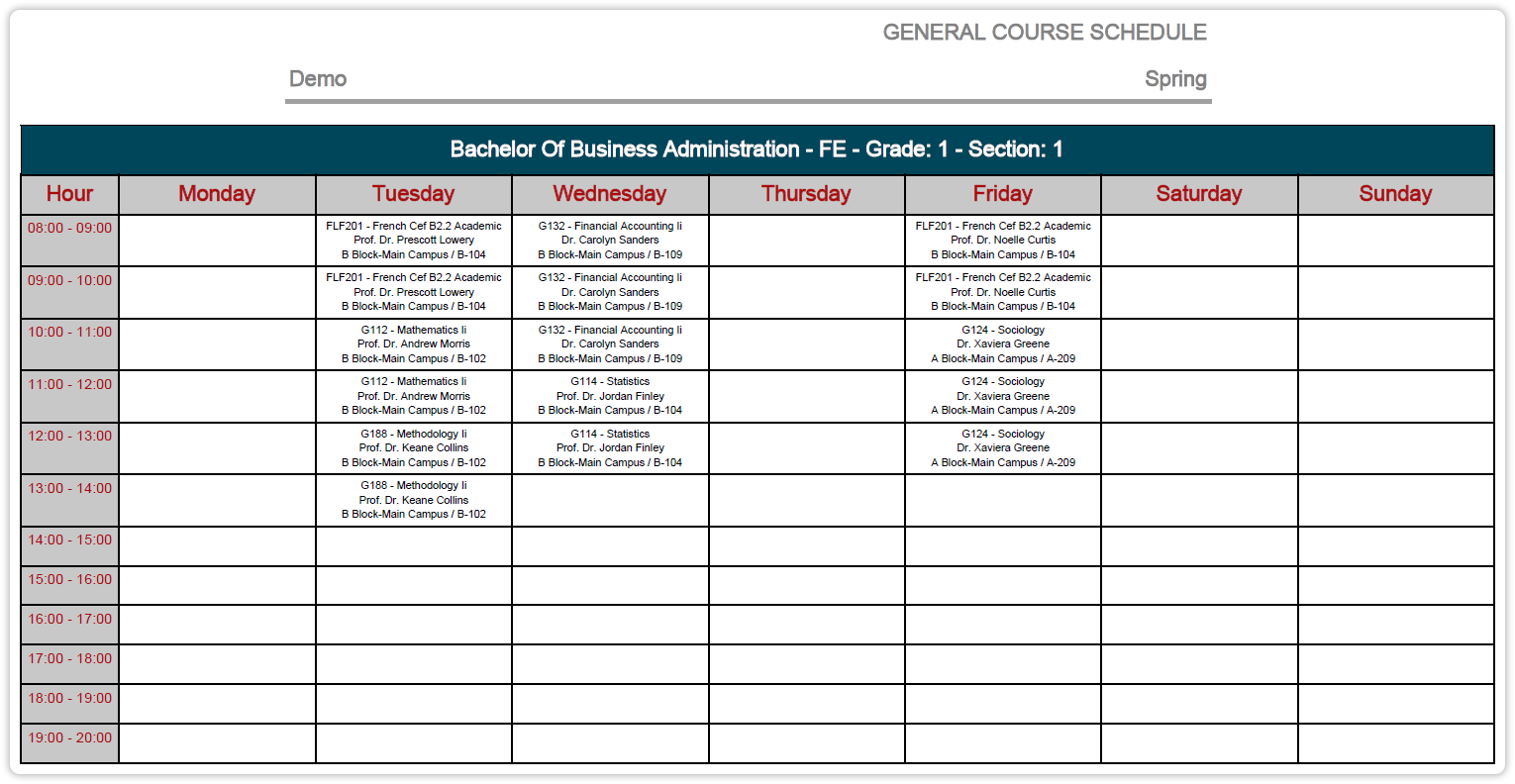
Solution
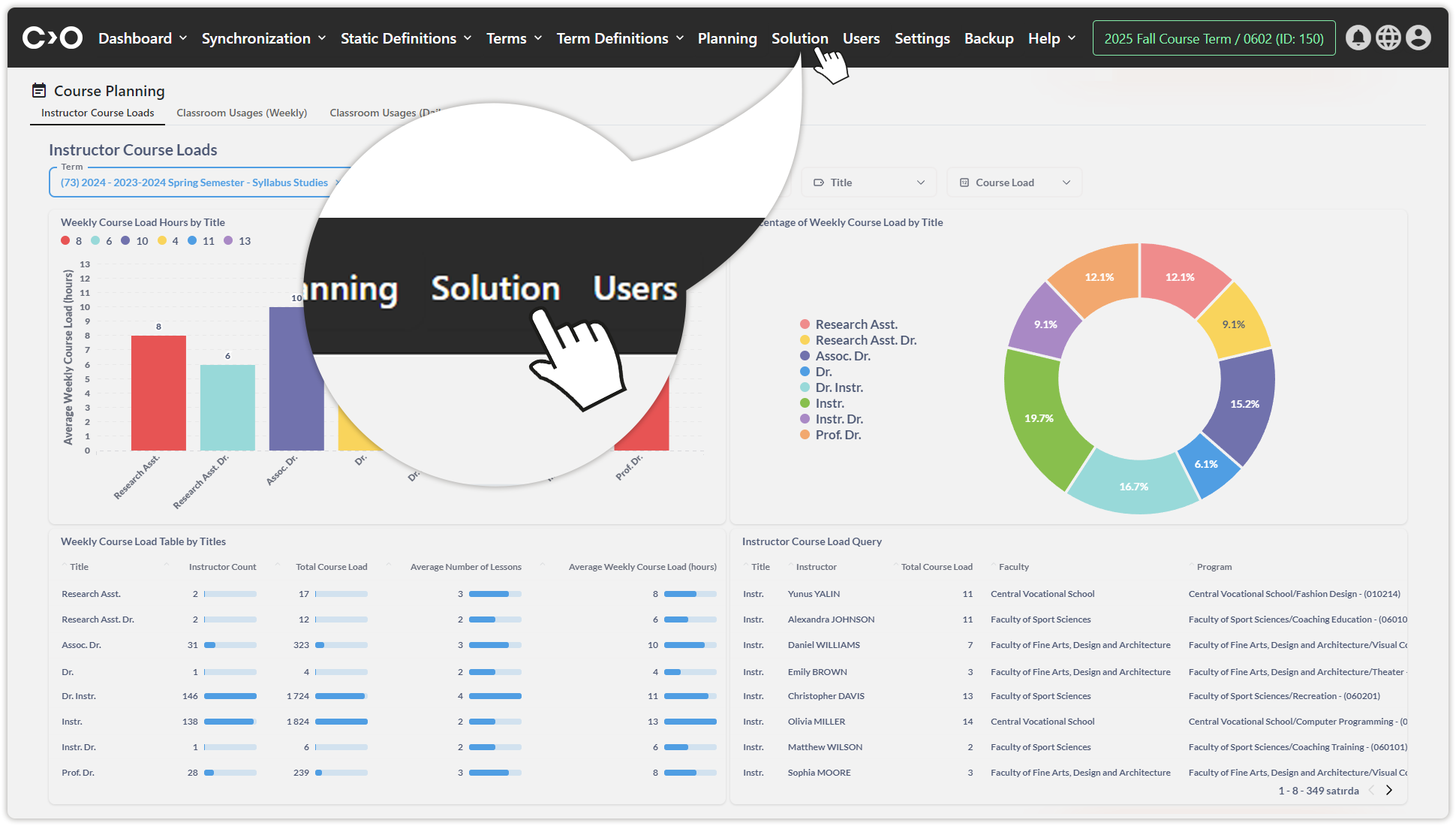
Click on the Solution button in the top menu to generate and view the planning output.
If multiple solutions have been generated, click on the drop-down list at the top of the page to select the desired solution. You can also:
- Click Publish to publish a solution.
- Click Unpublish to remove a solution from publication.
- Click Copy to duplicate a solution.
- Click Delete to remove a solution.

Use the available filters to search for specific course schedules under the All Filters, Program Filters, Faculty Filters, and Classroom Filters tabs.

View course details.

At the top of the Calendar section, you can:
- Click Print to print the schedule.
- Click Download Course Calendar to download the schedule.
- Click Download Detailed Solution to obtain a detailed version of the solution.