Static definitions
Within the Static Definitions, you can define campuses, buildings, classrooms or rooms, faculties, and programs and use them across all past and future terms.
Defining Campuses
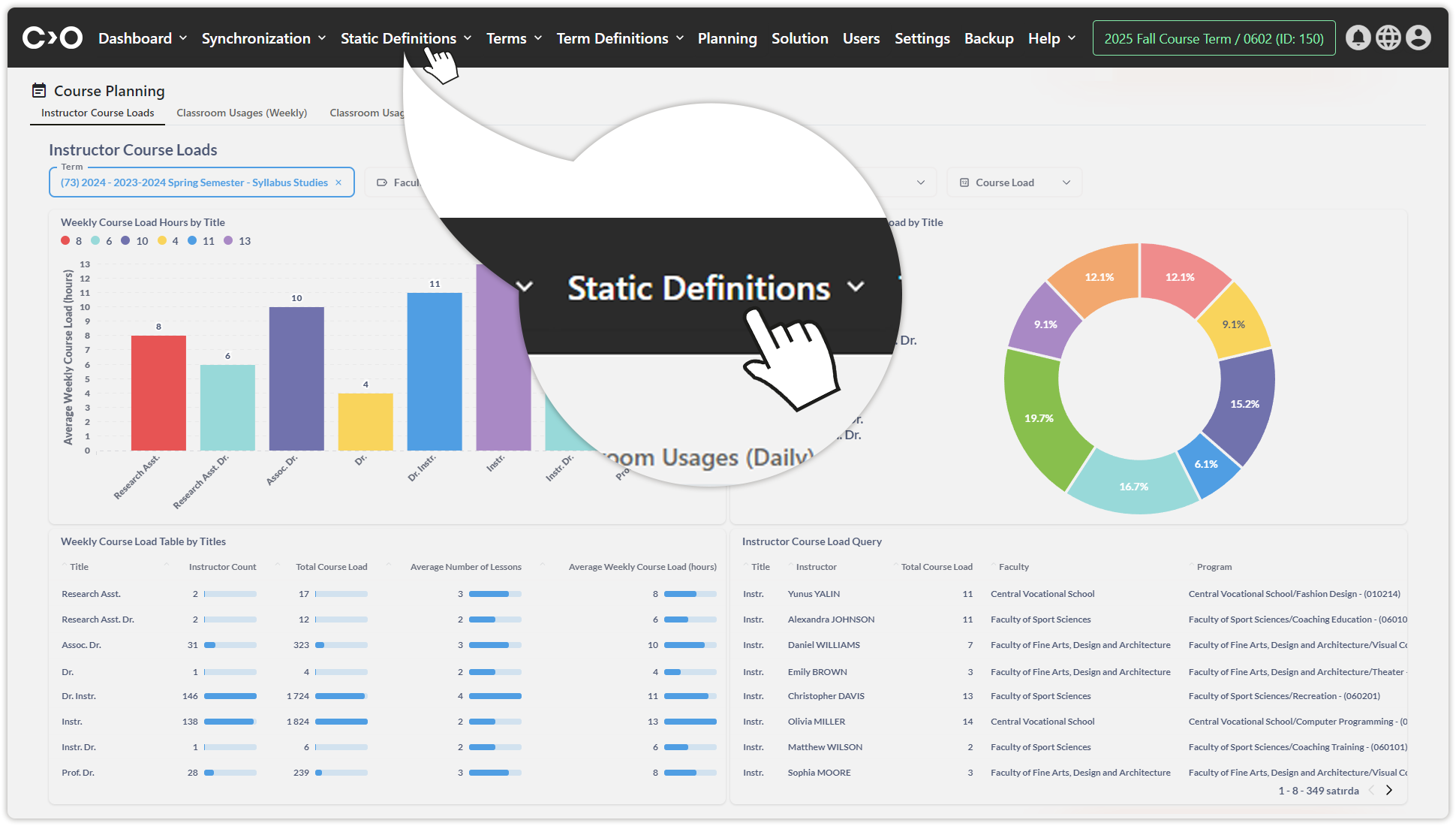
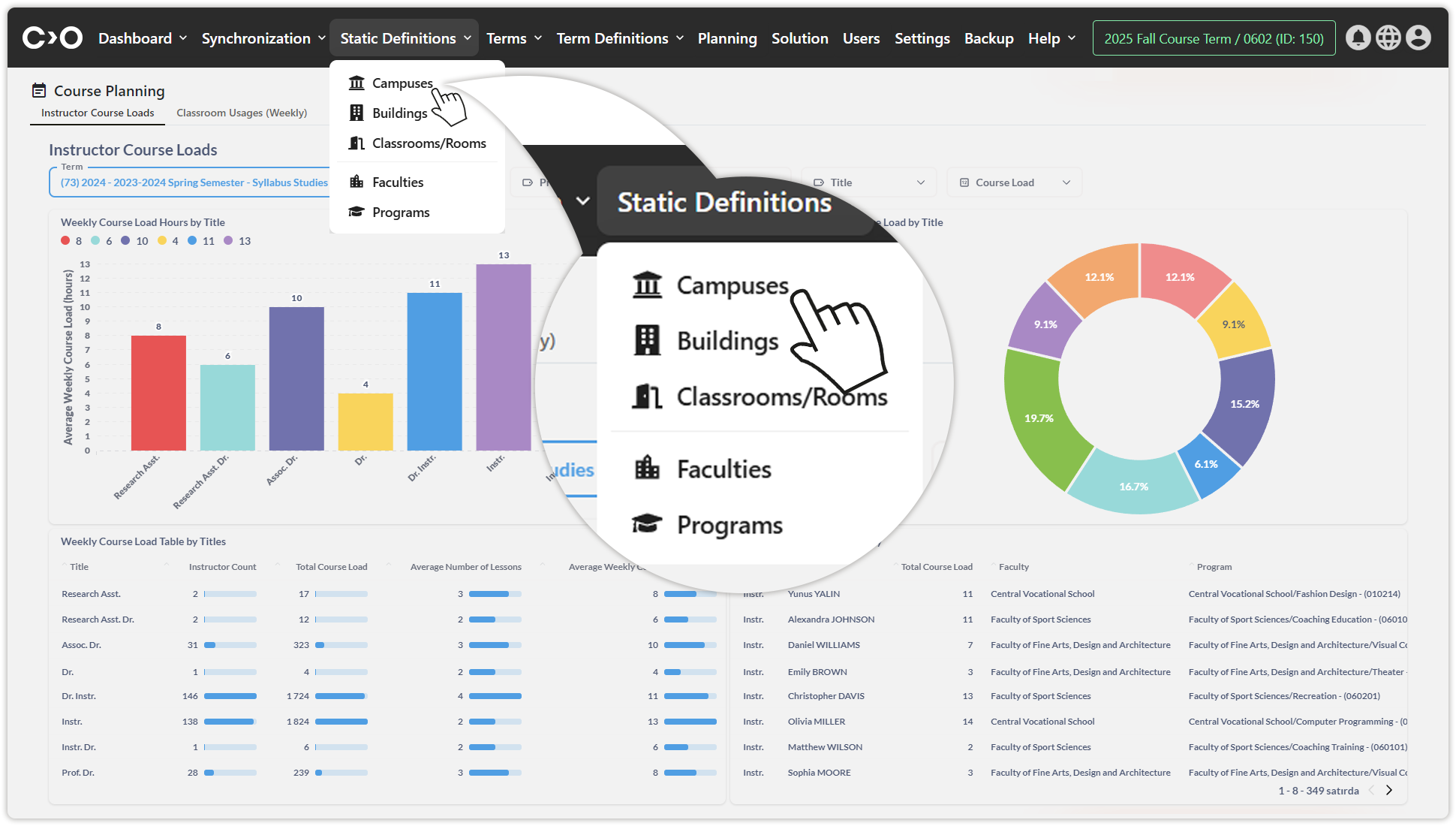
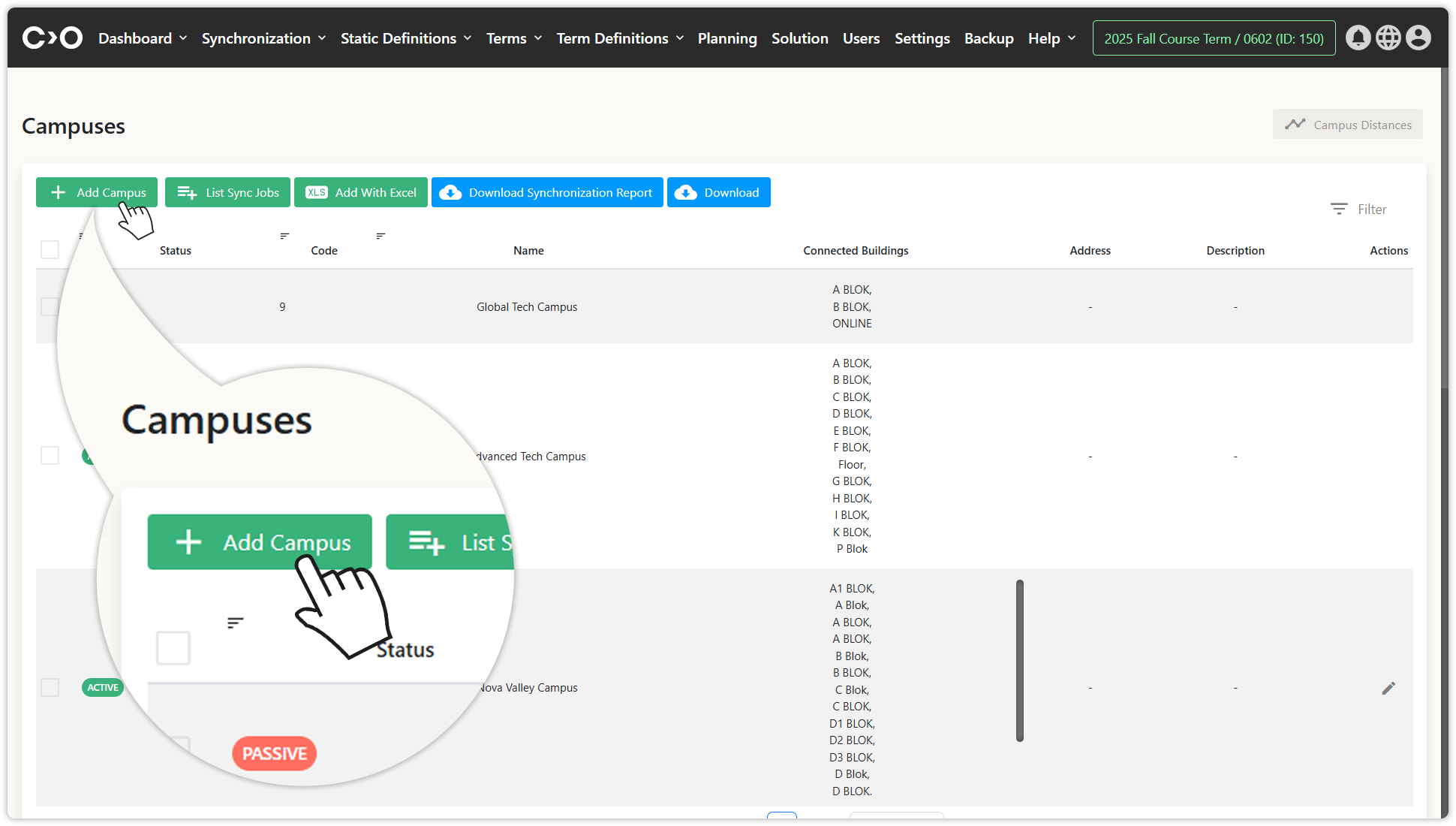
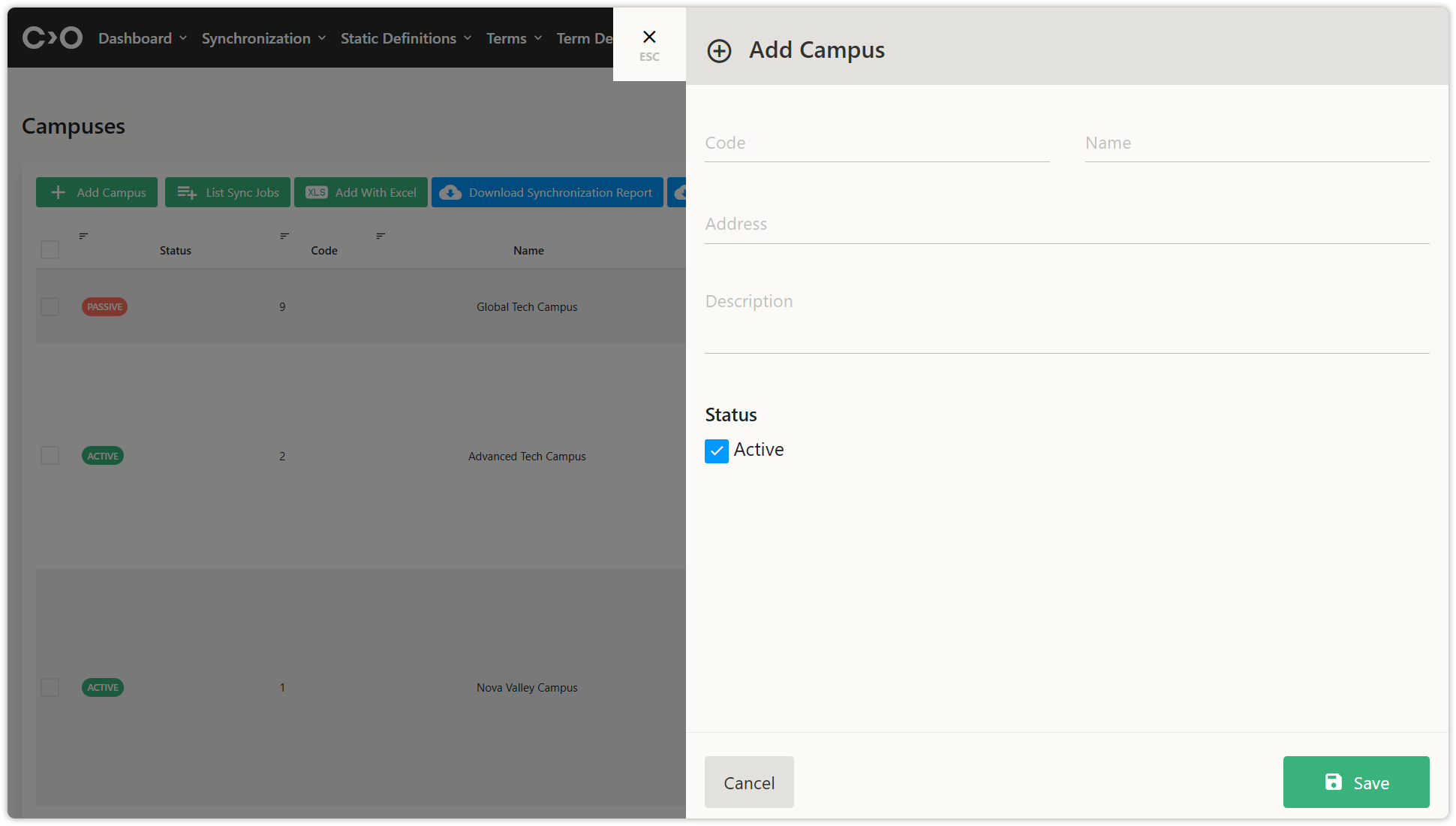
Click on the Static Definitions button in the top menu, then click Campuses from the drop-down menu. On the newly opened page, click Add Campus, then enter the code, name, address, description, active status, campus image, and campus map, and save to define a new campus.
- You can also click the Add With Excel button to bulk import campus information.
- Click ListSync Jobs to view the campus data imported through synchronization.
- Download the synchronization report, or download campus list to your computer.
- Click Campus Distances to enter distance data between campuses.
Defining Buildings
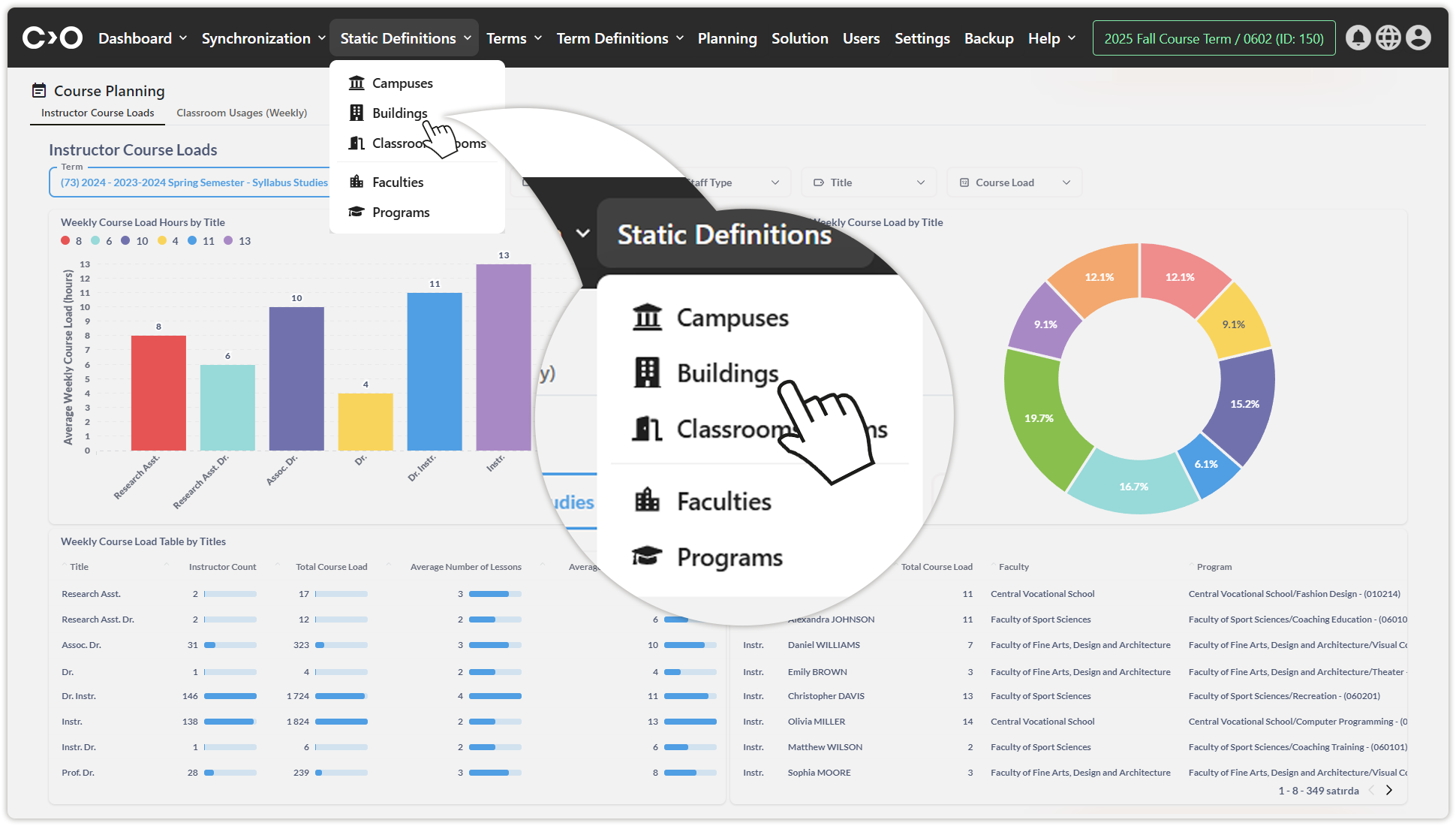
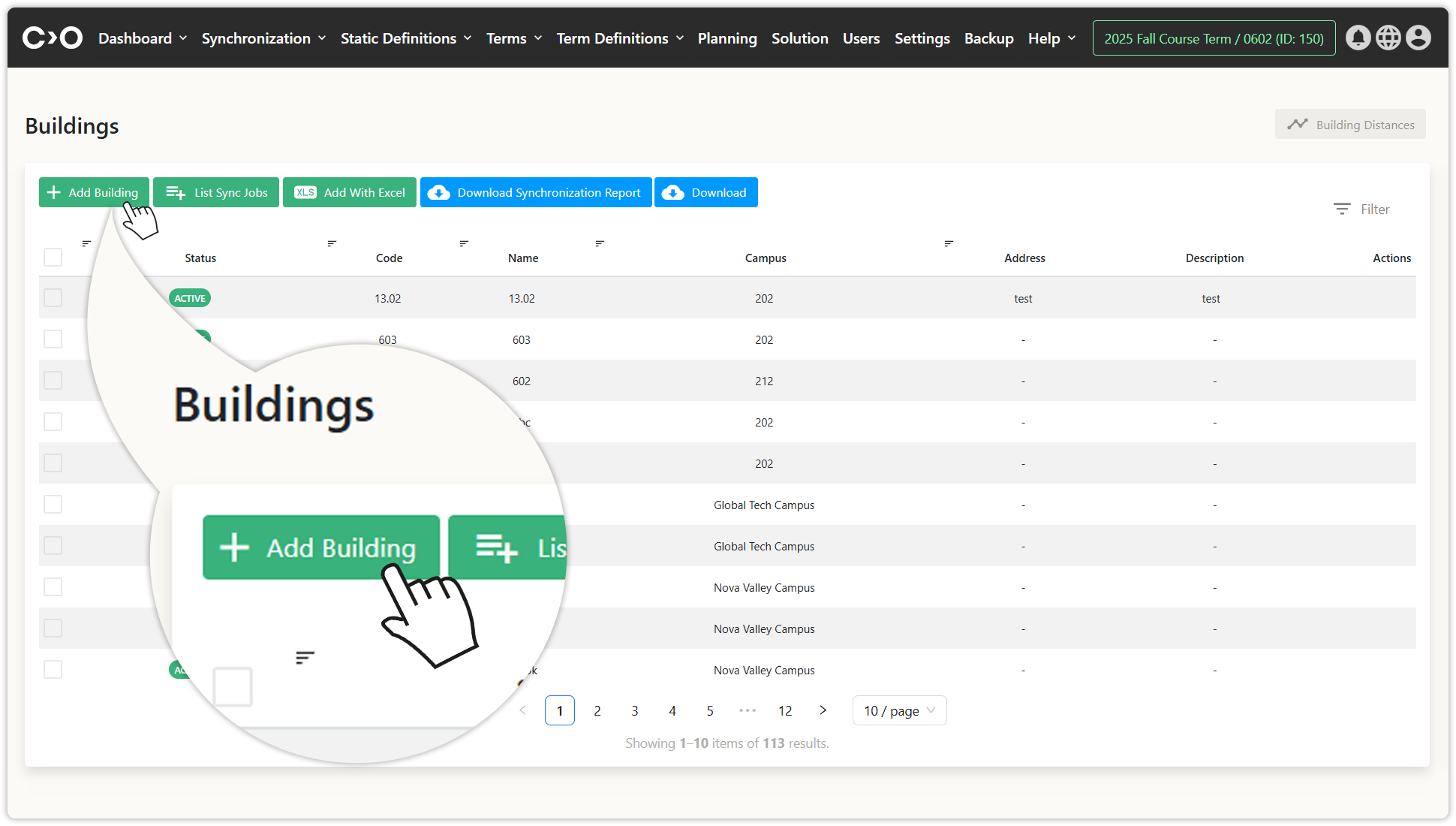
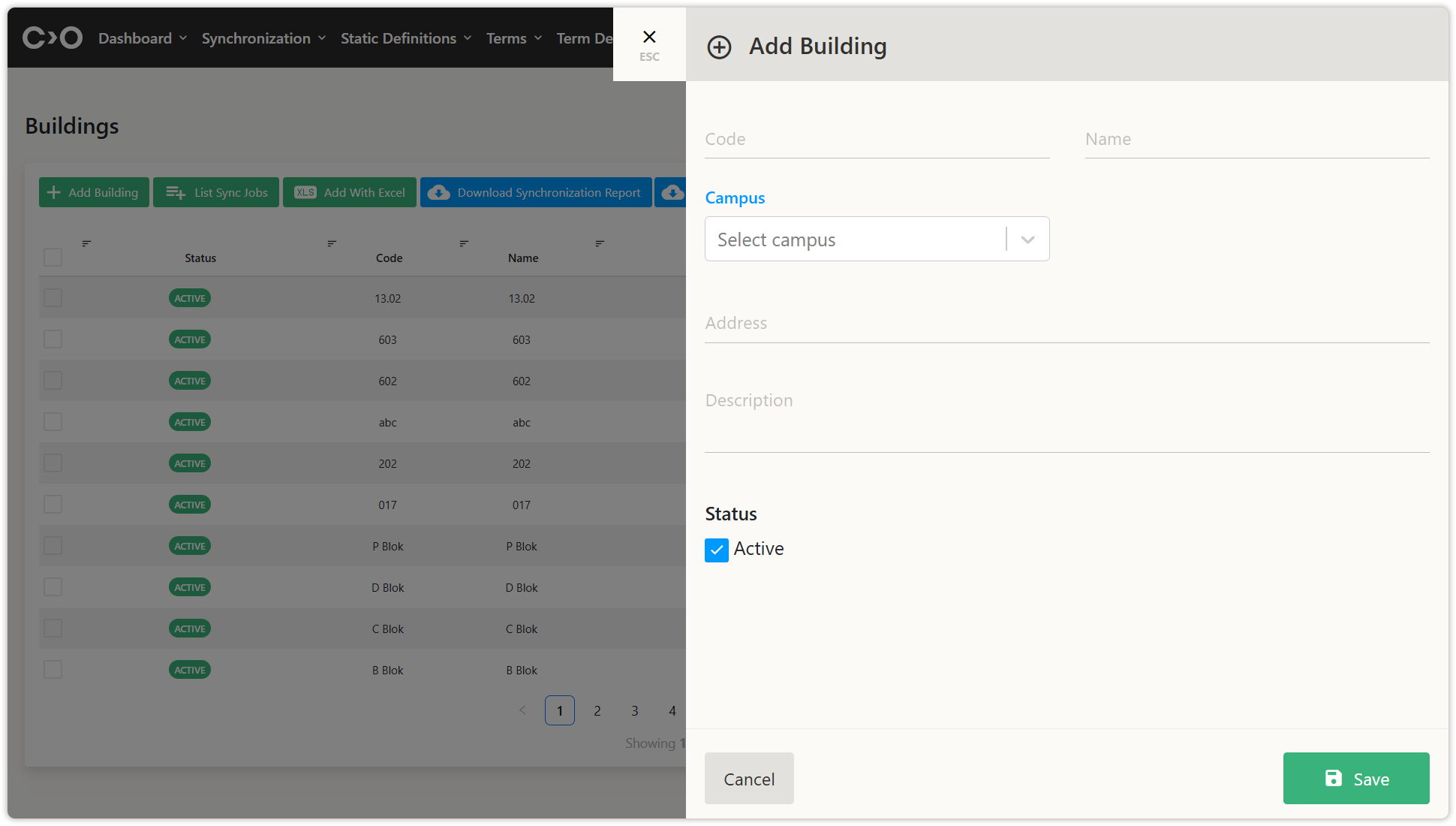
Click on the Static Definitions button in the top menu, then click Buildings from the drop-down menu. On the newly opened page, click Add Building, then enter the code, name, campus, building functionality, floor count, address, description, active status, building image, and building map, and save to define a new building.
- You can also click the Add With Excel button to bulk import building information.
- Click ListSync Jobs to view the building data imported through synchronization.
- Download the synchronization report, or download building list to your computer.
- Click Building Distances to enter distance data between buildings.
Defining Classrooms or Rooms
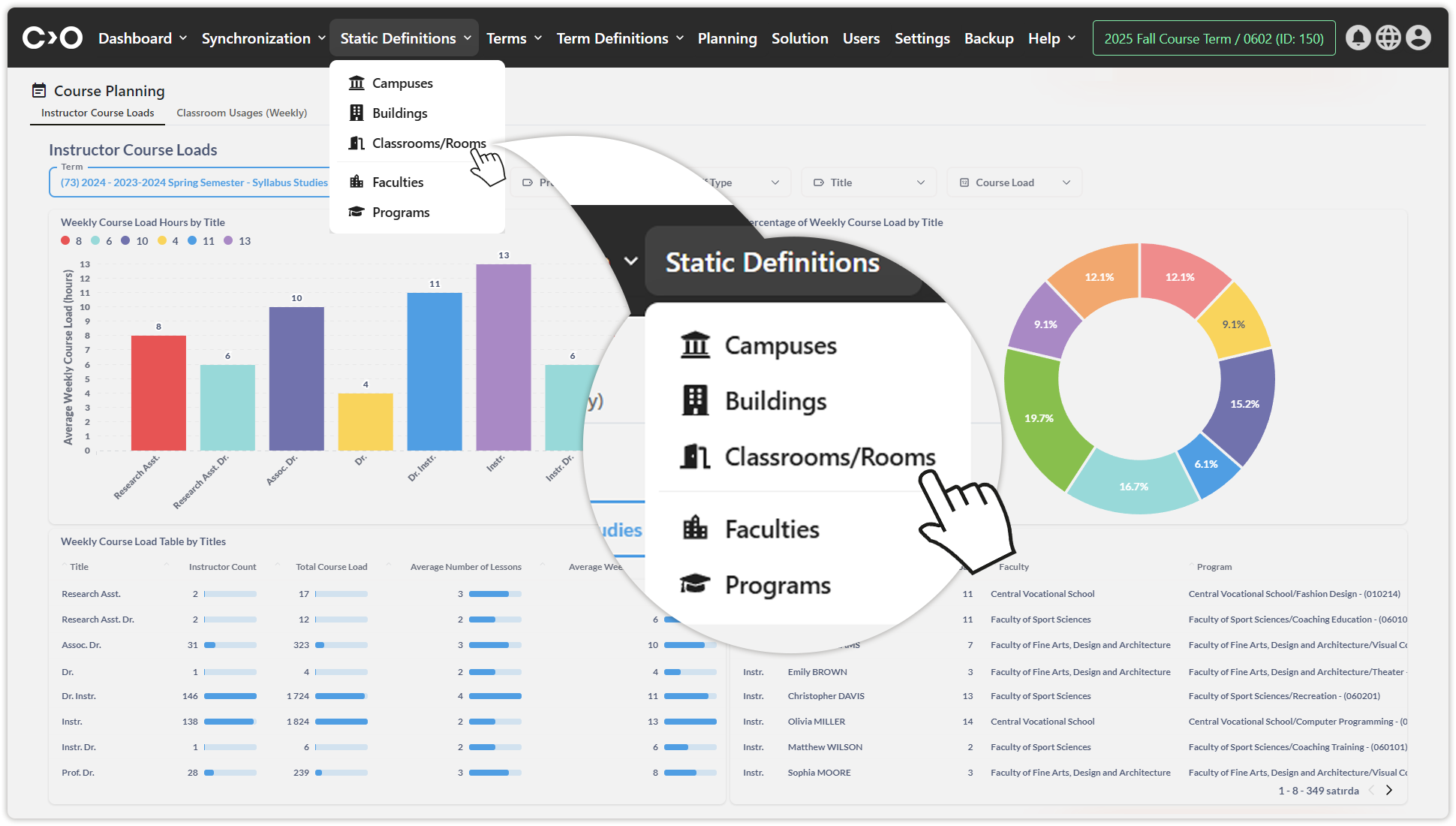
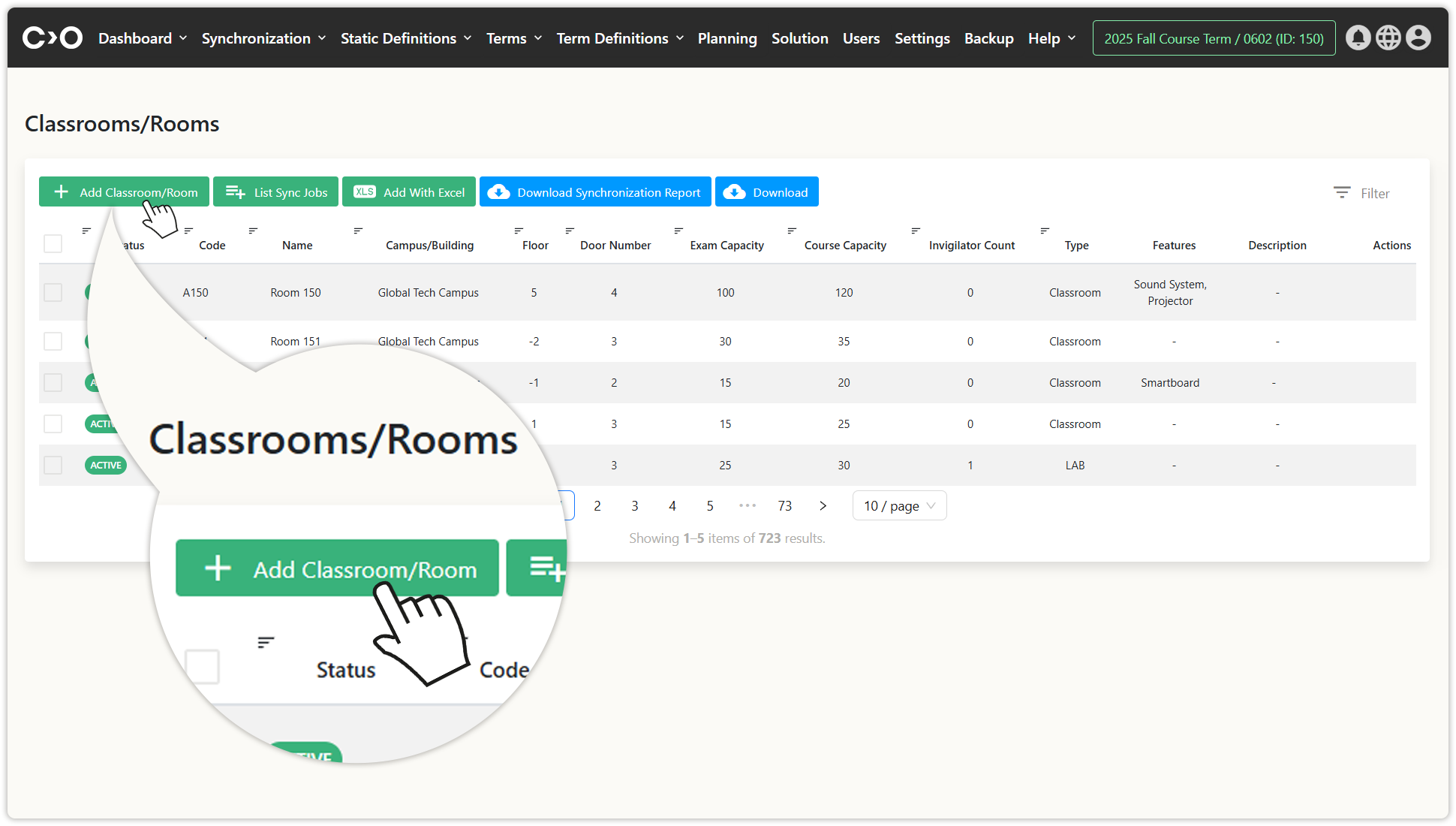
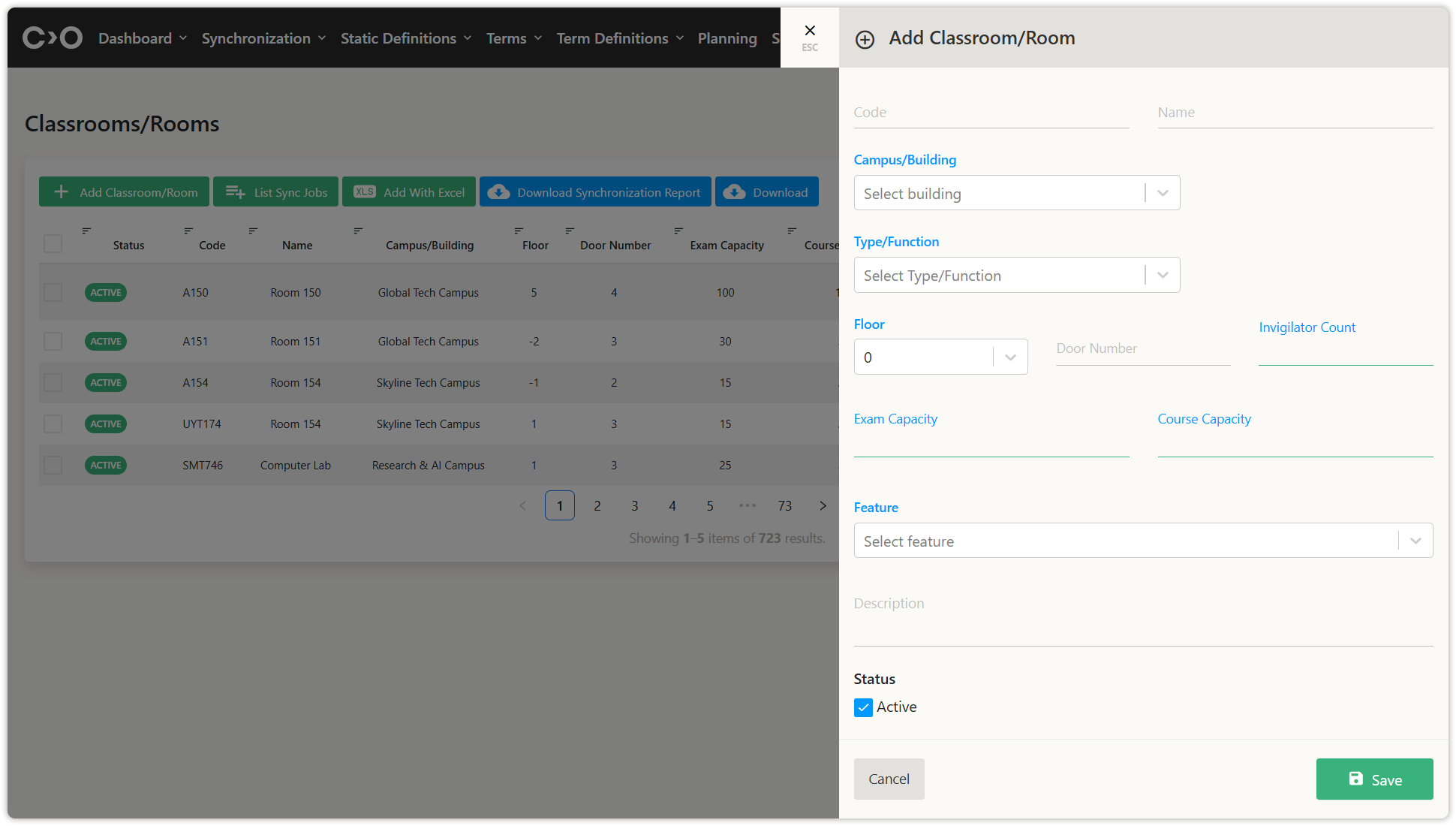
Click on the Static Definitions button in the top menu, then click Classrooms or Rooms from the drop-down menu. On the newly opened page, click Add Classroom or Room, then enter the code, name, campus/building, category, type/function, attribute, seating arrangement, seating type, user type, special using state, using state, event planning usage, maximum person capacity, room users, area value, volume value, floor, door number, ınvigilator count, exam capacity, course capacity, feature, furnished, sink/water, heating, number of windows, description, ıtem (count), active status, and classroom image and save to define a new classroom or room.
- You can also click the Add With Excel button to bulk import classroom or room information.
- Click ListSync Jobs to view the classroom data imported through synchronization.
- Download the synchronization report, or download classroom list to your computer.
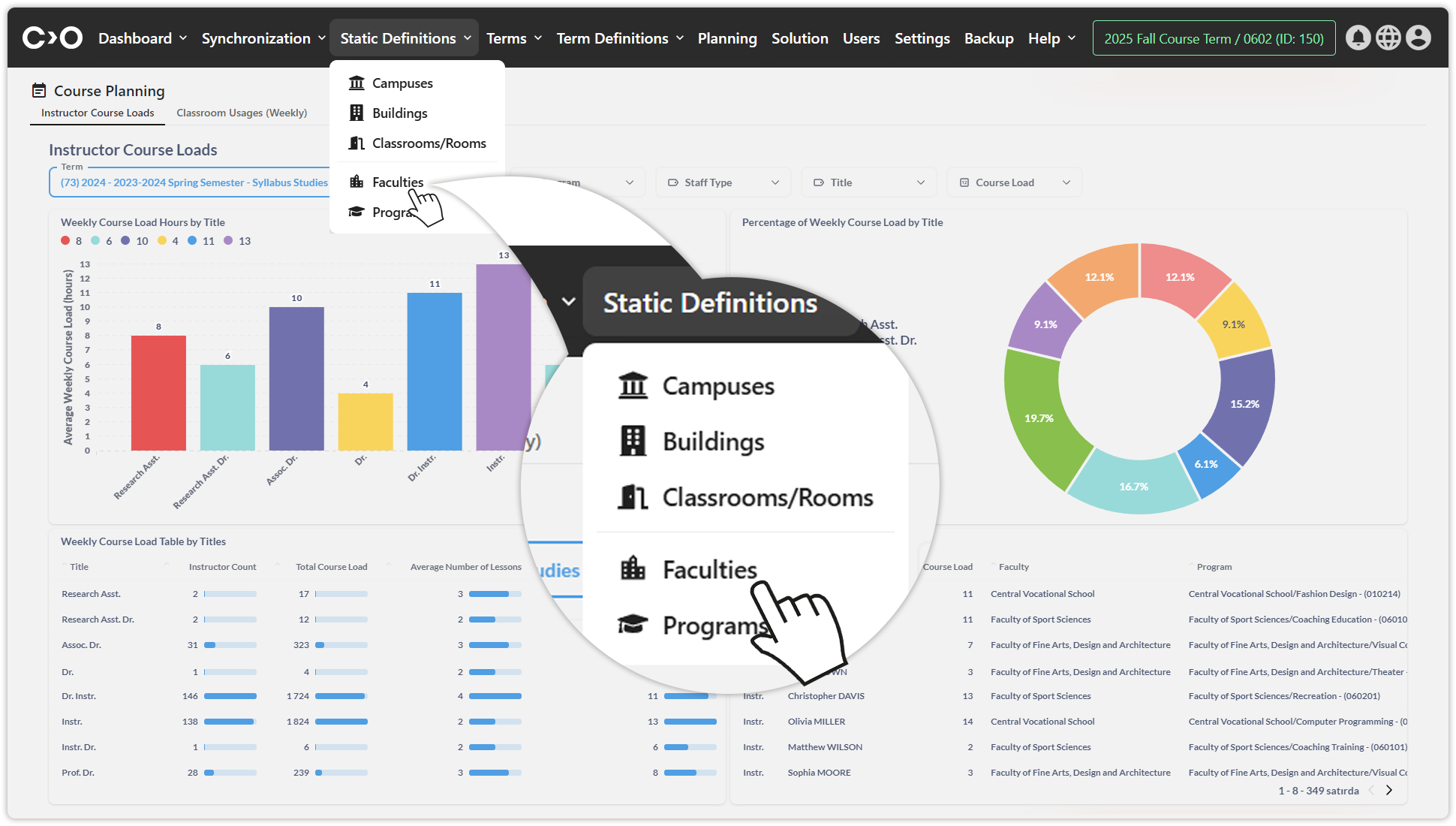
Defining Faculties
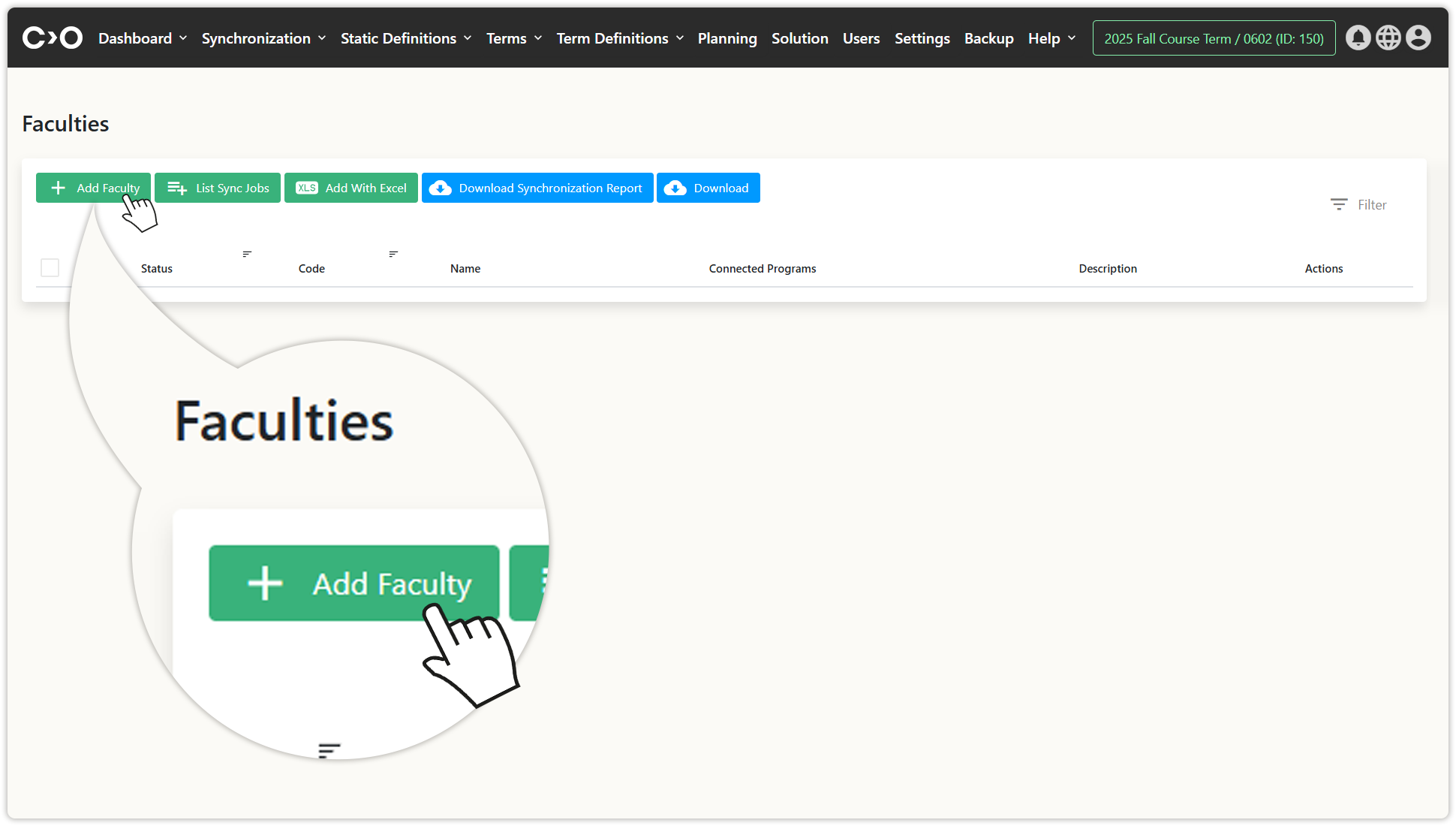
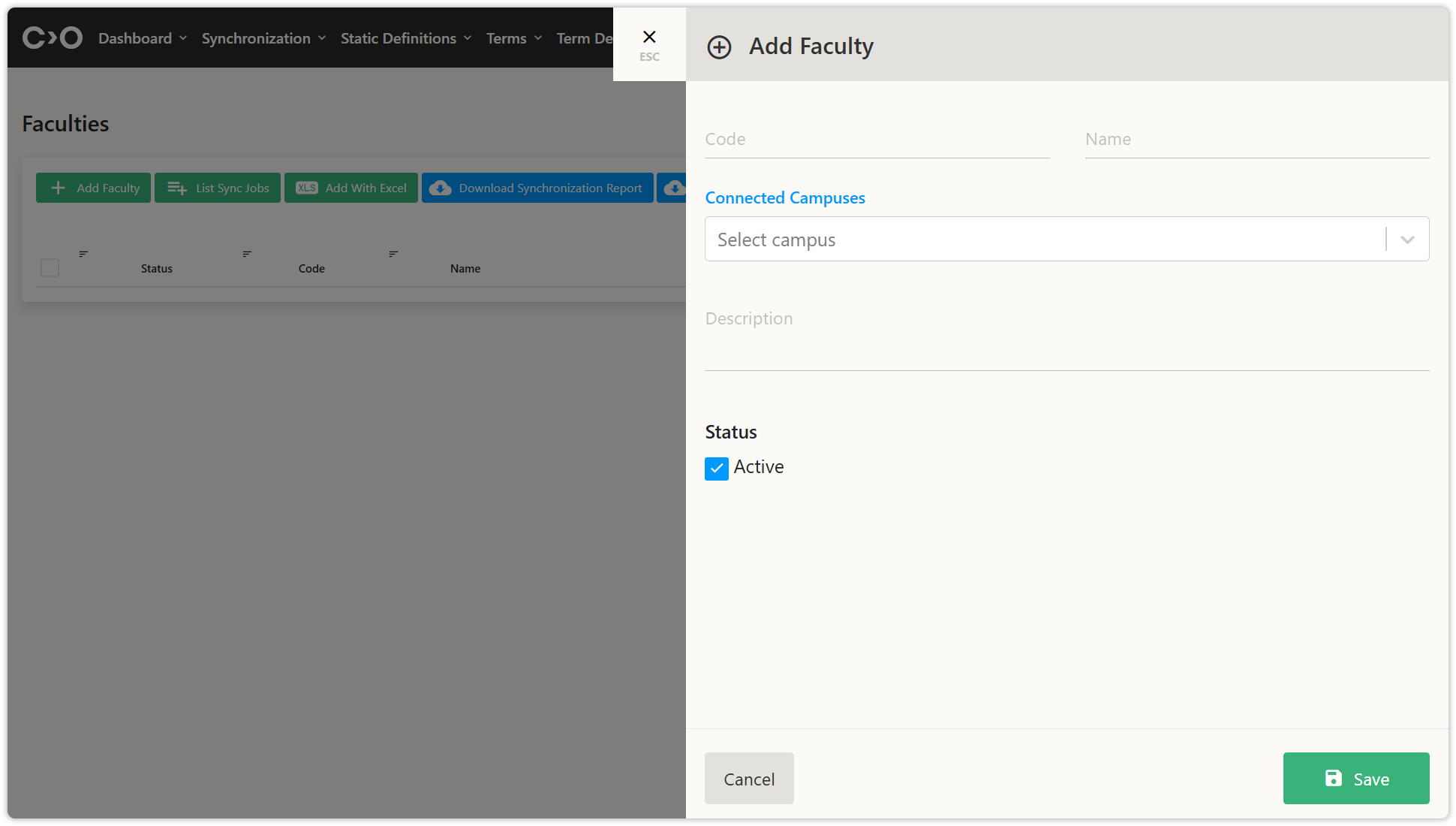
Click on the Static Definitions button in the top menu, then click Faculties from the drop-down menu. On the newly opened page, click Add Faculty, then enter the code, name, connected campuses, description, and active status and save to define a new faculty.
- You can also click the Add With Excel button to bulk import faculty information.
- Click ListSync Jobs to view the faculty data imported through synchronization.
- Download the synchronization report, or download faculty list to your computer.
Defining Programs
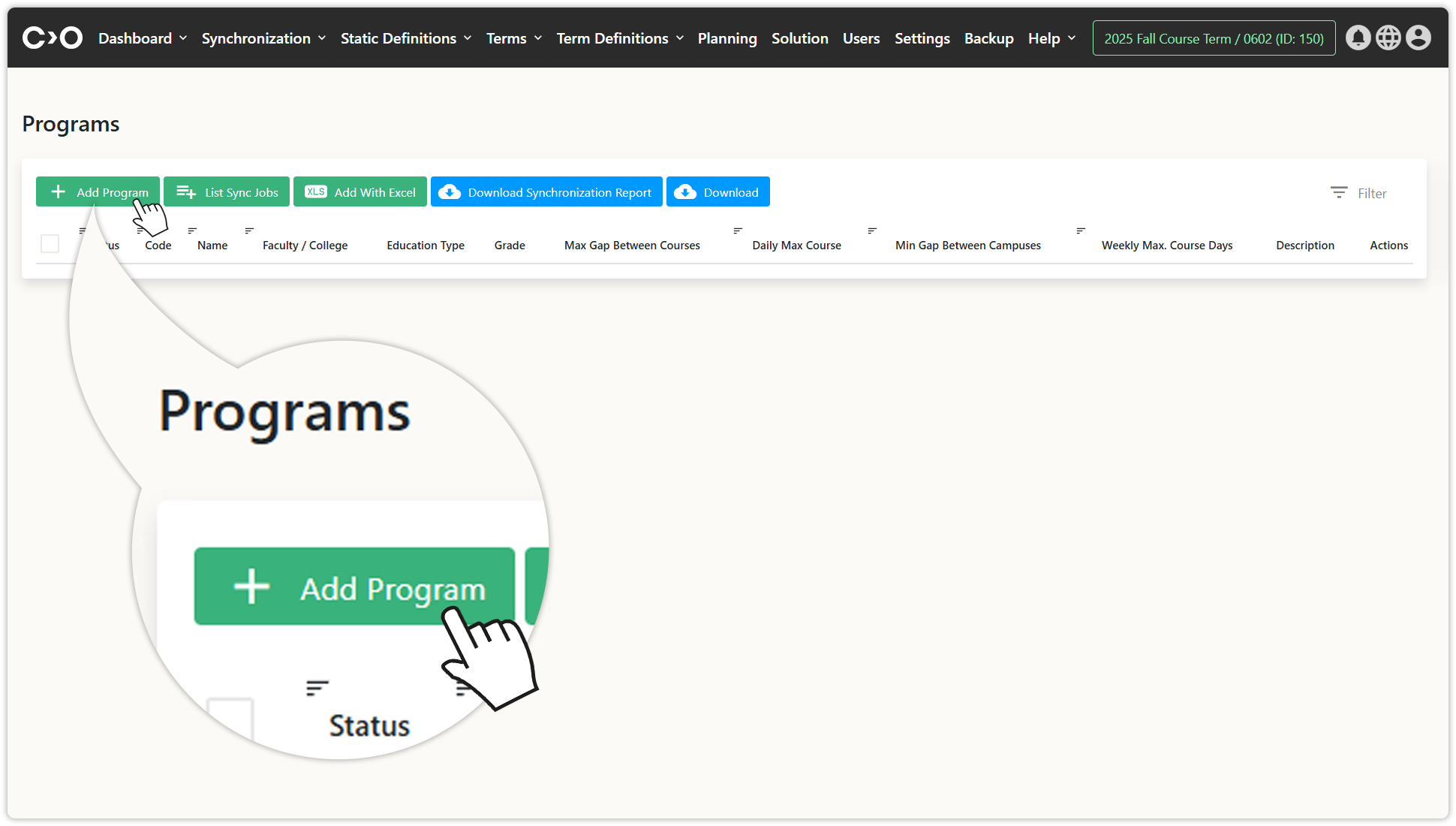
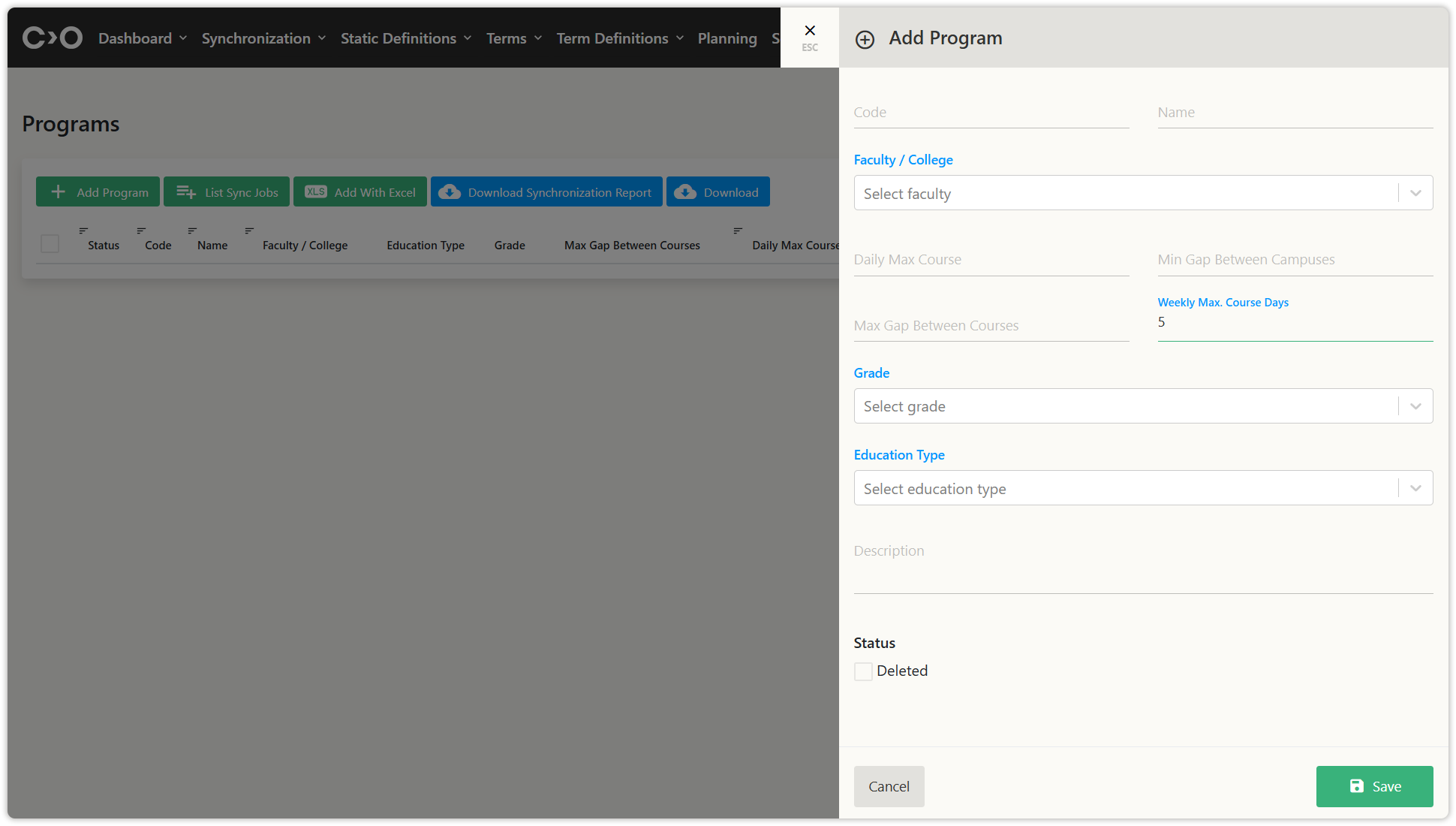
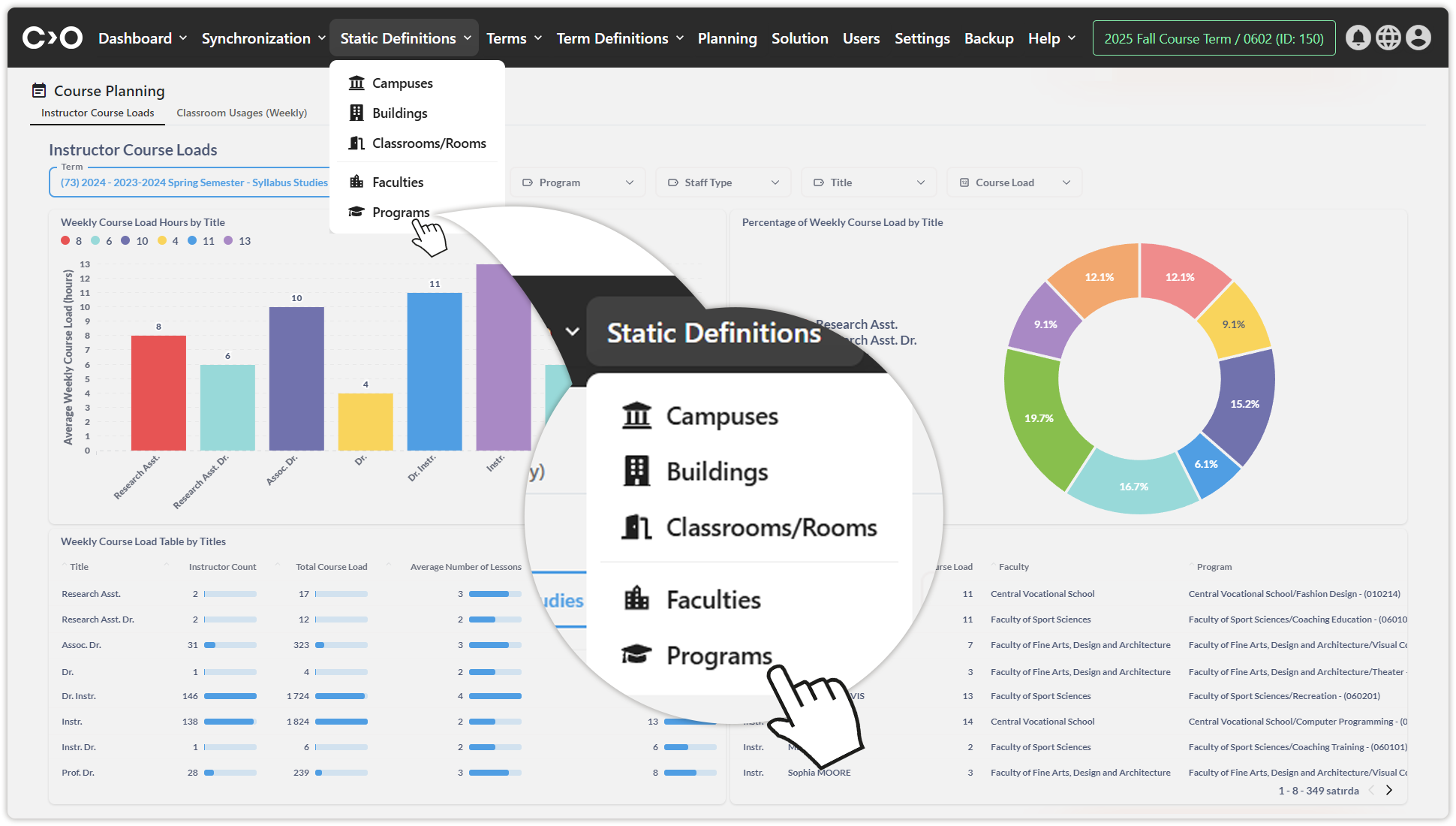
Click on the Static Definitions button in the top menu, then click Programs from the drop-down menu. On the newly opened page, click Add Program, then enter the code, name, Faculty or College, Daily Max Course , Min Gap Between Campuses, Max Gap Between Courses, Weekly Max. Course Days, Grade, Education Type, description, and active status, and save to define a new program.
- You can also click the Add With Excel button to bulk import program information.
- Click ListSync Jobs to view the program data imported through synchronization.
- Download the synchronization report, or download program list to your computer.