Generating reports
Generating By session reports
To generate a By session report:
- Click Generate a report on sessions.
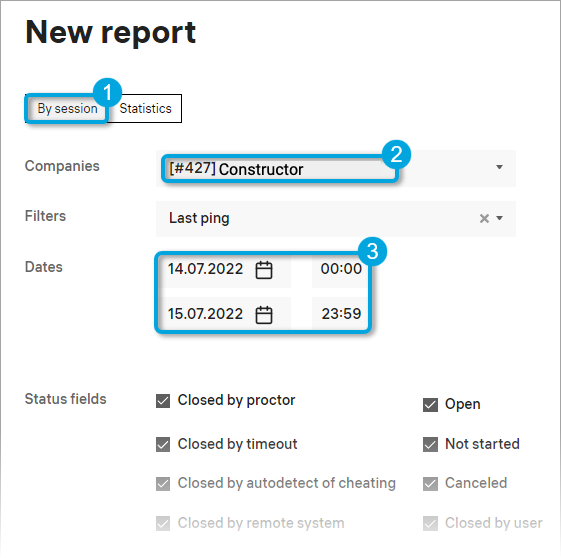
- Select By session (1 in the screenshot), select the company that you would like to include in the report (2), and set a date range (3).
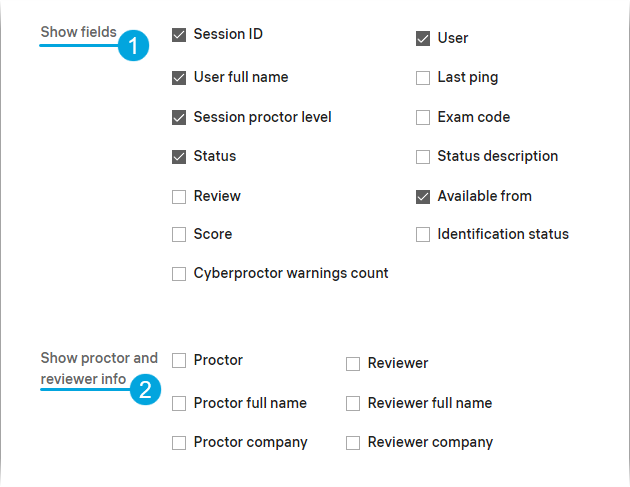
- Select the data fields to include in the report (1) and whether to include the proctor information (2).
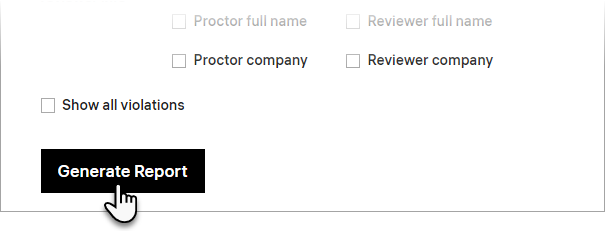
- Click Generate Report.
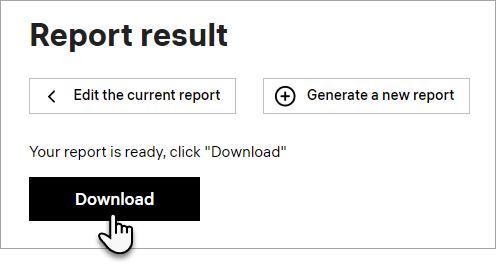
- Wait until the screen is refreshed and displays the “Your report is ready” message. Click Download.
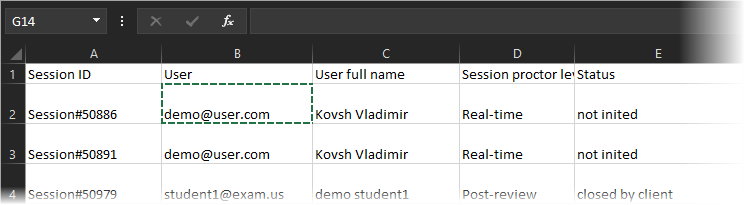
- Save the XLS file with the report to your computer. Now you can open it in Microsoft Excel. The report will look like this: