
Working with Archive
Finding session recordings
To find a session to proctor, use the Search bar:
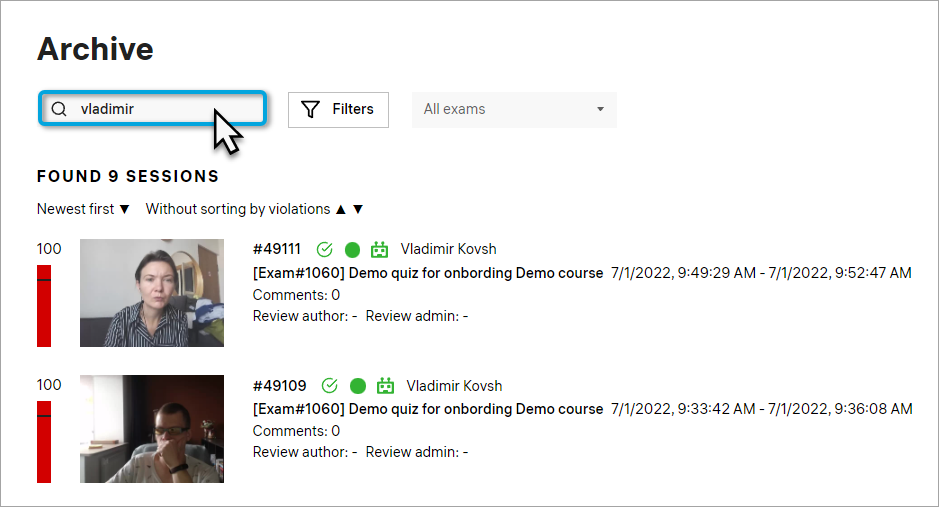
You can work with session recordings as follows:
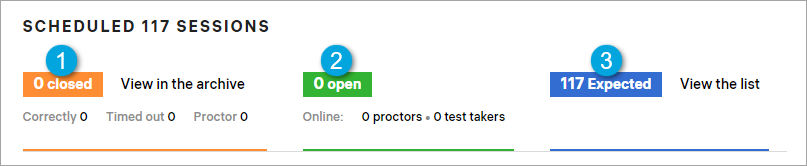
- Use the filters to narrow down the search. For example, you can choose a particular exam to display only sessions recorded during this exam:
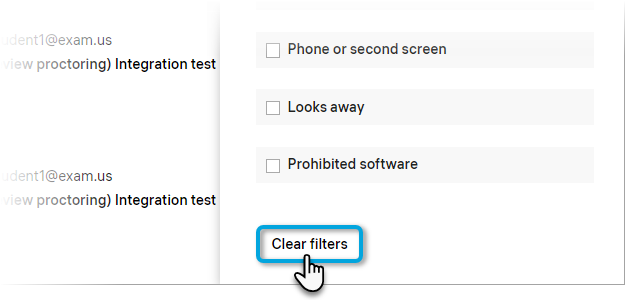
- To cancel the created filter, scroll the side panel down and click Clear filters:
- Each session has a number of indicators that will tell you more about its status:
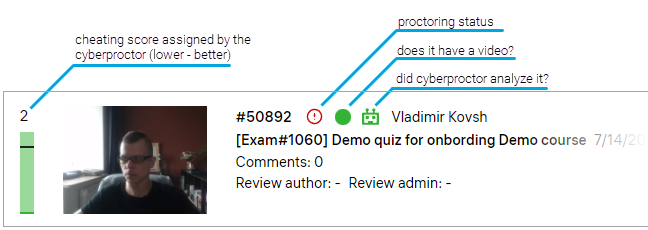
- Point the cursor at one of the icons to see an explanation:

- When you found the session you’re looking for, click the video thumbnail or the session number:
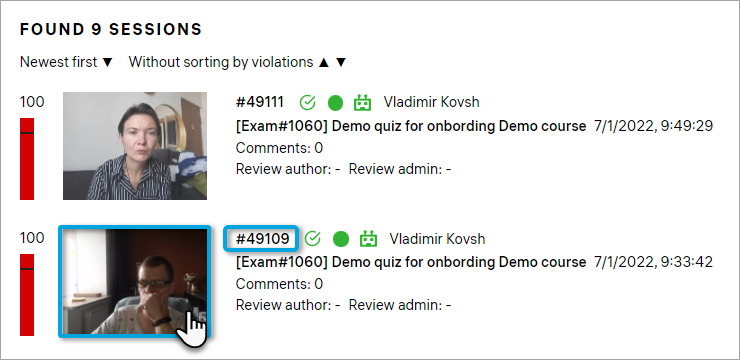
The post-exam review proctoring interface with the session video will open. You can learn about it in detail from the post-exam review proctoring guide.