
Working with Calendar
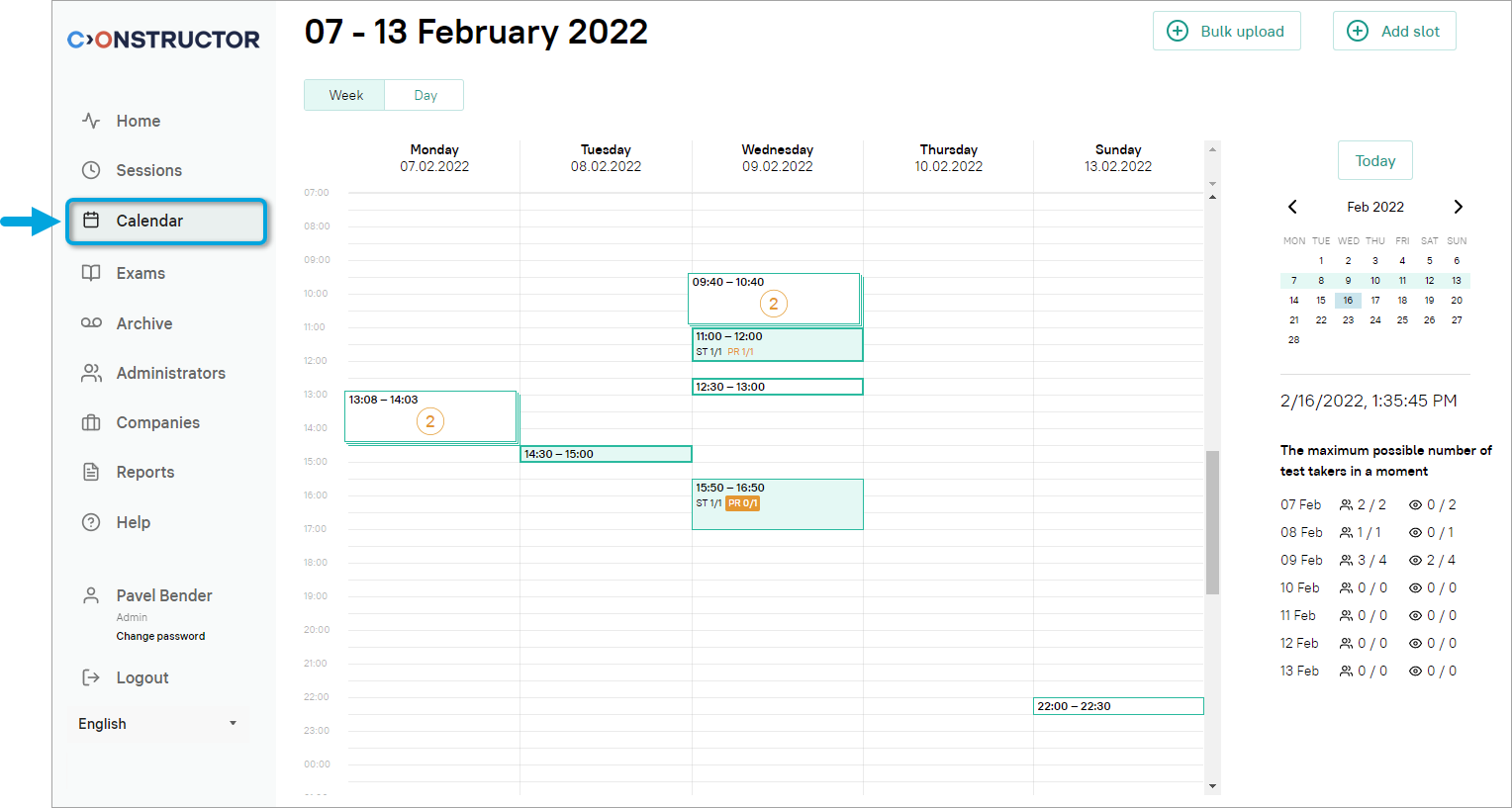
The Calendar menu contains the information about all exam slots created in your organization. It also allows you to add proctors and learners to scheduled exam sessions:
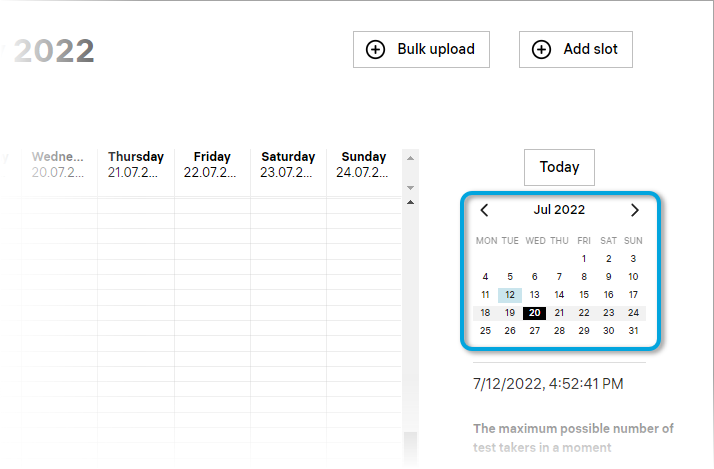
- To choose a different week to be displayed, click on a day in the mini-calendar on the right:
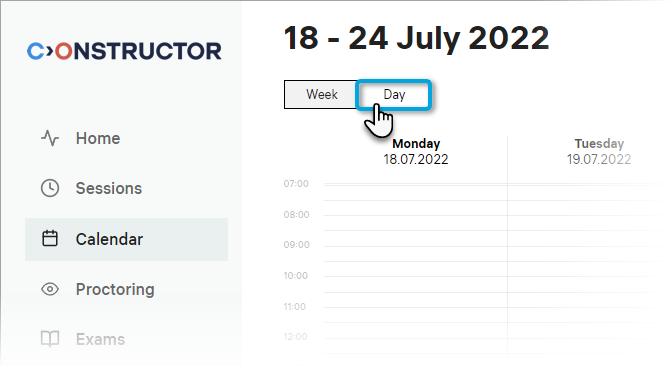
- Click Day to display the schedule only for the selected day:
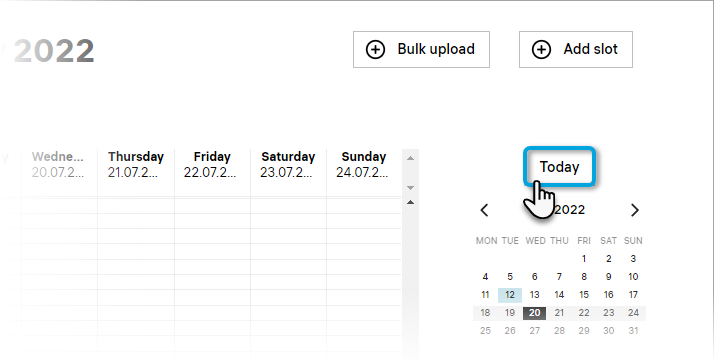
- To go back to today’s schedule, click Today:
See: