Publishing your lab
Marking virtual labs as Ready
To mark a virtual lab as Ready:
- In the LMS management portal, click
 in the upper-left corner.
 - Go to Authoring > Labs.
- Select Drafts in the filter and find the required lab.
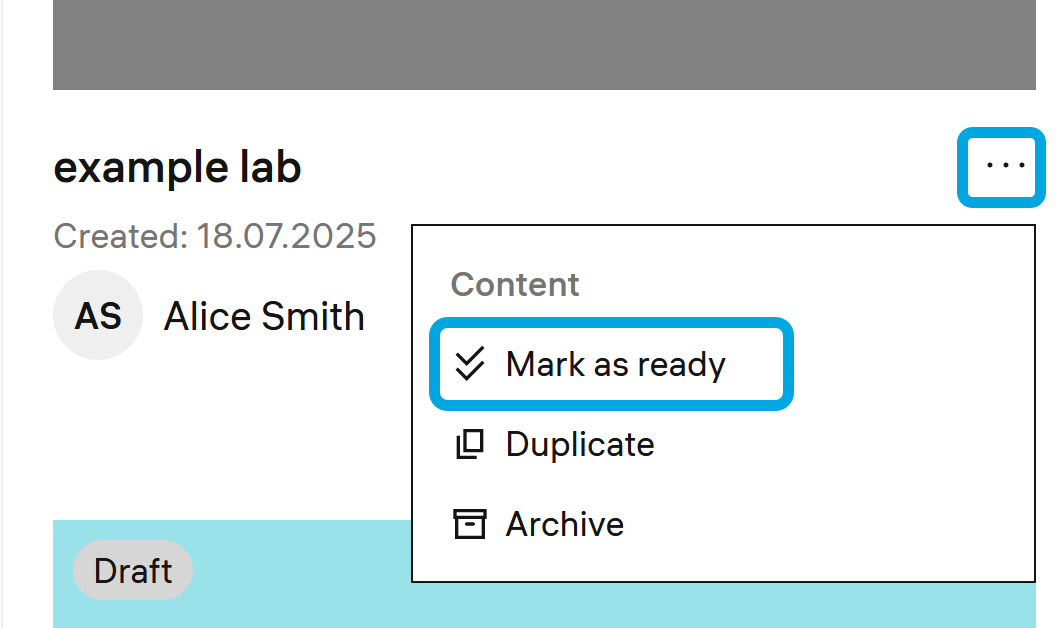
- Click the more icon to open the menu.
- Click Mark as ready and confirm the action.