Virtual lab setup
Specifying variables for VM credentials in a lab
To specify in the description of a lab task the credentials of the VM for a student to log in, use predefined variables.
To add to a VM-based lab variables that will pass the VM credentials, complete the following steps:
- In the LMS authoring interface, go to Authoring > Labs menu.
- Open your lab.
- Go to the necessary step.
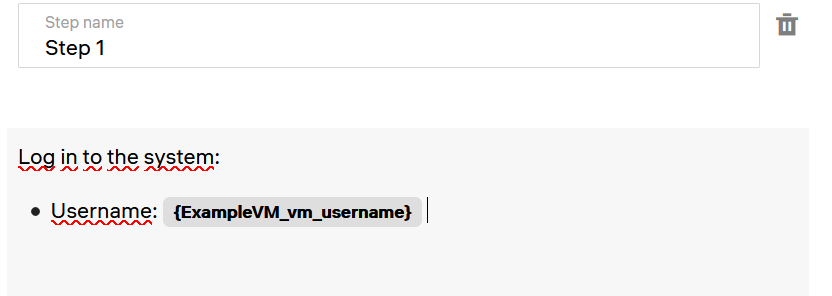
- Start typing the description of a step. When you need to specify a variable, type a curly bracket { to display a list of variables for selection. See Adding custom variables.
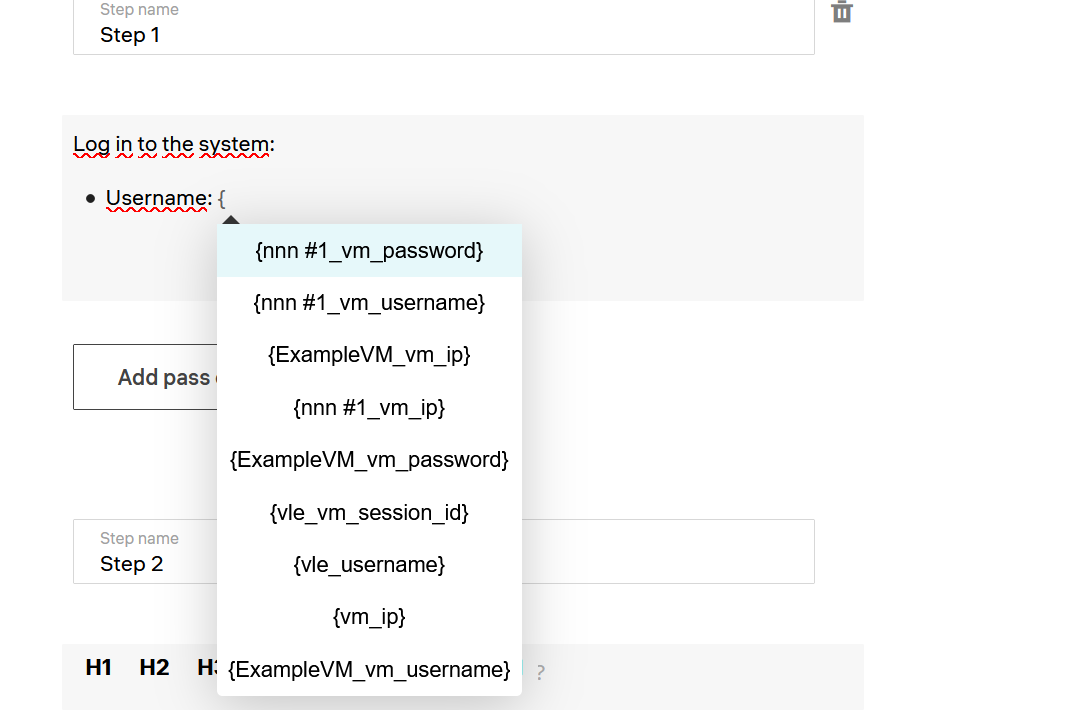
- Click the required variable to insert it in the text.