Pinning an examinee to the top of the participant list
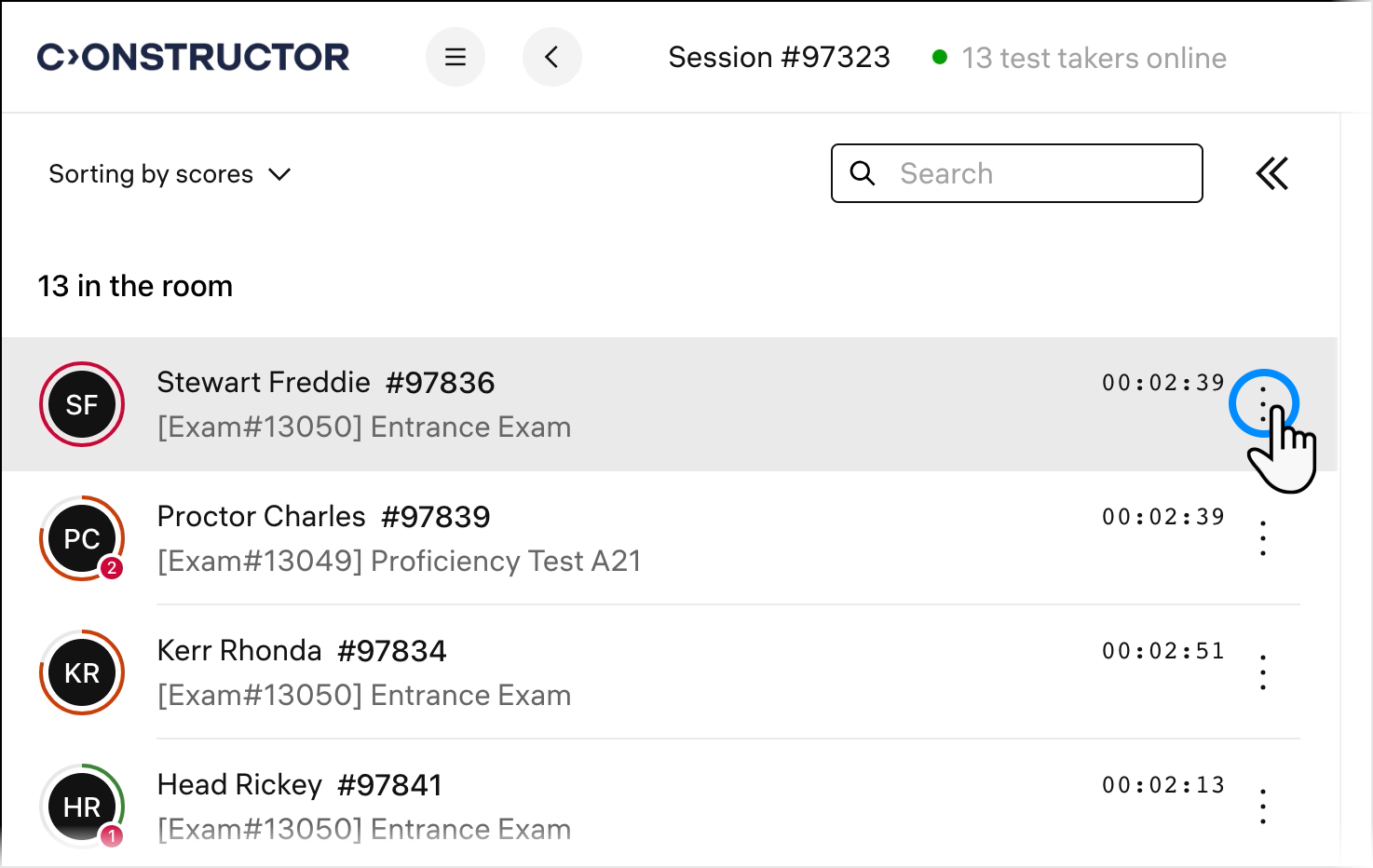
If you're unsure about the behavior of one of the examinees, pin them to the top of the user list. It will make it easier for you to keep track of their actions. Click on three dots next to the session timer for the person:
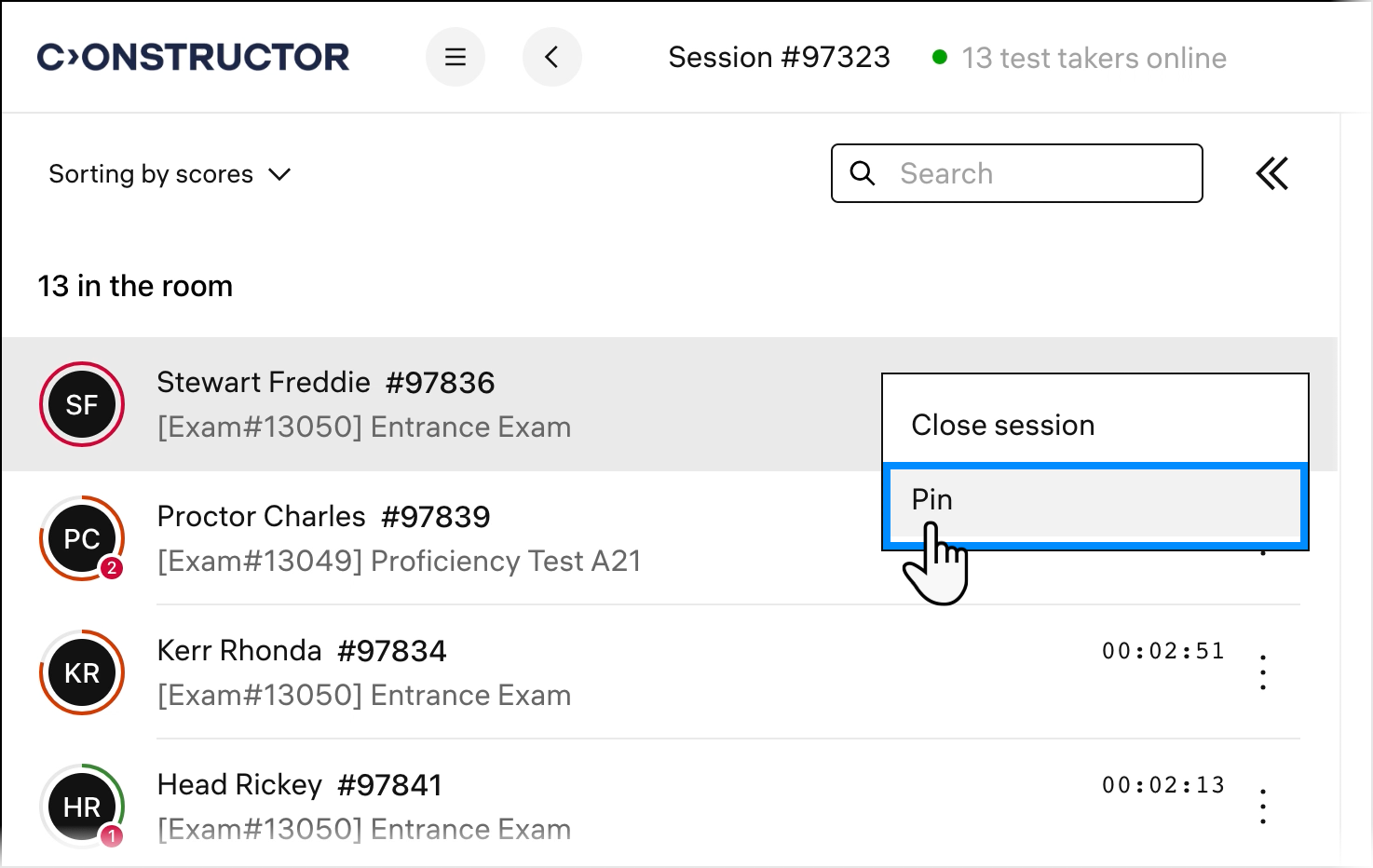
Click Pin in the pop-up menu:
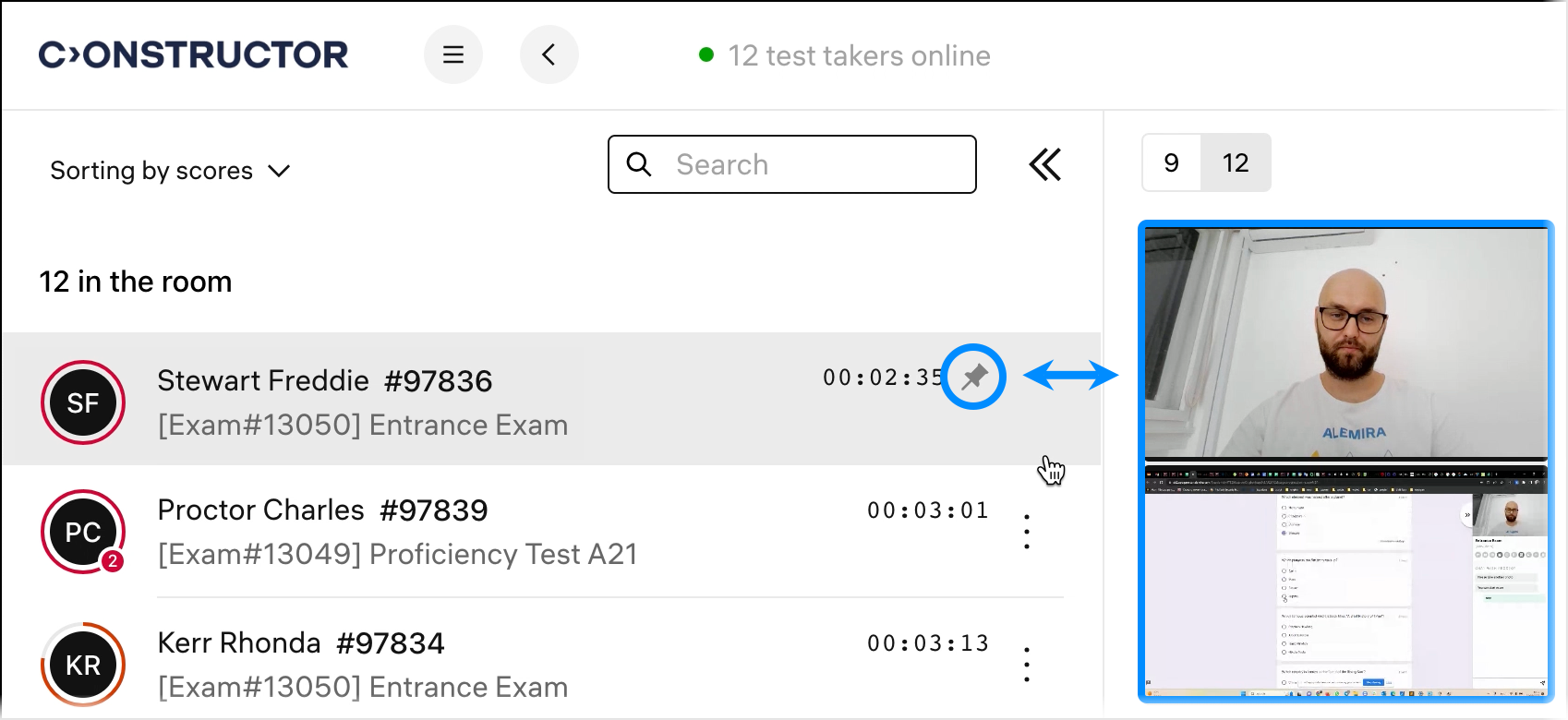
You will now always see this examinee on top of the user list. Also, their video will be displayed first in the panel with video streams:
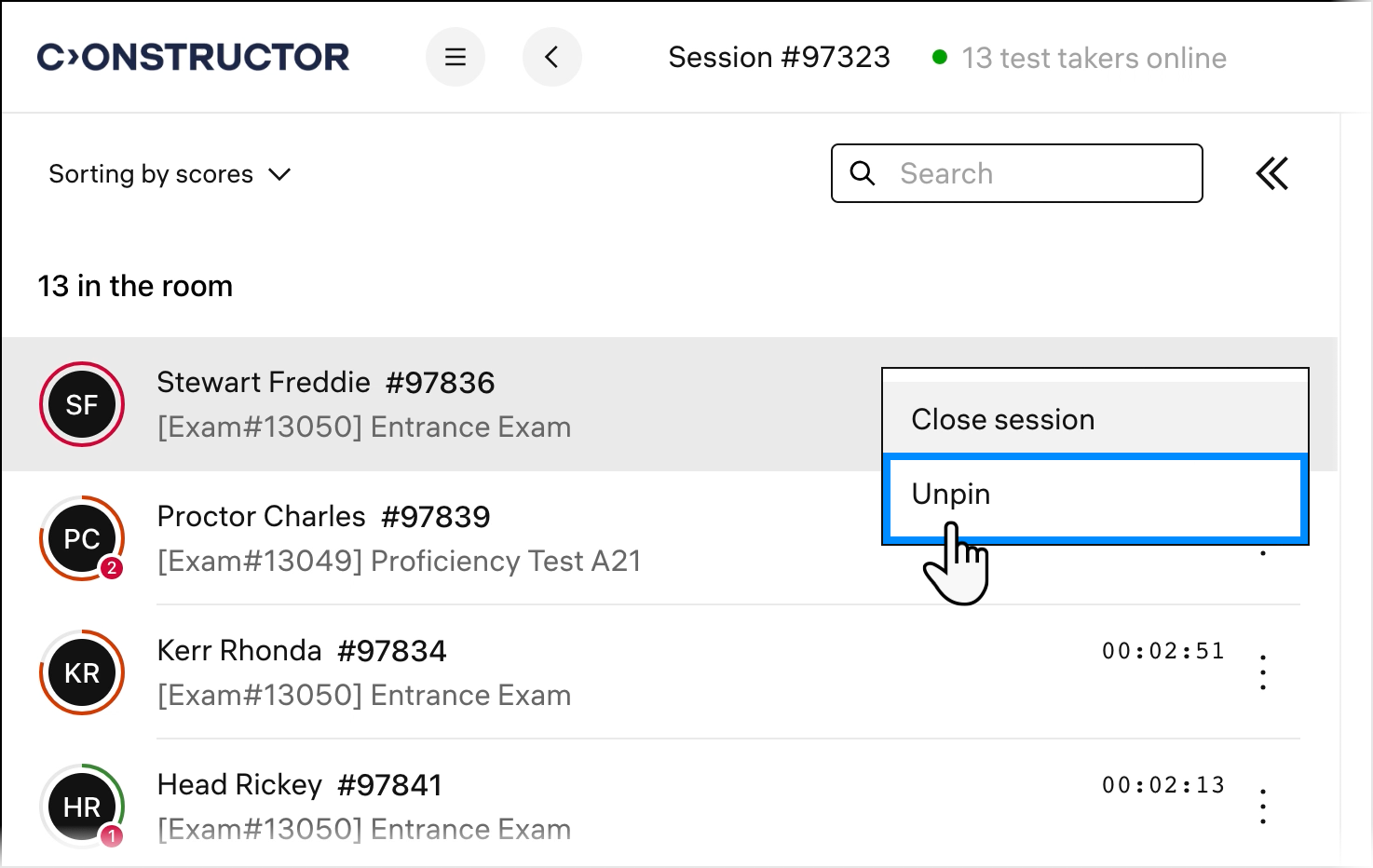
You can pin multiple examinees. To unpin a pinned test taker, click the three-dot button and select Unpin: