
Publishing knowledge models
Publishing knowledge models as links
To publish a knowledge model and share it through a link:
- In Constructor Platform, go to Knowledge models > My models.
- In the list of your knowledge models, click the required model to open it.
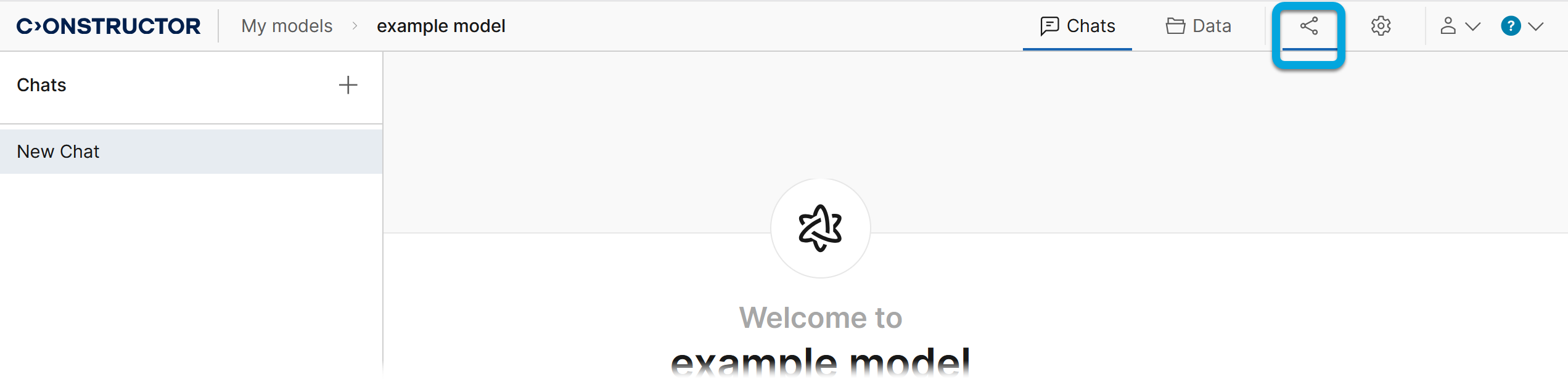
- Click the Publish tab
 .
.
- On the Link tab, enable the Publish model via link toggle.
- Select the level of access to the model:
- Anyone with link — to share it with any user registered in Constructor.
Note: External users can also view models shared through links, but the Data tab is not available to them. When a model retrieves data from documents, it displays references and only the parts of the documents where the information was found.
- My organization — to share it within your organization.
- Anyone with link — to share it with any user registered in Constructor.
The link to share the published knowledge model will be generated. You can find it in the model list in the More menu  of your model.

All published knowledge models are added to the list in the Published models menu. Users can access any model based on their access permissions.