
Publishing knowledge models
Publishing knowledge models as widgets
You can publish a knowledge model as a widget that can be embedded into an external website. When you publish a model, a copyable code snippet is generated for insertion into the external site’s code. Site users can interact with the chat functionality without access to source documents and references.
To publish a knowledge model as a widget:
- In Constructor Platform, go to Knowledge models > My models.
- In the list of your knowledge models, click the required model to open it.
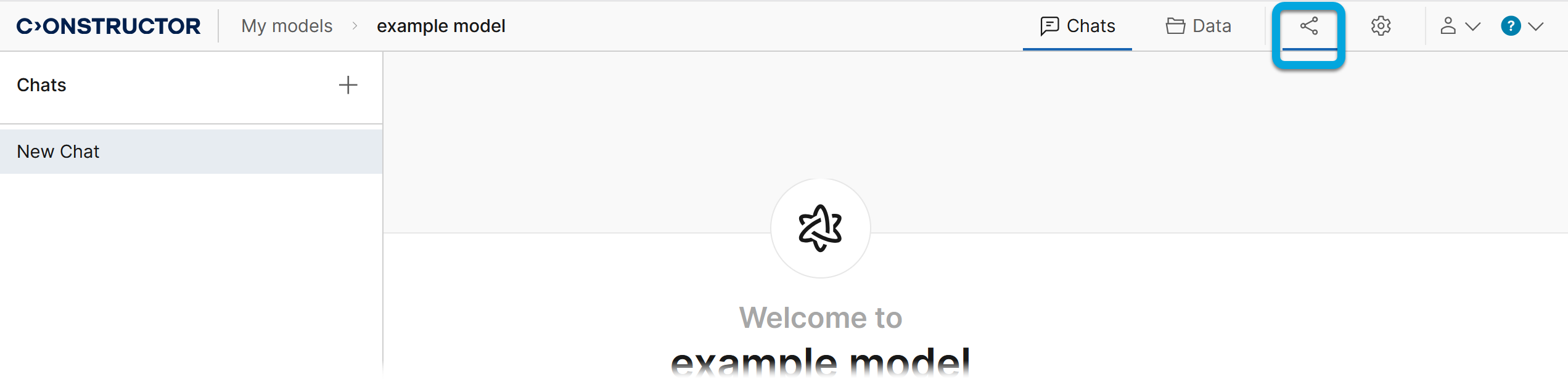
- Click the Publish tab
 .
.
- Switch to the Widget tab and enable the Publish model via widget toggle.
- Configure the model chat settings:
- LLM engine
- Sessions per minute
- Messages per minute per session
- Click Publish. The HTML code field will contain a code that you need to copy and paste into your website code just before the closing
</body>tag to add the knowledge model chat widget.