
Editing licenses assigned to learners
To edit licenses earlier assigned to your learners, follow these steps:
- In Constructor Schools Coach, click User management.

- Click the required group to open it.
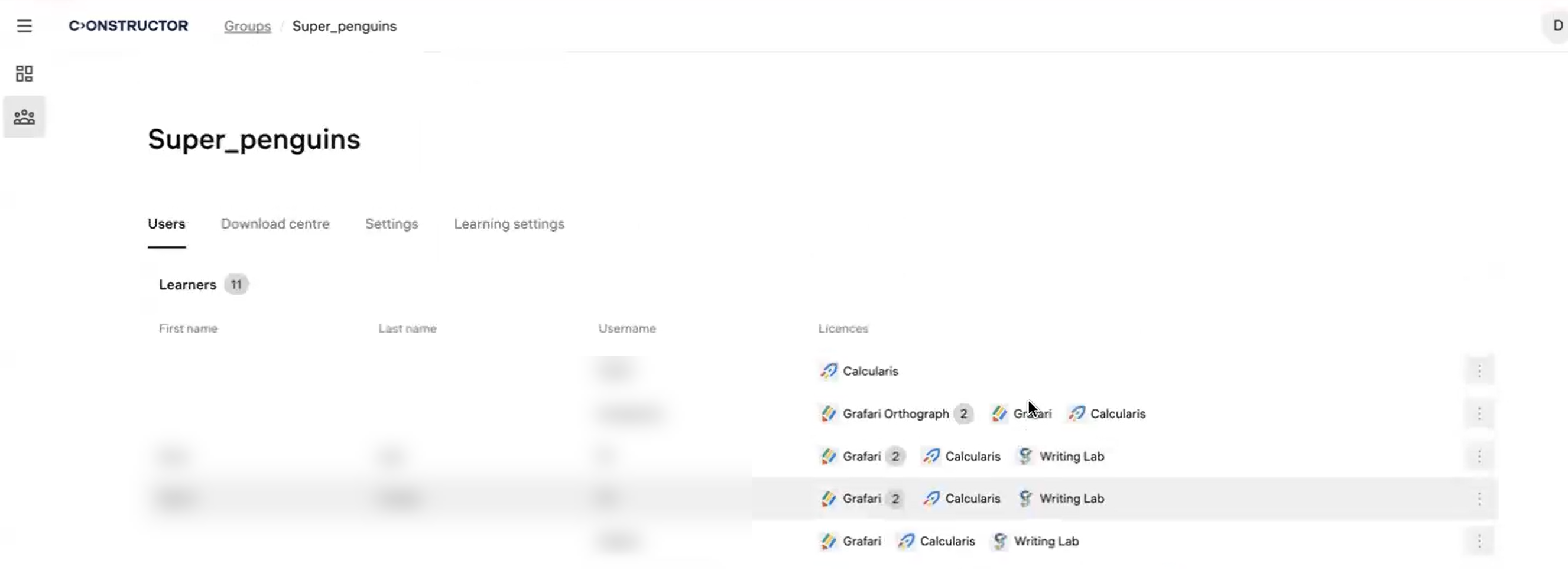
- Hover the cursor over the required learner and click Edit licenses.
- Select the licenses you want to add or clear the selection of the licenses you want to remove.
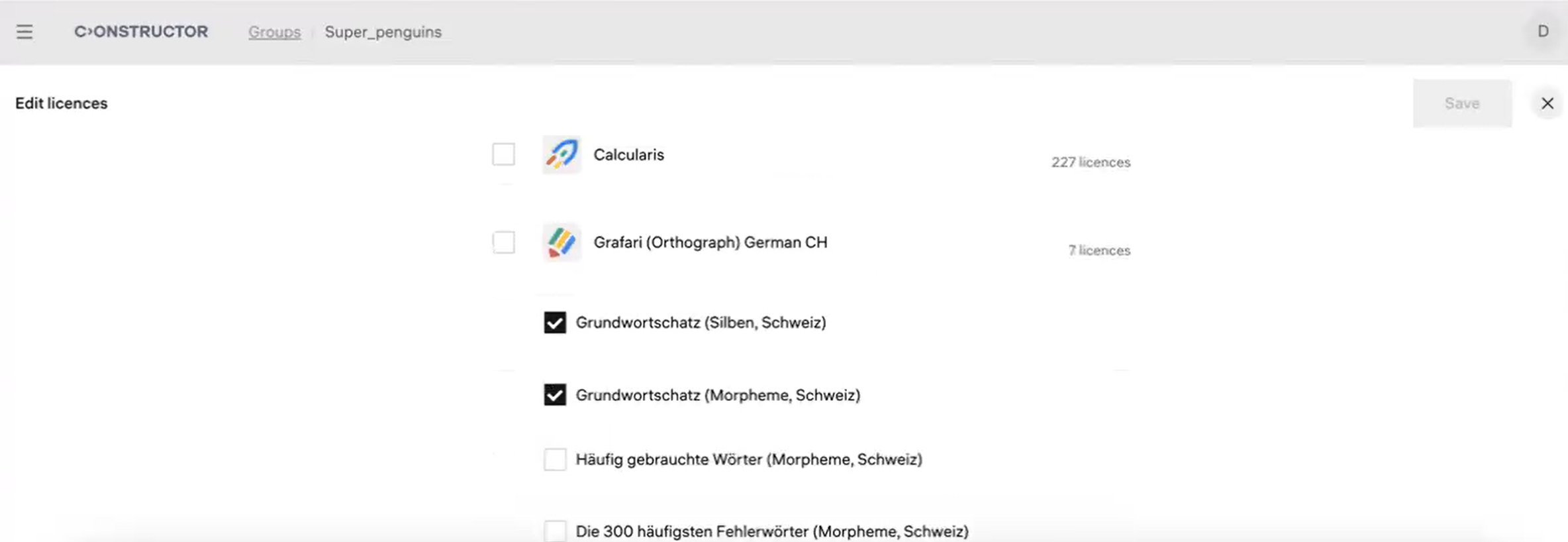
- Click Save.