
Viewing learner groups and licenses
To see which licenses each learner in your group has, follow these steps:
- In Schools Coach, click User management.

- Click the required group to open it. The list of learners with the applications available to them will be displayed.
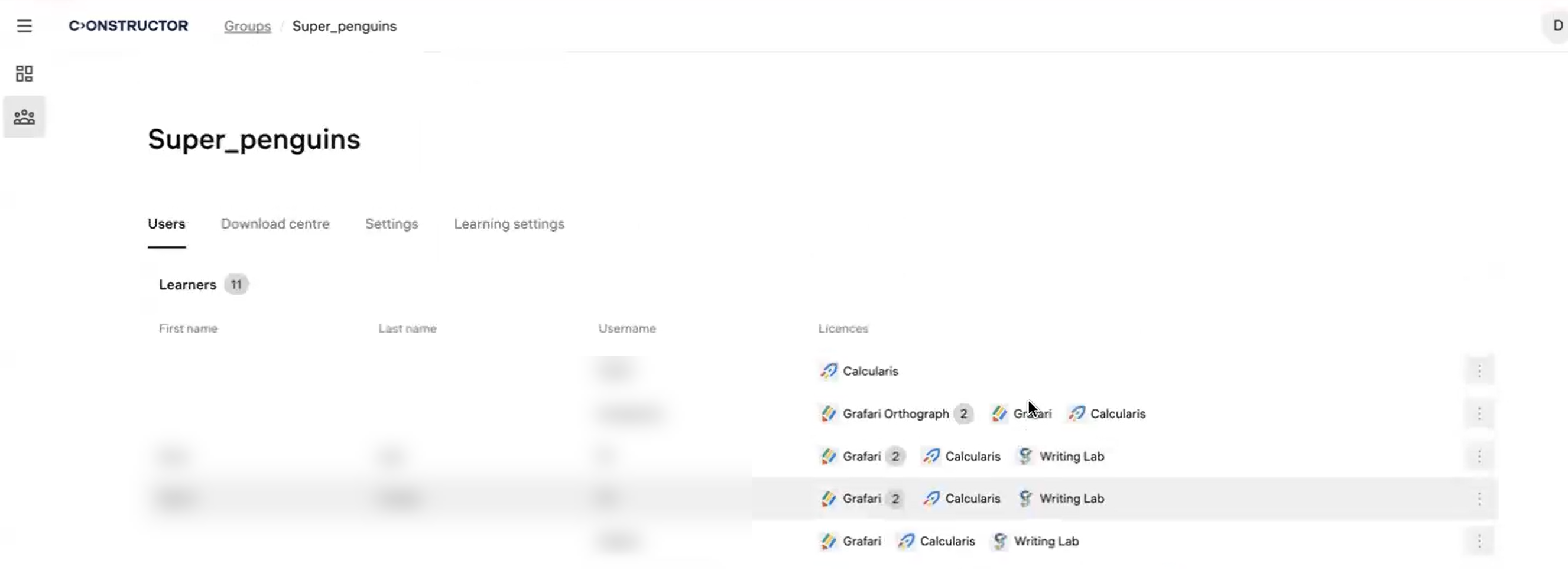
- To see the details on which licenses are available to a learner for each application, hover the cursor over the learner and click Edit licenses.