
Adding courses into collections
To add courses into a collection:
In the Learn management portal, click
 in the upper-left corner.
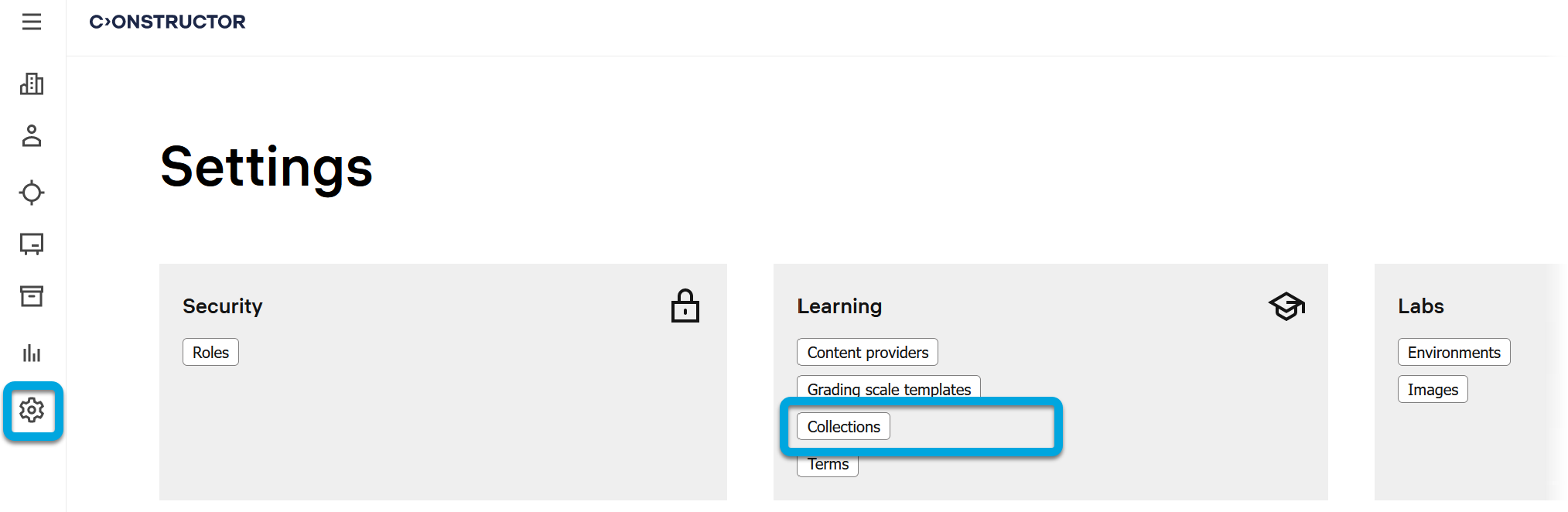
Go to Settings.
In the Learning section, click Catalog collections.
Find the required collection.
Click
 to call the menu, then click Edit.
In the Courses section, click the add icon
 .
.Select the courses you want to include into the collection and click Add. The added courses will have the label of the selected collection on the Properties page.
Note: Learning content authors and instructors can also add courses into collections on the Properties page of courses.