
Logging in to Constructor Learn
As an administrator, you access Constructor Learn through the Learning Management Portal.
You can also see the course author interface and can access the learner interface to see what courses created in the system look like to learners. This way, you can ensure that everything displays and operates correctly.
The interface for authoring online courses in Constructor Learn is the same as the administrator interface. It is located at the same URL as the administrator interface (for example, https://constructor.cloud/portal), the difference is in the menus and functionalities that are available to users with the Author role.
Administrator interface
To log in to the Learning Management Portal of Constructor Learn:
- Open the URL of your organization where Constructor is deployed.
- Enter your credentials.
- Click Sign in.
Learner interface
You can access the learner interface in these two ways:
- By switching from the administrator interface
- By URL
Switching to the learner interface from the administrator interface
To switch to the learner interface from the administrator interface:
- Click the main menu icon in the upper-right corner of the screen.
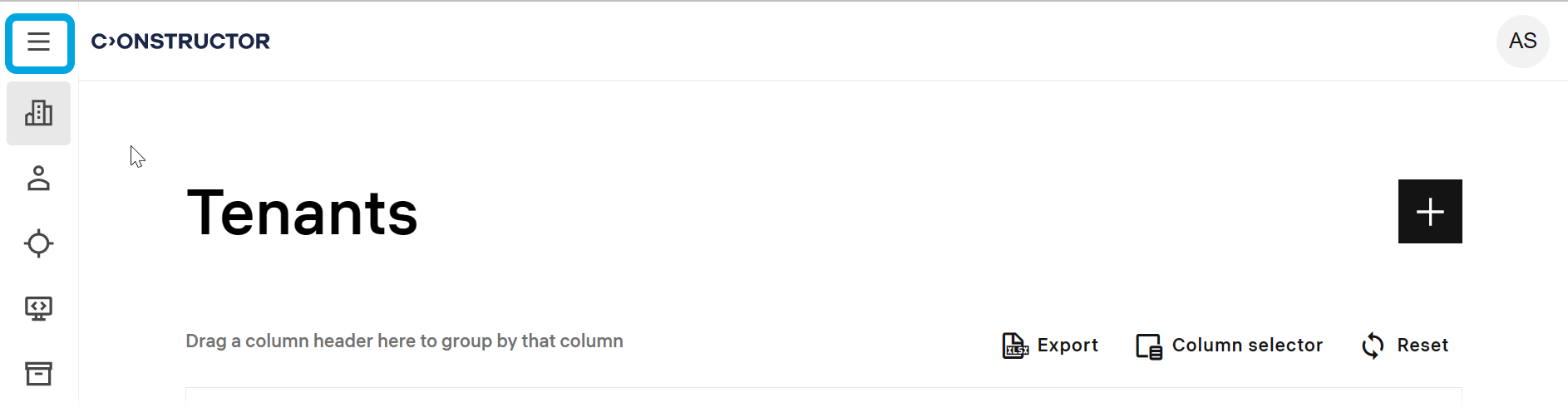
- In the menu, click Learner view.
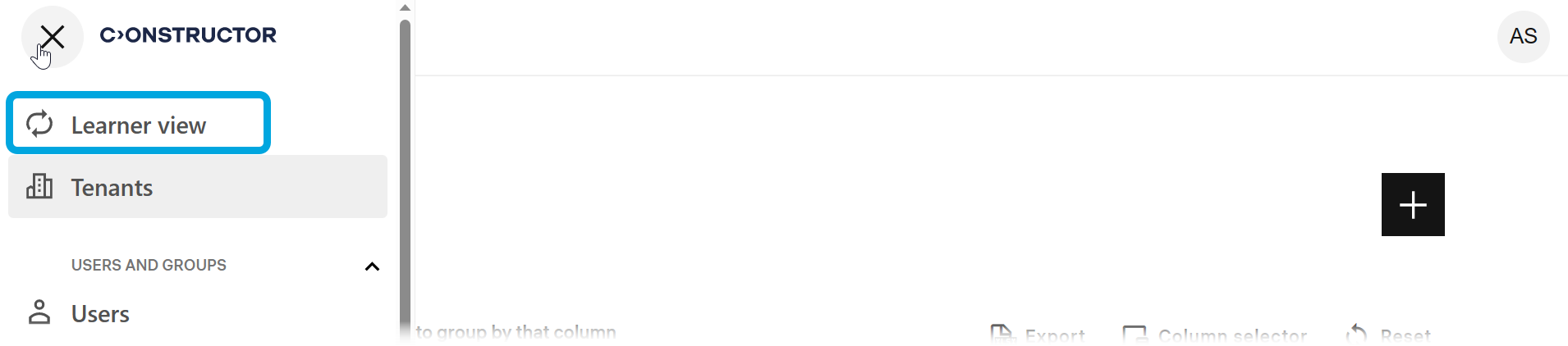
You will be redirected to the learner interface.
Accessing learner interface by URL
You can also access the author interface by a direct link that ends with /learn.
To log in to the learner interface by URL:
- Open https://{your_organization_domain}/learn (for example, https://constructor.cloud.com/learn).
- Enter your credentials.
- Click Sign in.
Returning to the portal management interface
To return back to the portal management interface from the learner interface, do this:
- Click the main menu icon.
- In the menu, click Go to management portal.