
Managing user roles
Adding roles
To add a new role in Constructor LMS:
- In the Learn management portal, click
 in the upper-left corner.
 - Go to Settings.
- In the Security section, click Roles.
- Click the add icon
 .
. - Specify these parameters:
- Role name — the role name.
- Description — a short description of the role scope.
For each entity in the system, specify the permissions allowing users to do the corresponding actions.
For example: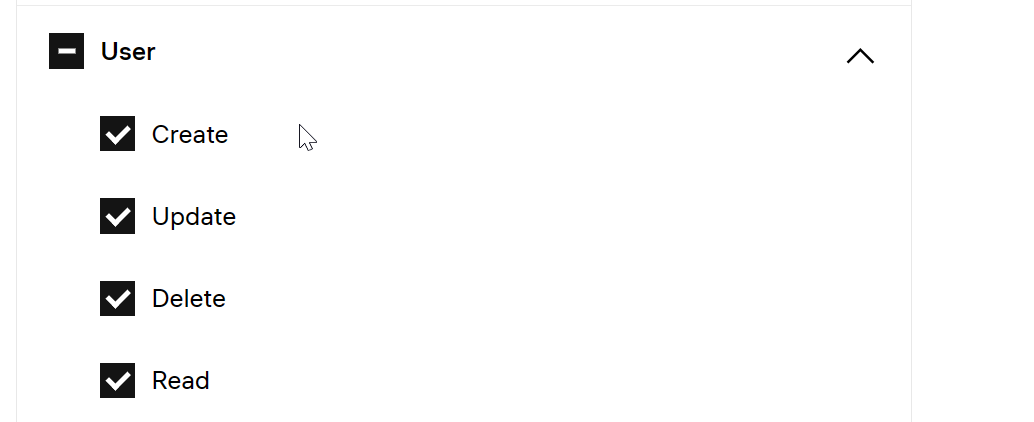
Note: To add to the role ready sets of permissions, use the Import values button. |
- Click Save.