
Managing organizational units
Adding organizational units
To create an organizational unit:
- In the Learn management portal, click
 in the upper-left corner.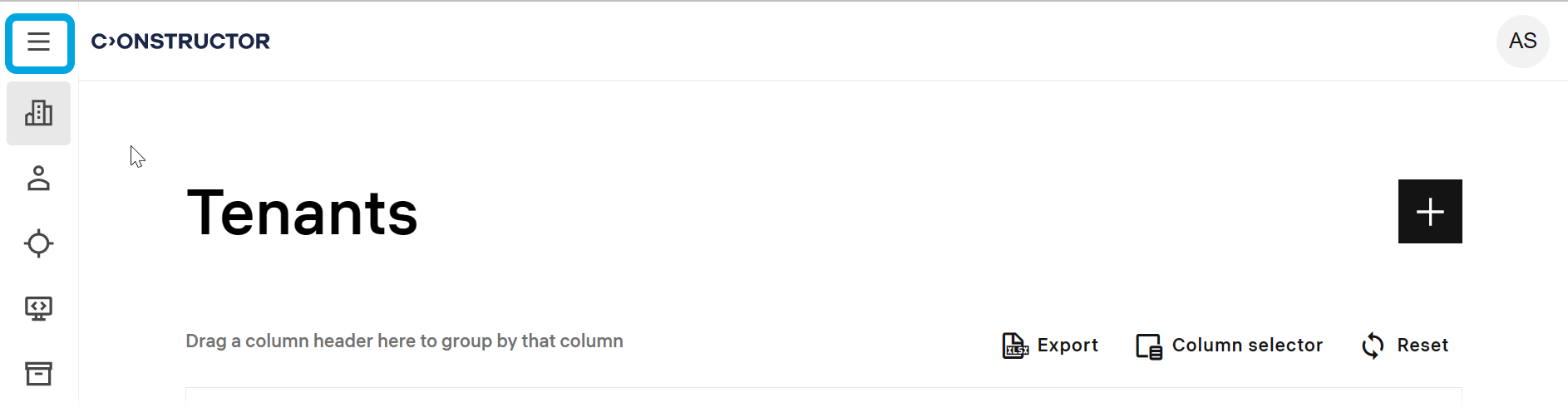
- Go to Users and groups > Org charts.
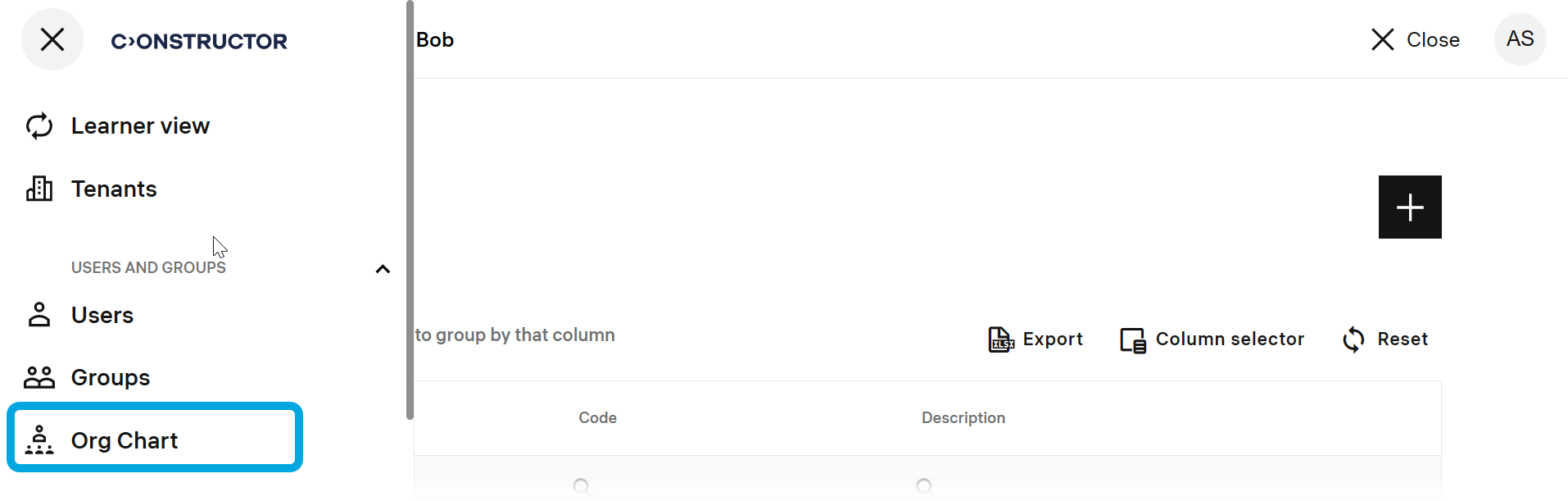
- Click the add icon
 .
. - Specify these parameters:
- Unit name — the name of the unit you are creating.
- Code — if necessary, specify the organizational unit identifier.
- Parent unit — if this unit is a subunit, specify its parent unit.
- Description — a short description of the unit.
Unit managers — click + Add unit managers, select the users who manage this organizational unit and click Add.
Users — click + Add users, select the users to include into the organizational unit and click Add.
Unit instructors — click + Add unit instructors, select the users who should instruct the users included into the organizational unit and click Add. - Click Save.