
Editing users
Assigning roles to users
If you need to assign roles to an already existing user, do it as follows:
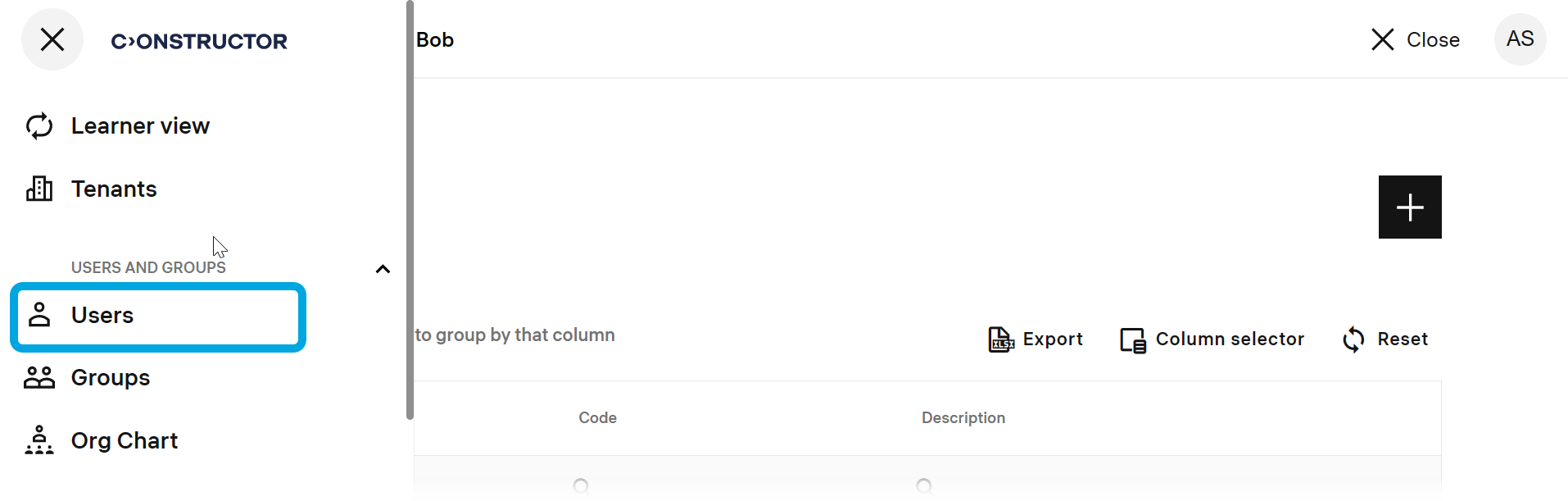
- In the Learn management portal, click
 in the upper-left corner.
 - Go to Users and groups > Users.
- Find the required user.
- Click the more icon
 to expand the menu.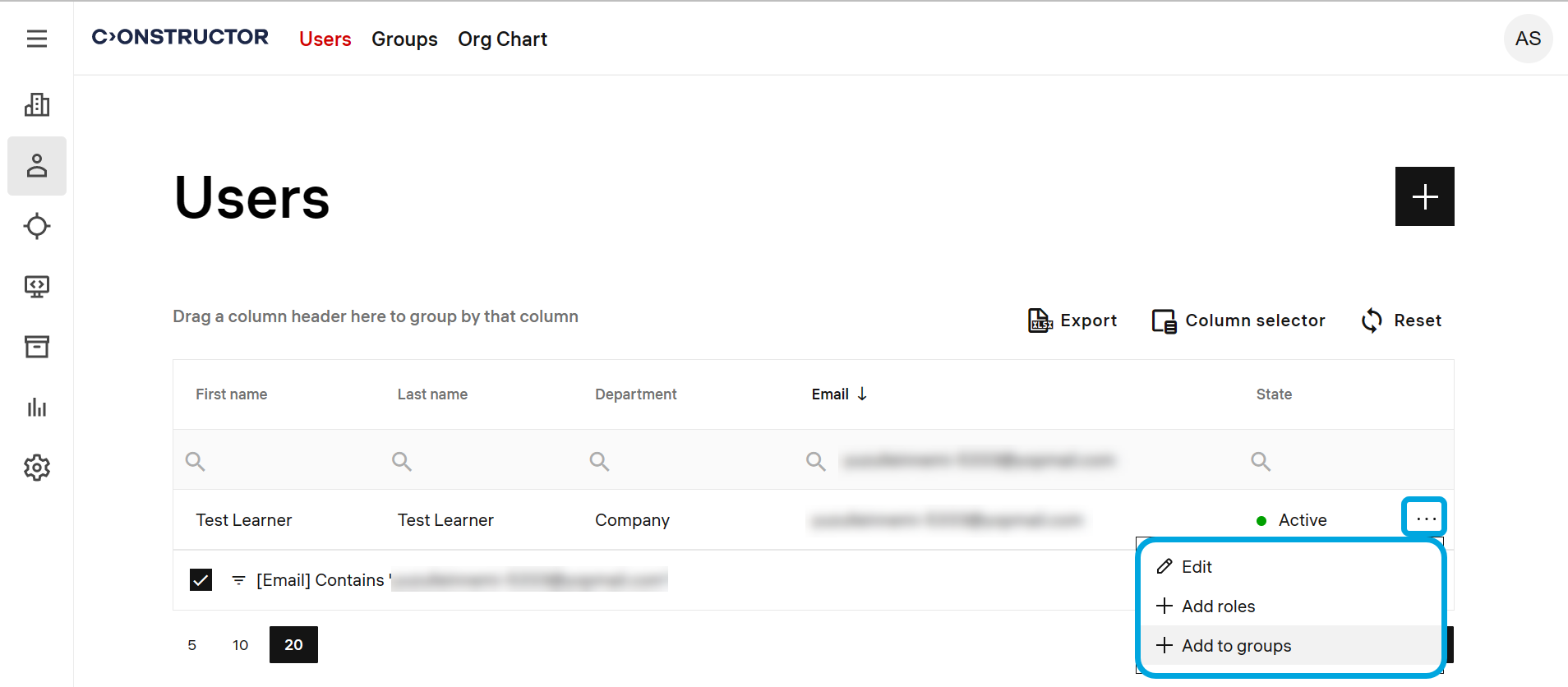
- Click Add roles.
- Click the add icon
 .
.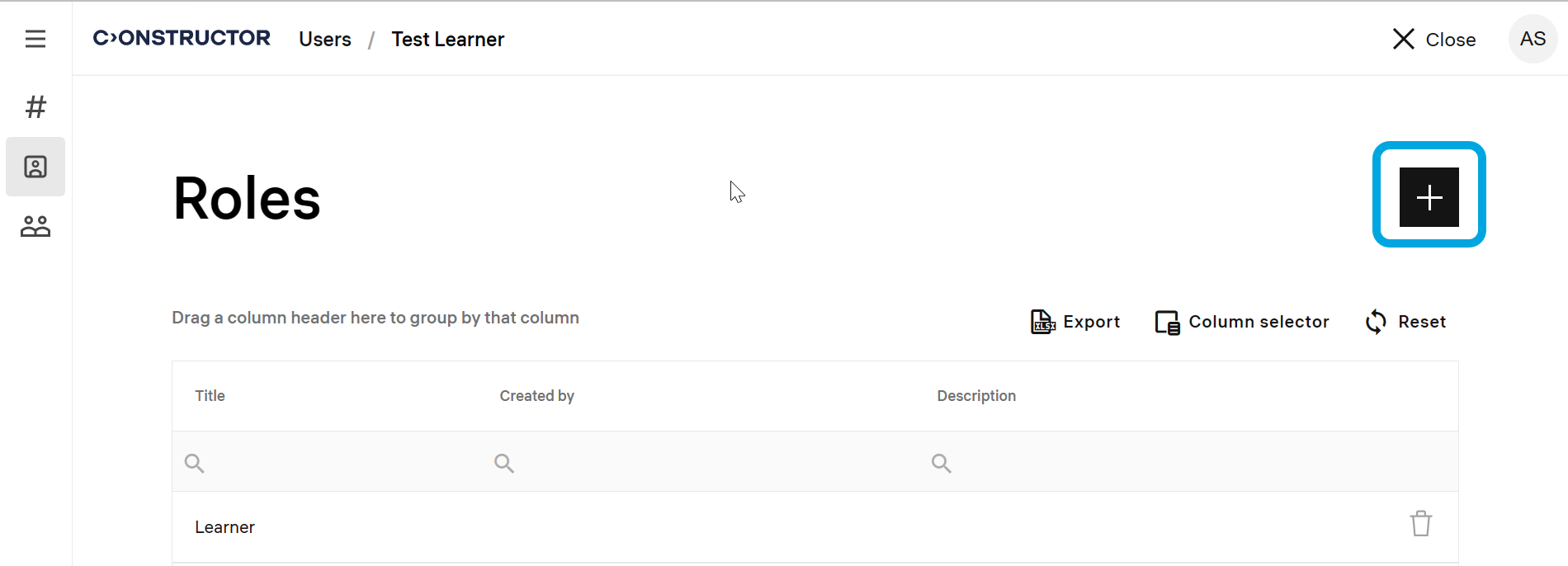
- Select the necessary roles and click Add.