
Managing grading scales
Creating grading scales
To create a grading scale template for adding to learning objectives:
- In the Learn management portal, click
 in the upper-left corner.
 - Go to Settings.
- In the Learning section, click Grading scale templates.
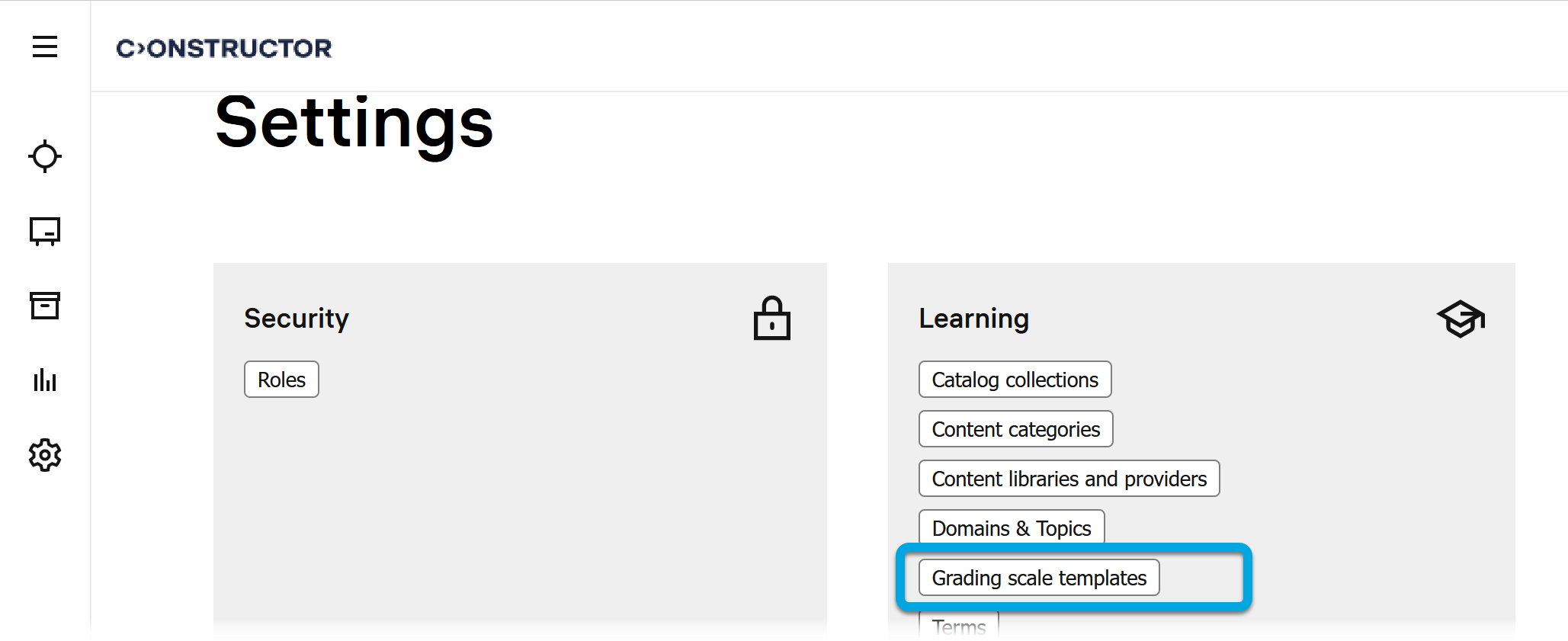
- In the Grading scale templates list, click
 .
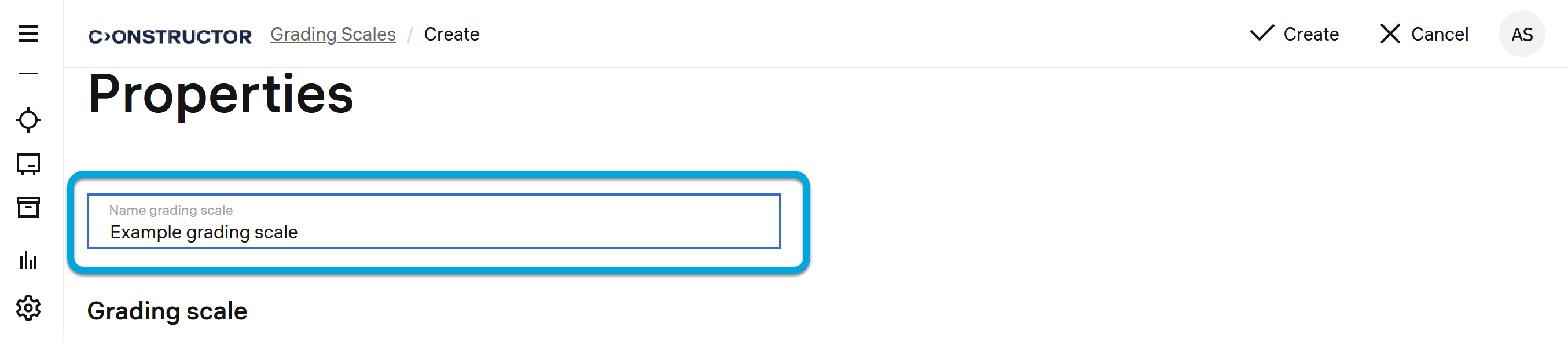
. - Specify the grading scale template name.
- Click Add a row. The newly added row will be highlighted.
- In the new row, specify the grade name, maximum score, and, if necessary, the grade color indication.
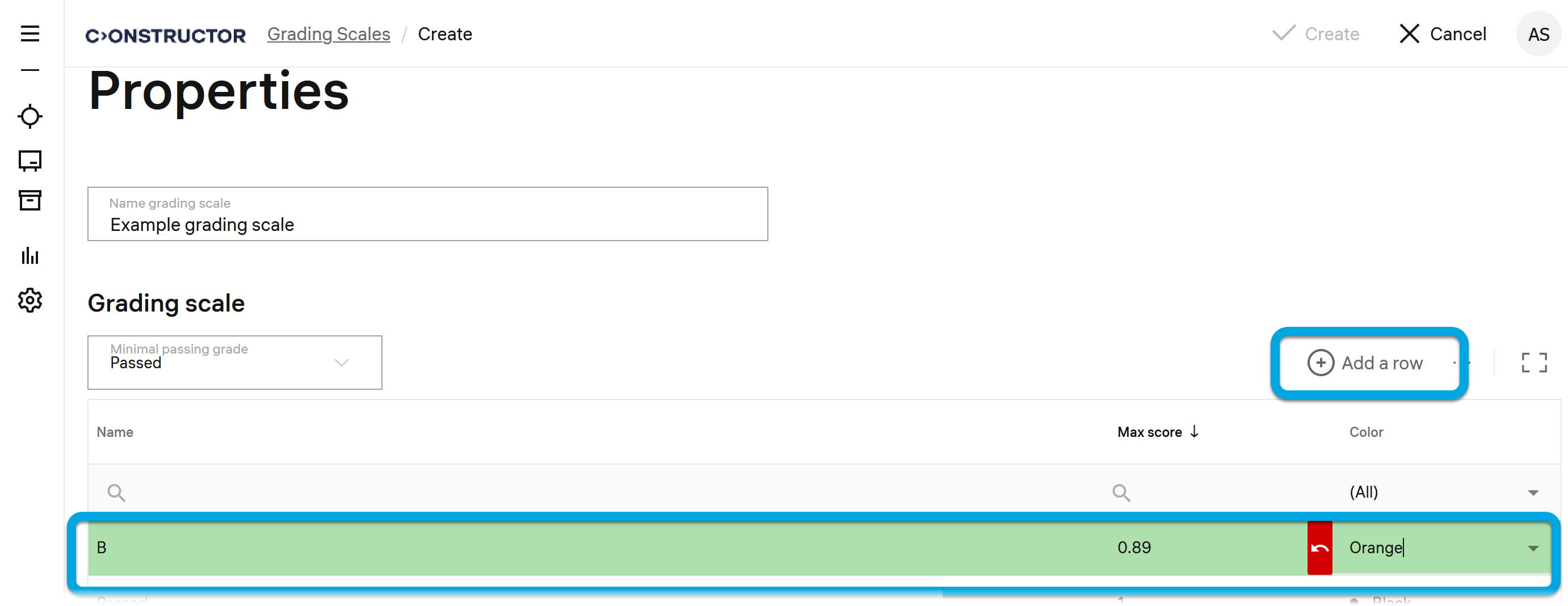
- Repeat steps 5–6 for all grades of the scale.
- Click Create.