
Managing content categories
Adding content categories
To add a content category:
- In the Learn management portal, click
 in the upper-left corner.
 - Go to Settings.
- In the Learning section, click Content categories.
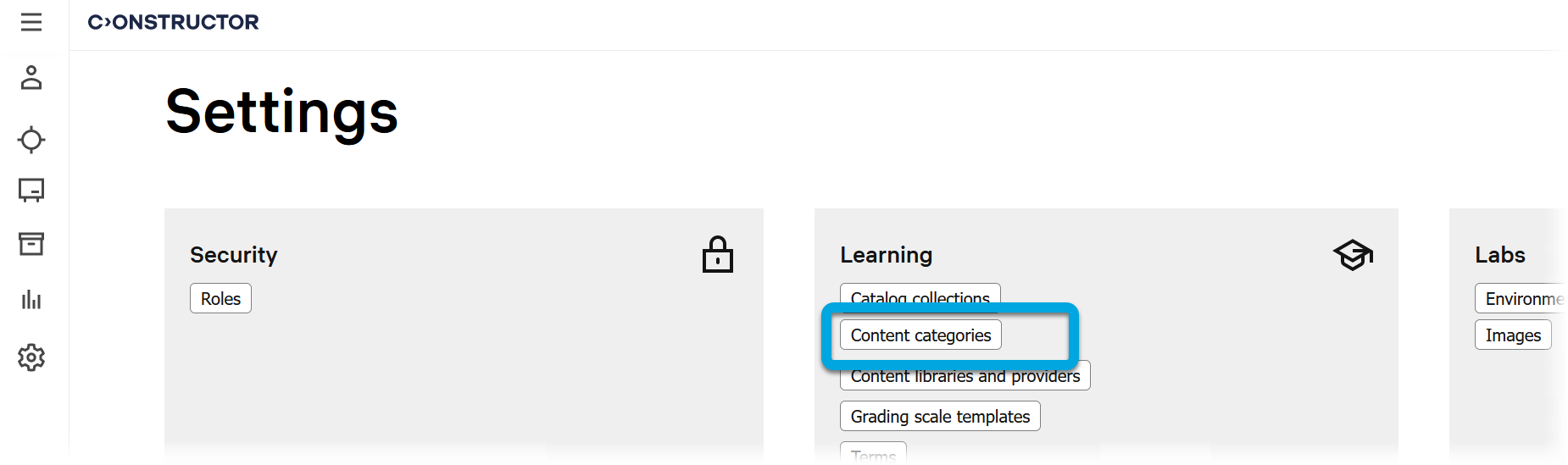
- Click + Create new category.
- In the new row, specify the category name and press ENTER.

- If necessary, add subcategories to your category.