
Managing certificate templates
Sorting certificates by type
Constructor Learn has the following certificate types:
- Credly — certificates from the Credly platform synchronized with the platform through API.
- Custom — certificates created in Constructor Learn platform.
You can filter the available certificate templates by their type. To do it:
- In the Learn management portal, click
 in the upper-left corner.
 - Go to Settings.
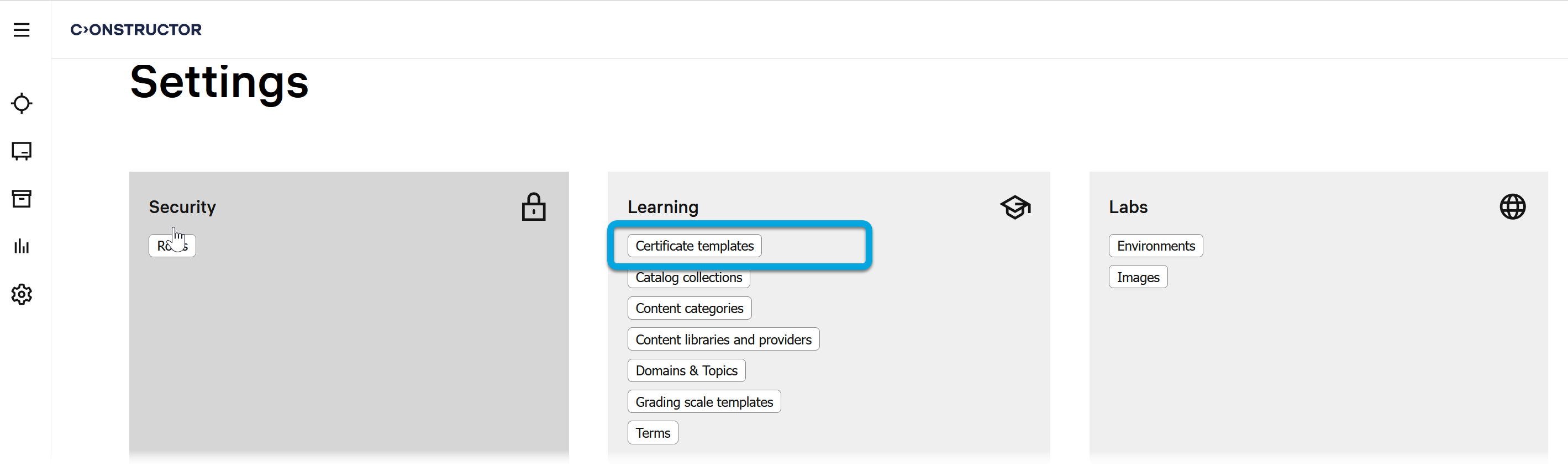
- In the Learning section, click Certificate templates.
- In the Certificate templates list, click Type and select the required certificate type.
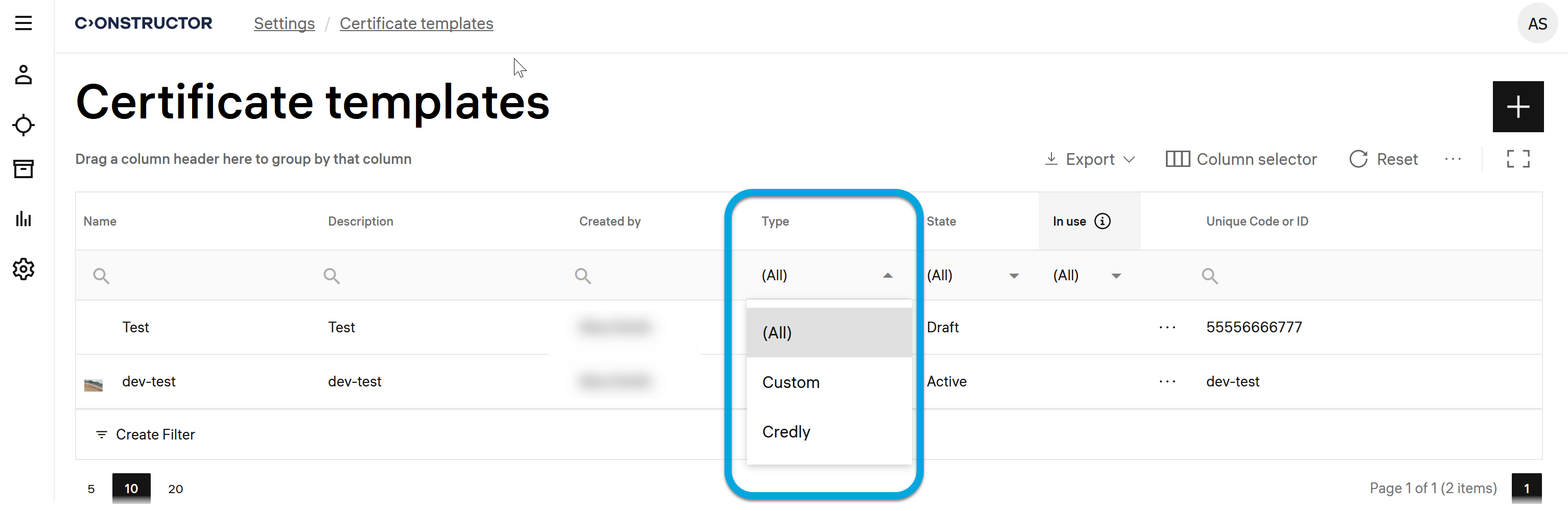
Certificates of the selected type will be sorted and available for previewing (Credly) or editing (Custom).