
Introduction
Logging in to Constructor Learn
Logging into Learn can be done in different ways, either through single sign-on technology (SSO) or without it, depending on the organization's chosen method.
You can log in to Learn using the following options:
- Standard one-step logging in, where you enter your credentials on a single page.
- Two-step logging in, where you first enter your email address, and then, depending on your organization's settings, proceed with either SSO or login and password options.
- Logging in using a Google account, if your organization supports it.
Standard logging in
To log in to the system through URL:
- Open the Learn URL that your organization provided (for example, learn.{your_organization_domain}.com).
- Enter your credentials.
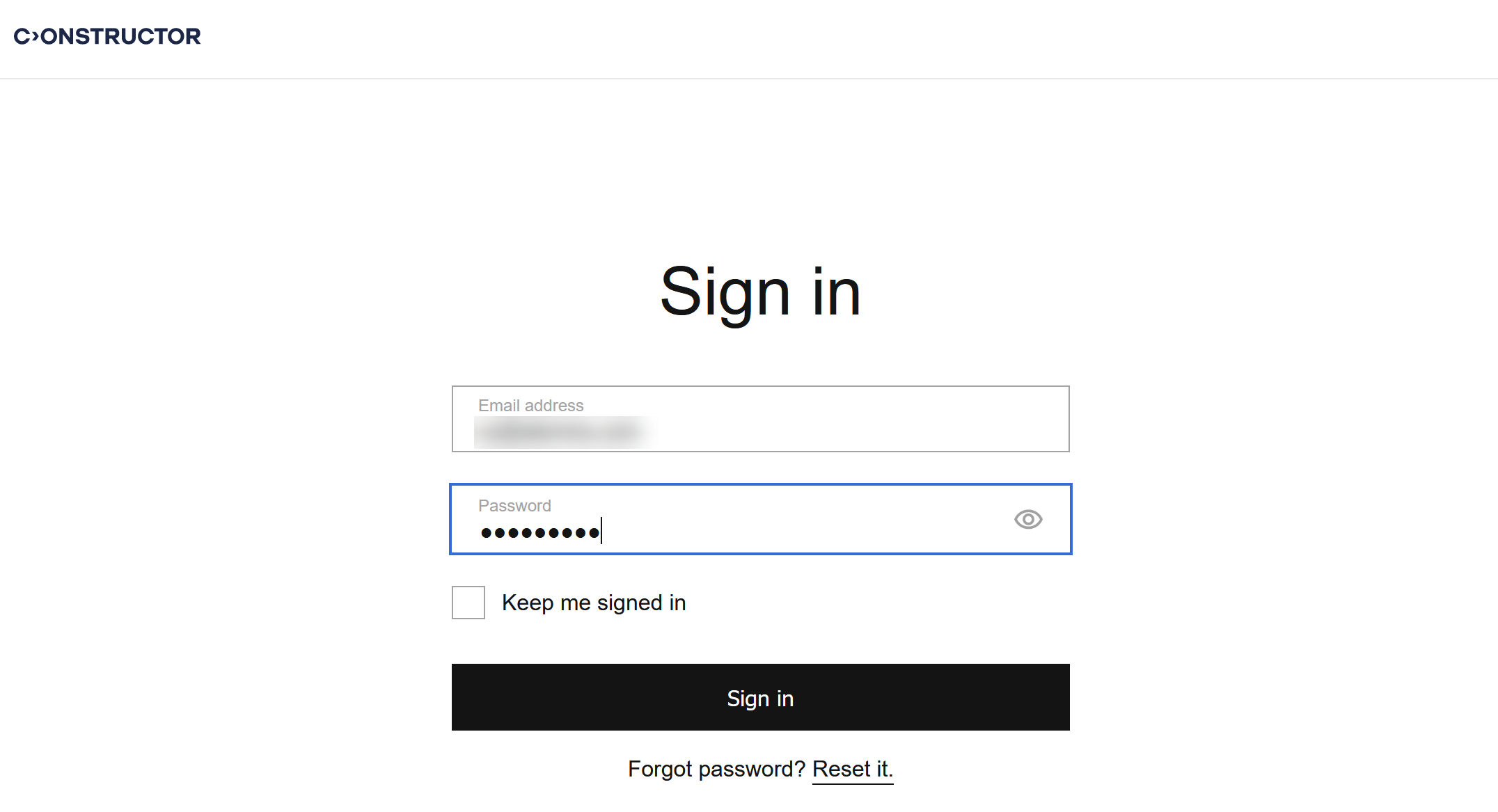
- Click Sign in. You are now in your Learn account and can proceed with your learning tasks.
Two-step logging in
If the two-step logging in is supported for your organization, log in to Learn as follows:
- Open the Learn URL that your organization provided.
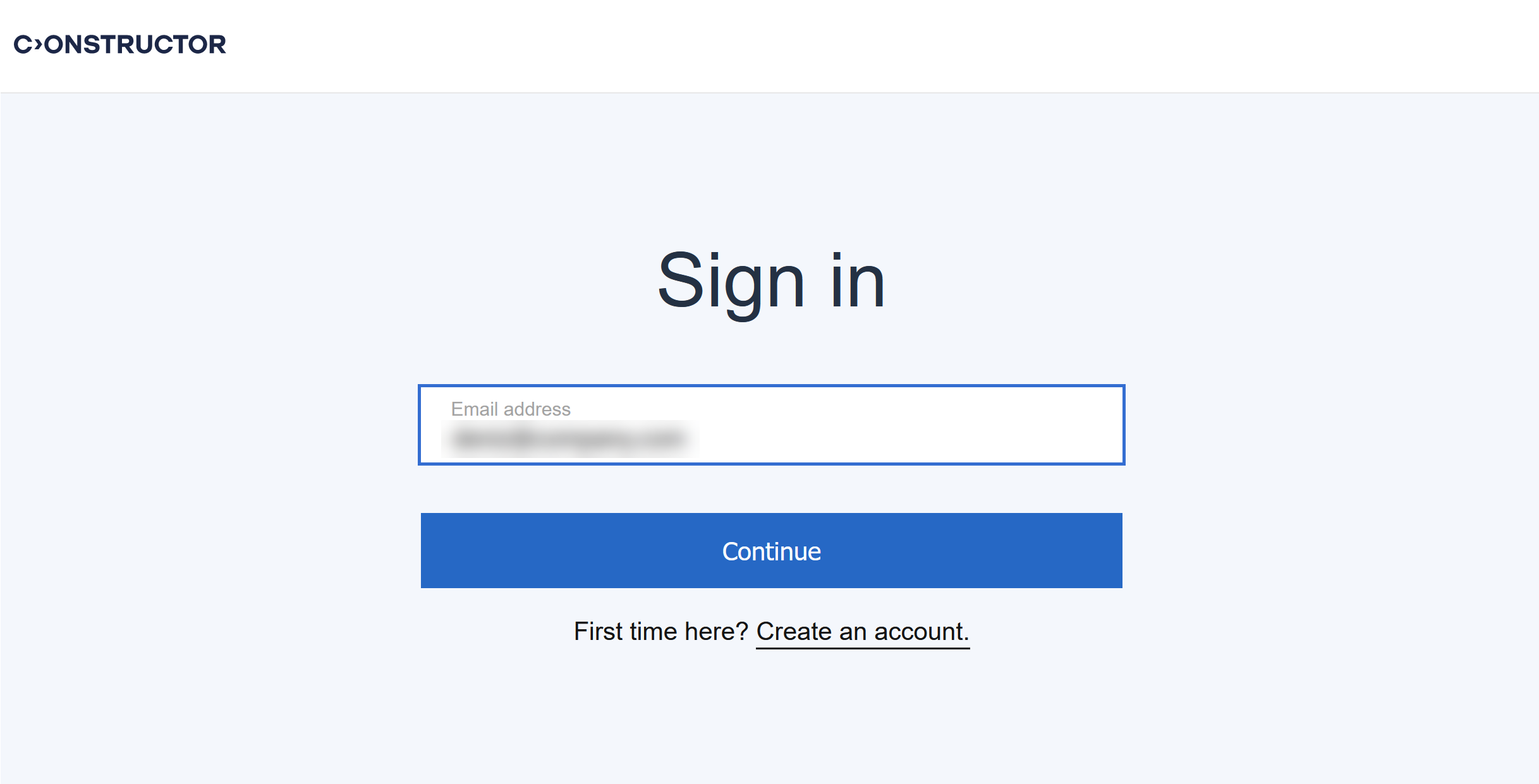
- Enter your email address and click Continue. You will be redirected to an external site.
- Enter your password and, if necessary, check the Keep me signed in box. Click Sign in.
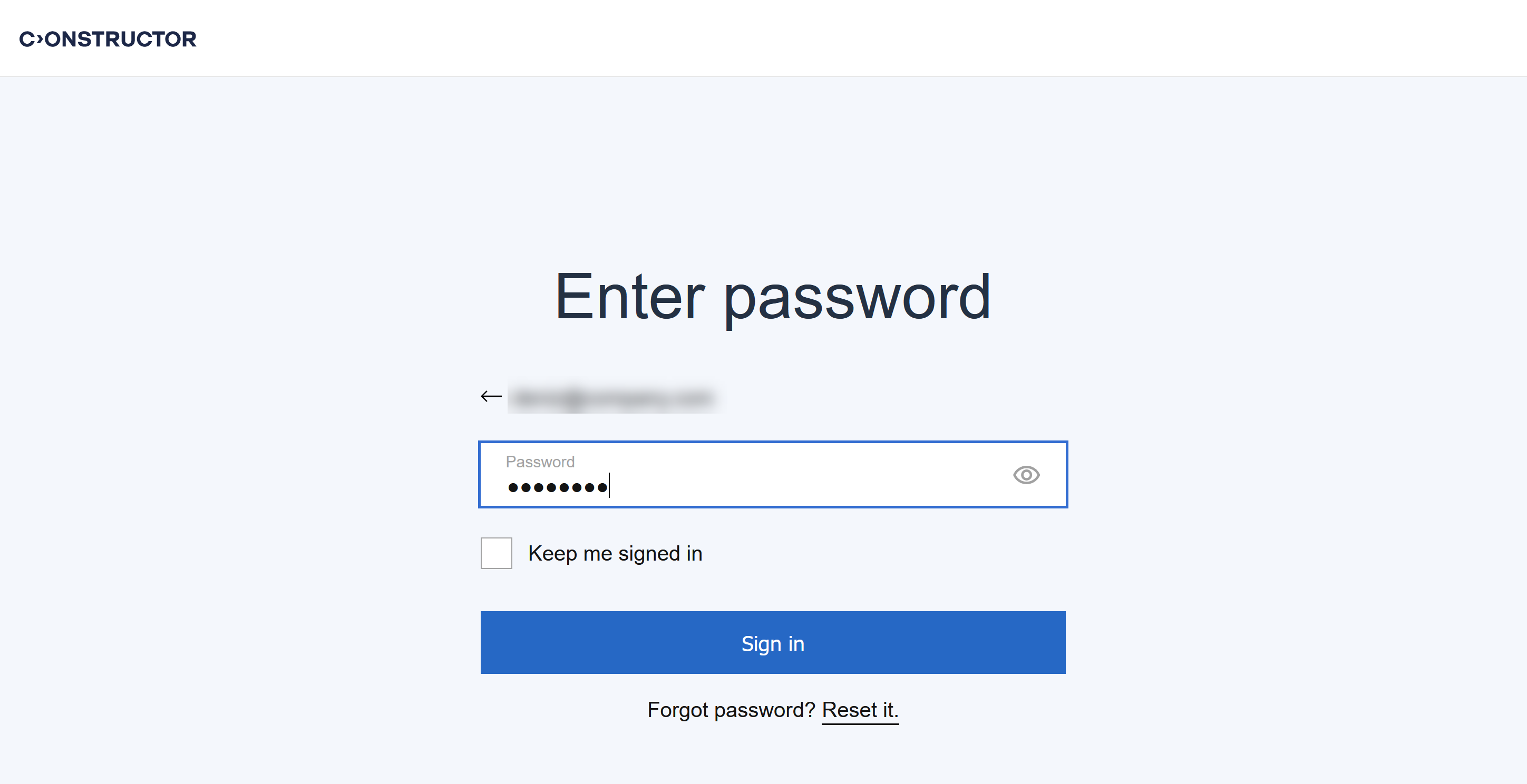
You are now in your Learn account and can proceed with your learning tasks.
Logging in with Google account
You can also log in to the Constructor Learn using your Google account. The procedure is the same as described in Registering in Learn with your Google account.