Using the Calendar
Accessing the Calendar
You can access the Calendar in this two ways:
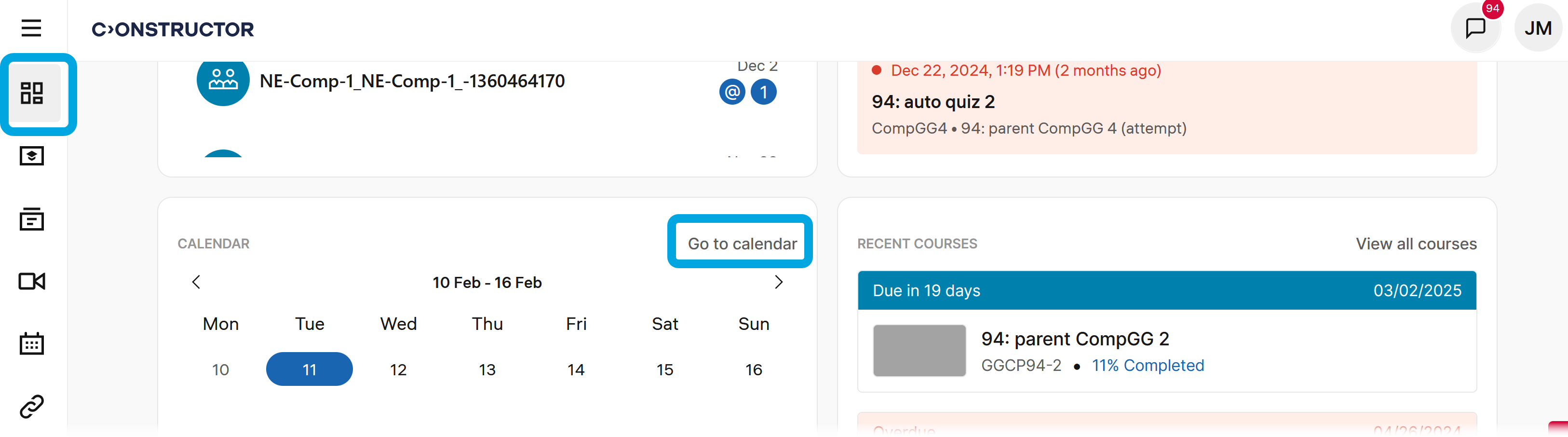
From the dashboard
To access the Calendar from your dashboard:
- Scroll down to the Calendar section.
- Click Go to Calendar. The Calendar will open.
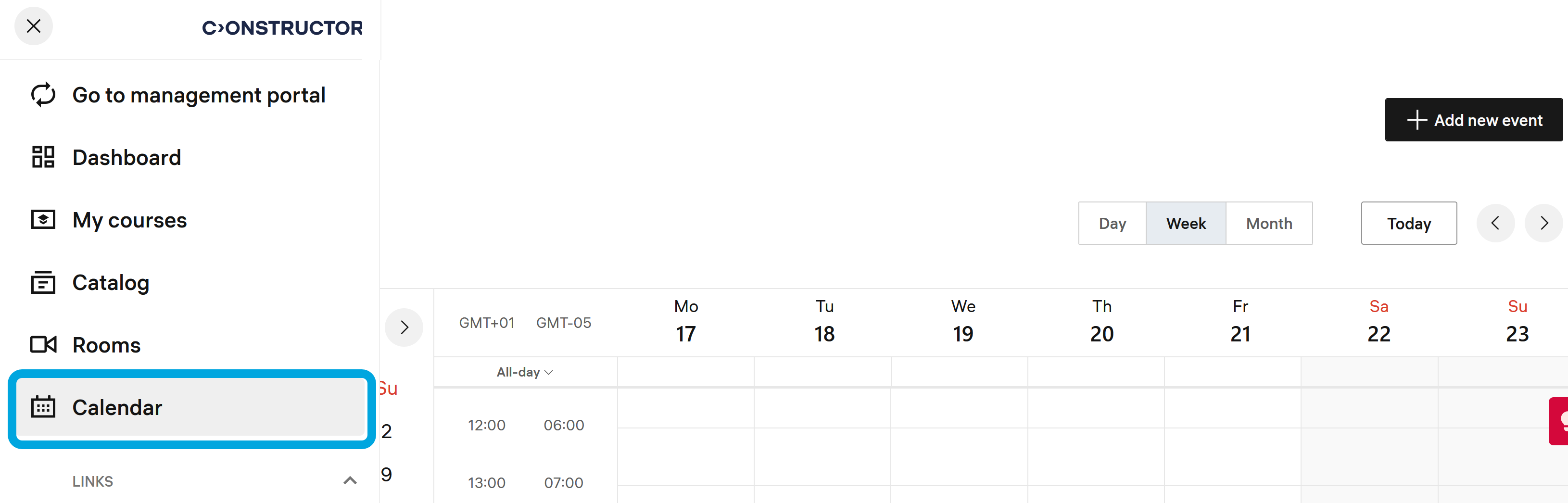
From the main menu
Note: Accessing the Calendar from the main menu is not default. It is available only if enabled for your organization.
To access the Calendar from the main menu:
- Click
 in the upper-left corner to open the menu.
 - Click Calendar.