Enrolling in courses
Self-enrolling through Catalog
To enroll in a course from the course catalog:
- Log in to Constructor Learn.
- Click Catalog.
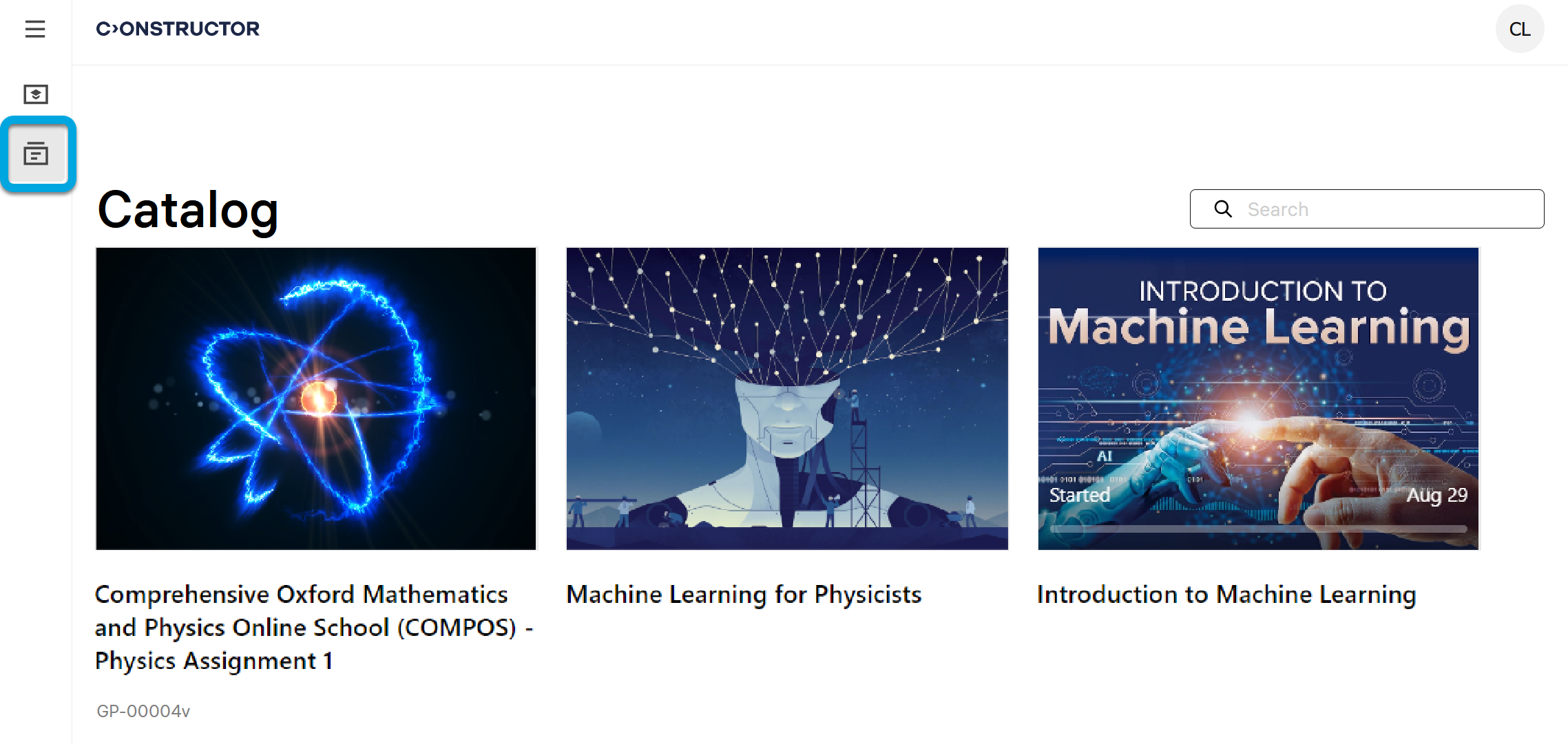
- Find a course you want to enroll in.
- Click the course to open it.
- Depending on how you want to proceed, click the required option:
- Add to My courses to add the course to your course list. You will be able to return to this course later (see Starting a course).
- Start the course to immediately start taking the course. The course will be automatically added to the list of courses you are enrolled in.