
Using Communication Hub
Chatting with multiple users
You can create a chat with a specific group of users. To do this:
- Open Communication Hub: click the message icon in the upper-right corner.

- In the Chat menu, click Create new > Direct messages.
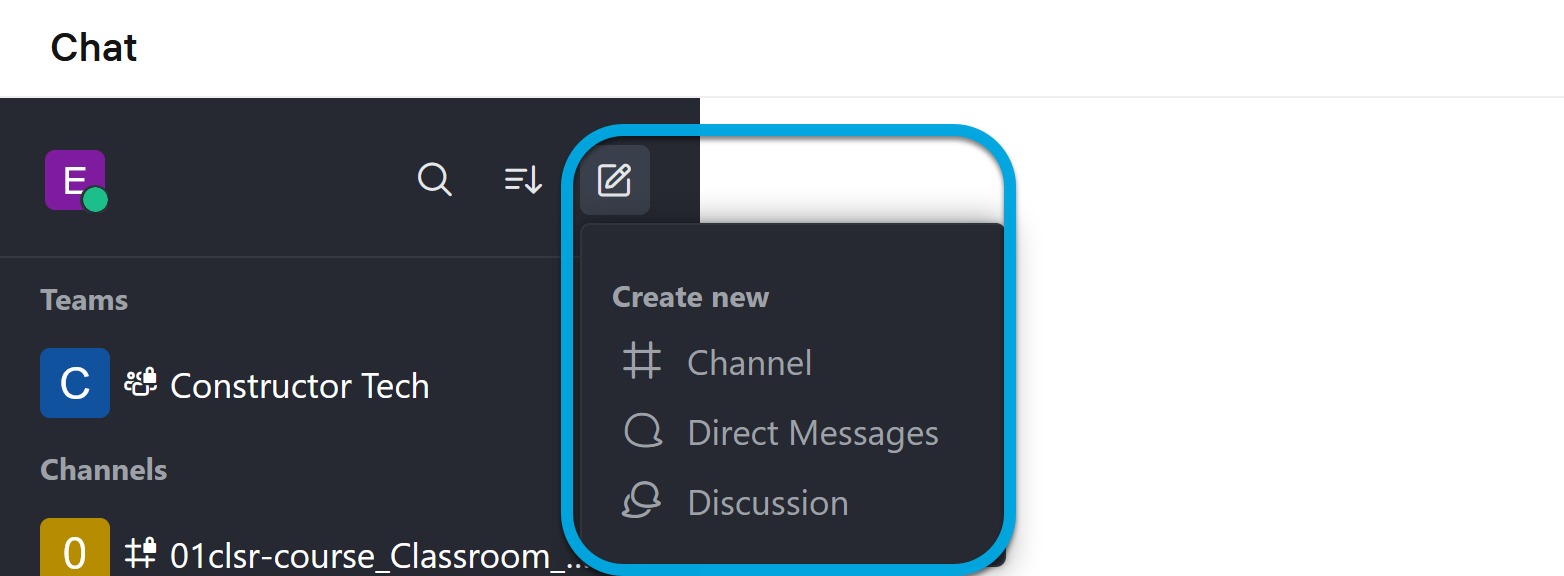
- In the Direct Messages dialog, select the users with whom you want to chat and click Create. The created chat will be added to the Direct Messages section.