
Using Communication Hub
Adding users to channels
You can add users to channels with restricted access as follows:
- Open Communication Hub: click the message icon in the upper-right corner.

- In the Chat list, click the required channel to open it.
- In the chat menu, click the Add members icon.
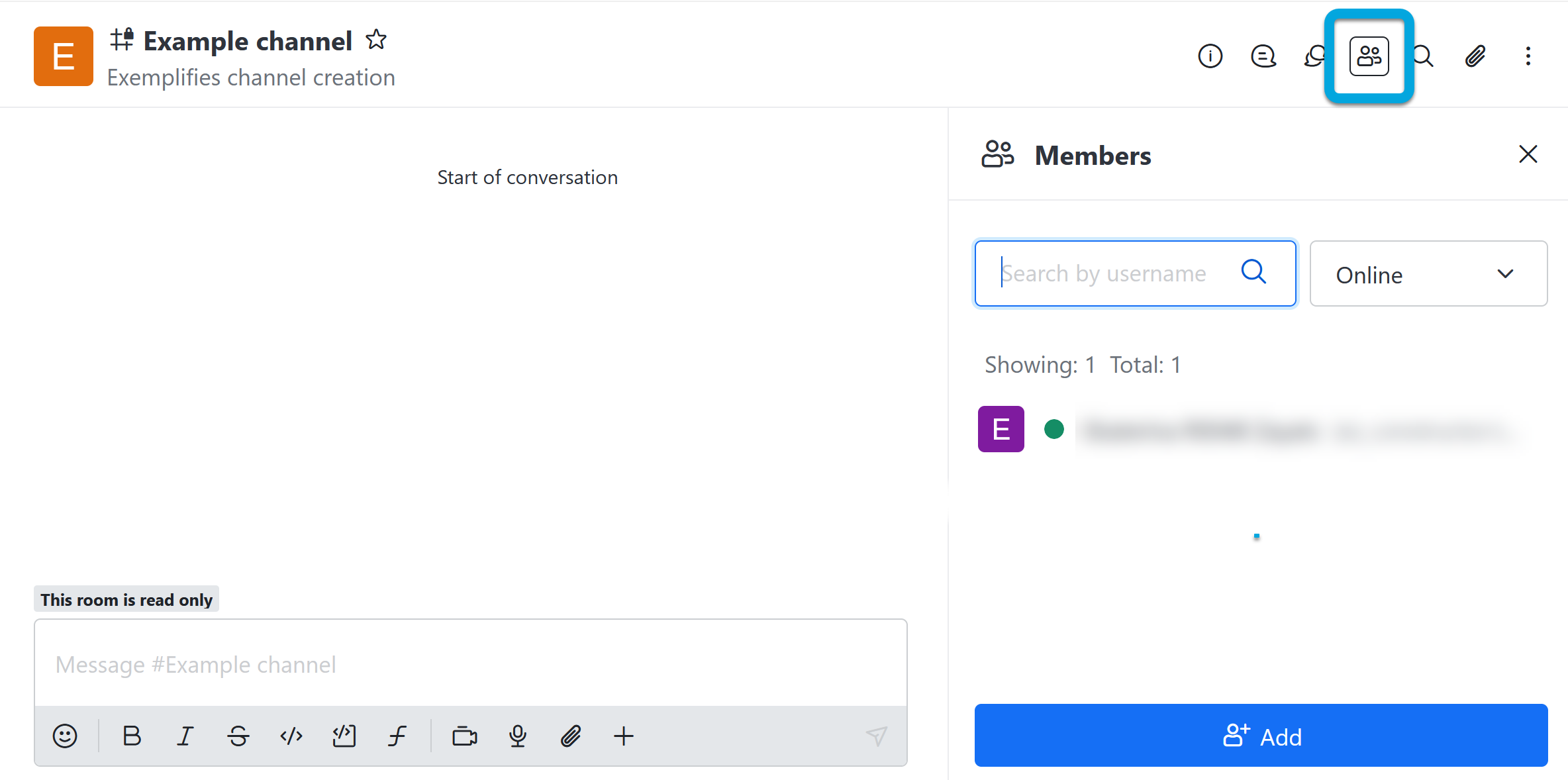
- Click +Add.
- To select users, type a part of the user's name or email address.
- Click Add users. The channel will become available to the selected users.