
Using Communication Hub
Sending direct messages
To send a message to a chat member:
- Open Communication Hub: click the message icon in the upper-right corner.

- In the Chat list, click the required team or channel to open it.
- In the chat menu, click the Members icon.
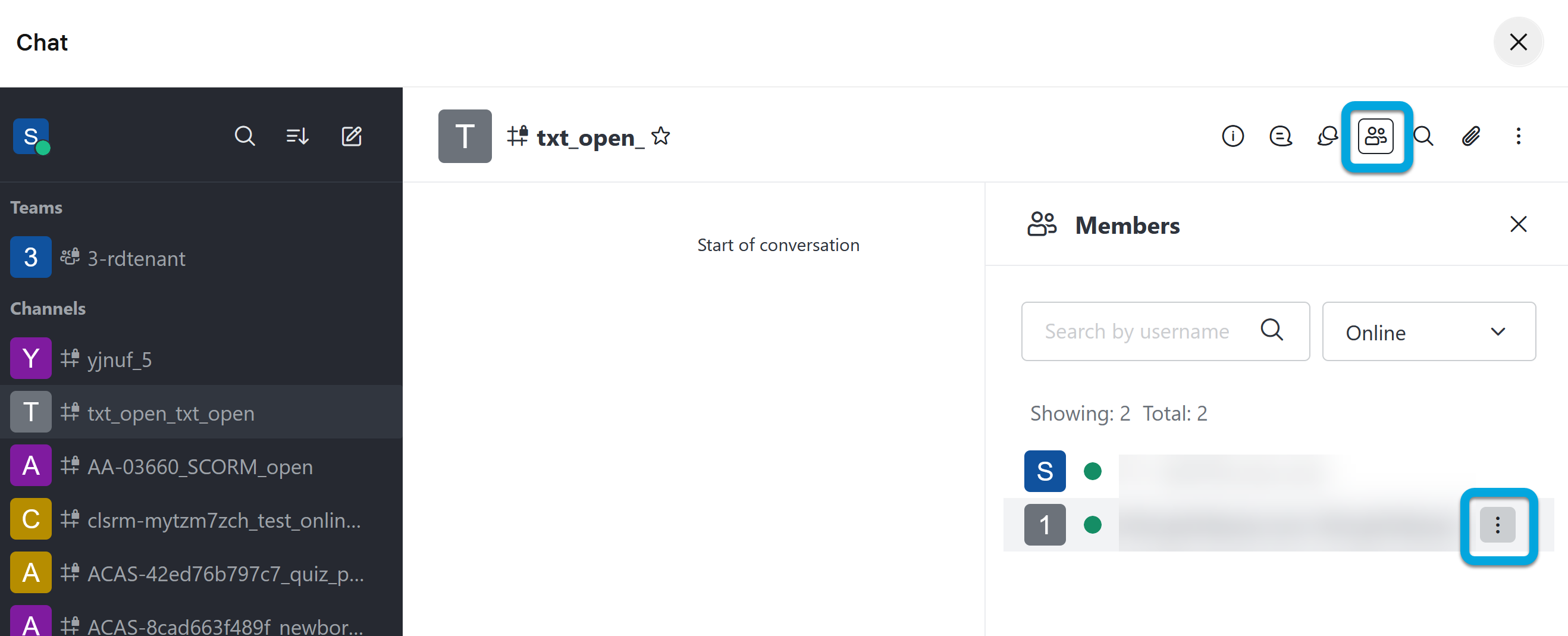
- Find the user you want to send a message and click more
 .
. - Click Direct Message. You can start chatting with the selected user.