
Introduction
Registering in Learn
You can self-register an account in the Constructor Learning Management System (Learn) without needing to wait for an administrator. After registering, you will gain access to openly available courses.
Register your account as follows:
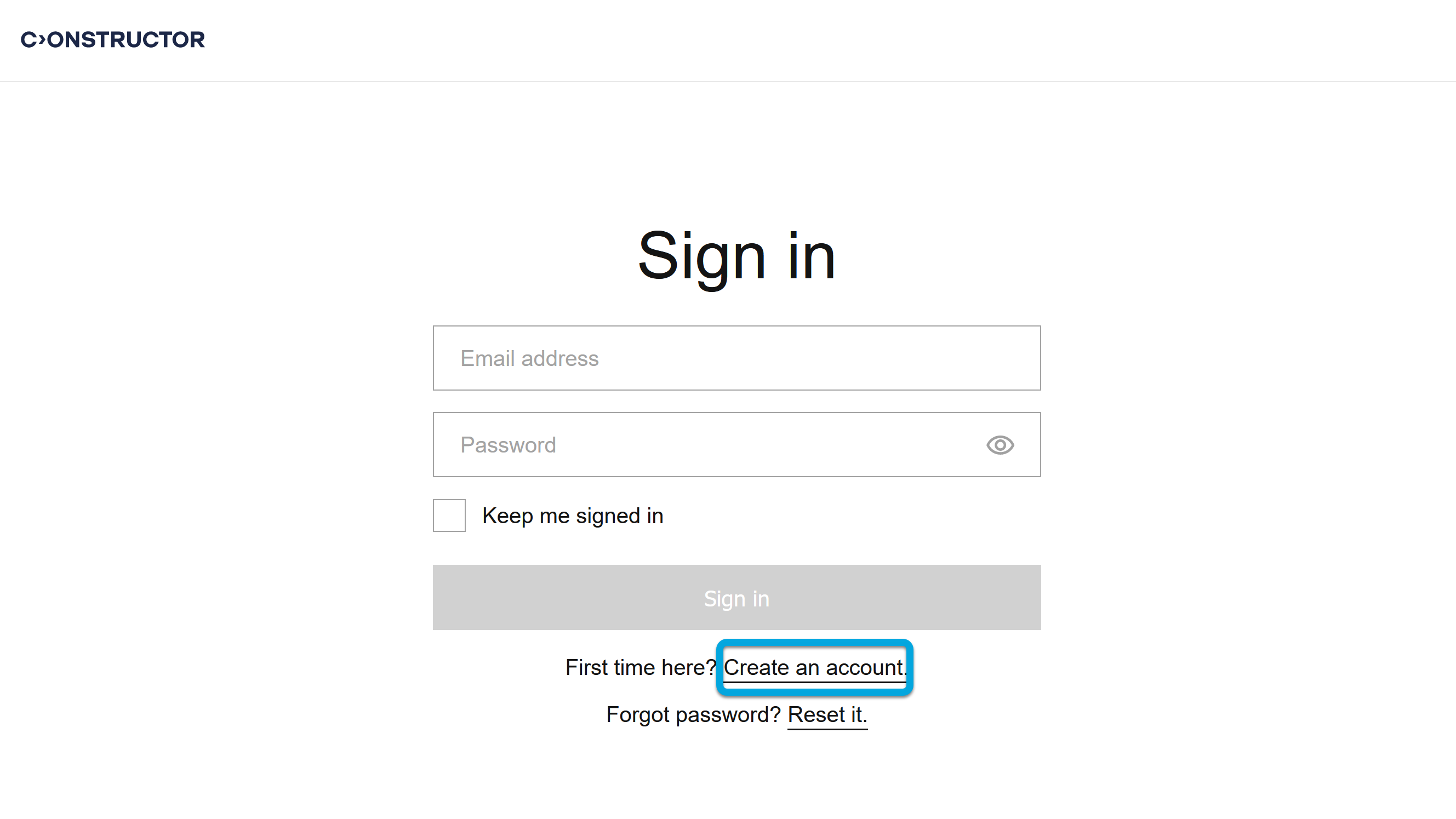
- Open the Learn URL that your organization provided (for example, learn.{your_organization_domain}.com).
- Click Create an account.
- Complete the registration form:
- Email — your email address.
- First name — your first name.
- Last name — your last name.
- Password — password to your Learn account.
- Confirm password — confirm the entered password.
- Read the Privacy Policy and check the I agree to Privacy Policy box.
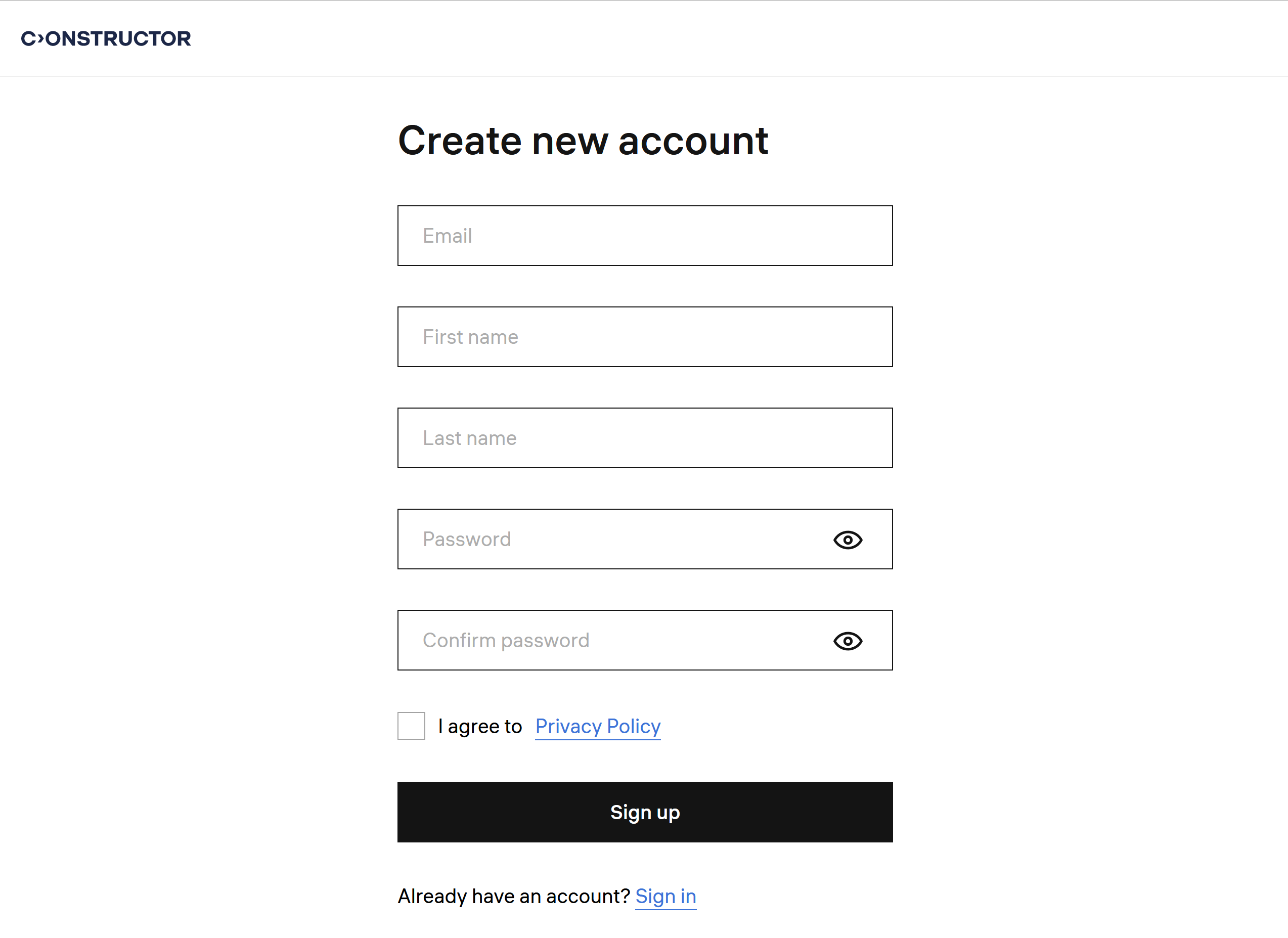
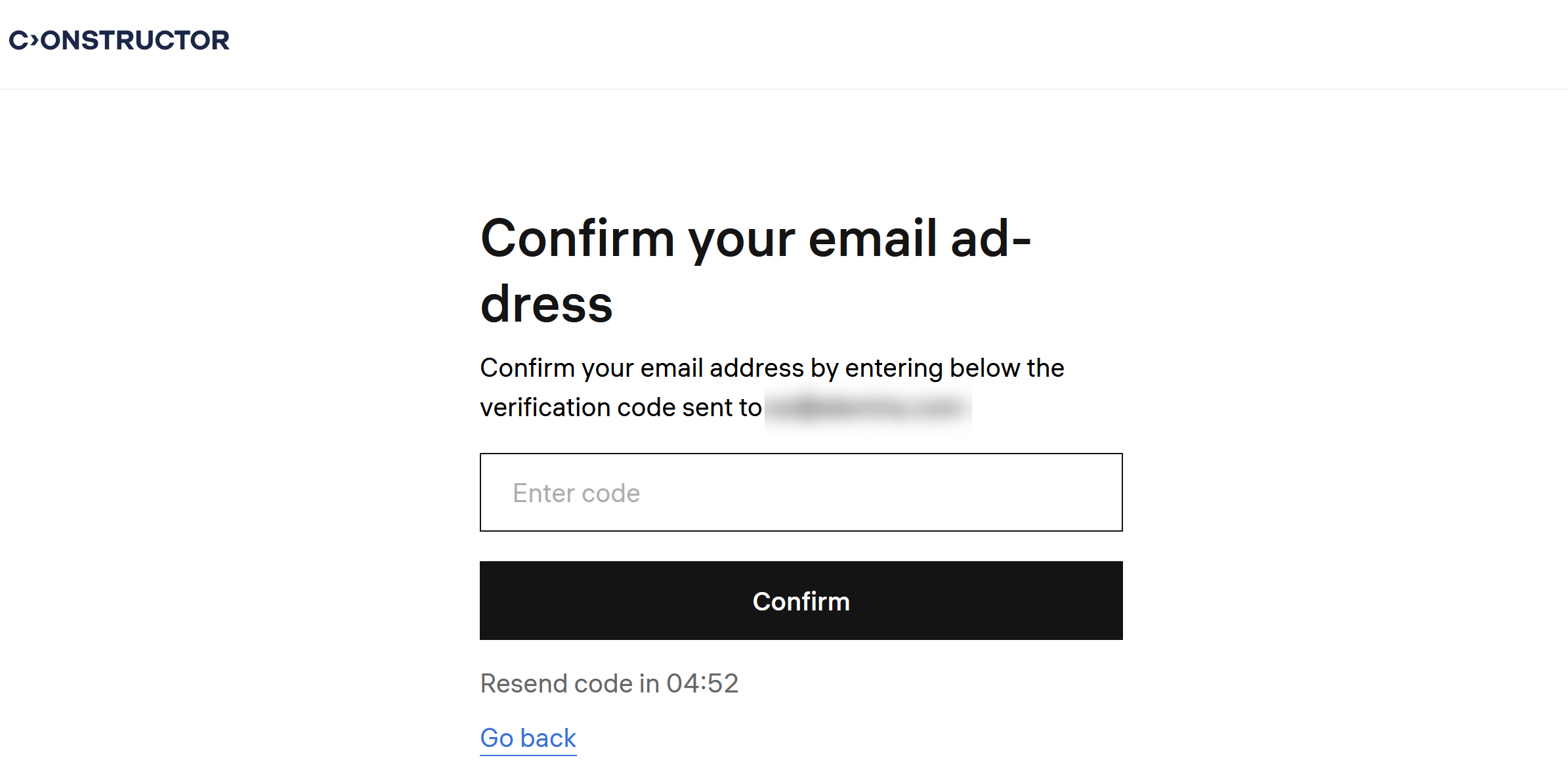
- Click Sign up. You will receive a confirmation code to your email address.
- On the email address confirmation screen, enter this code and click Confirm.
Congratulations, you're all set to embark on your learning journey with Constructor Learn!