
Managing course certificates
Removing certificates from courses
To remove a certificate linked to a course:
- In the Learn management portal, click
 in the upper-left corner.
 - Go to Teaching > Courses.
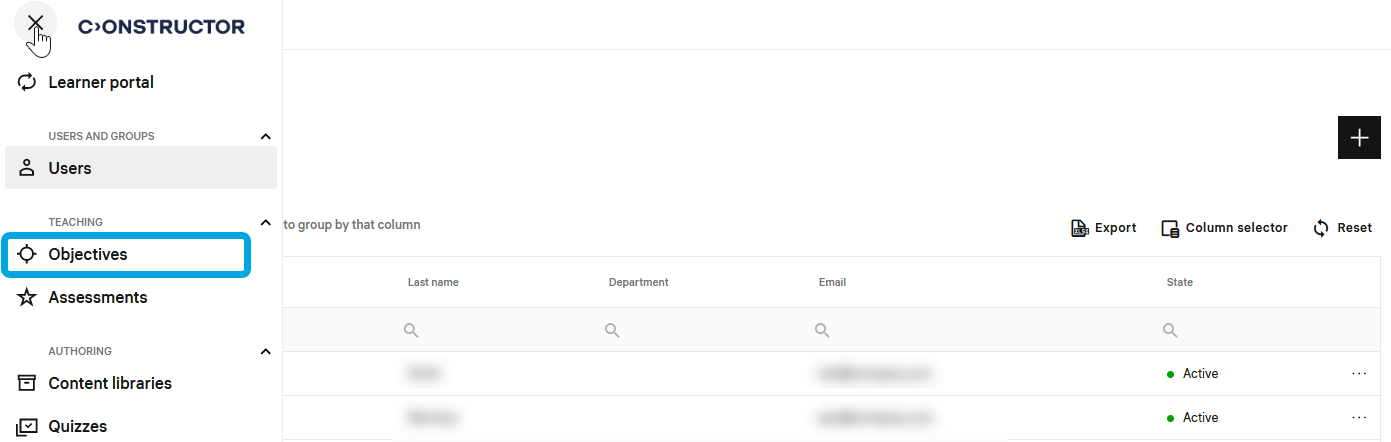
- In the courses list, double-click the required course to start editing.
- In the leftmost bar, click the certificate icon.
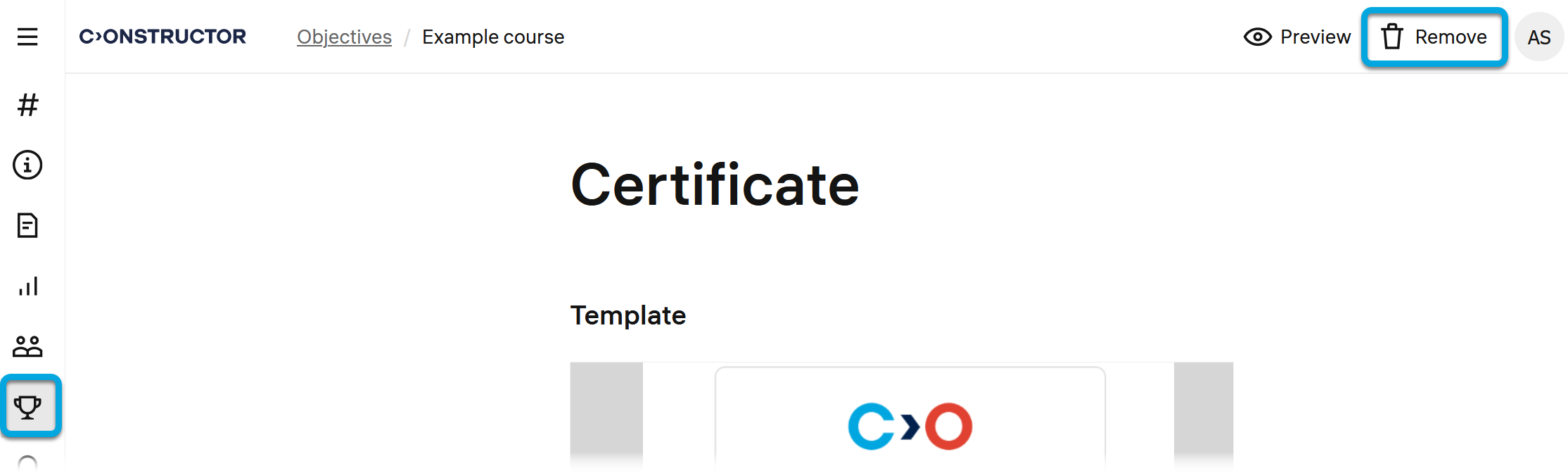
- Click Remove. The certificate template will be removed from the course.