Managing assessment
Viewing hints on assessment
For activities that require manual assessment, course authors typically include the information with suggestions on how to assess learners' work, the correct answers (if a question assumes it) or hints on what is expected to be covered in a learner's response. To view such hints when assessing learners' assignments:
- In the Learn management portal, click
 in the upper-left corner.
 - Go to Teaching > Assessment.
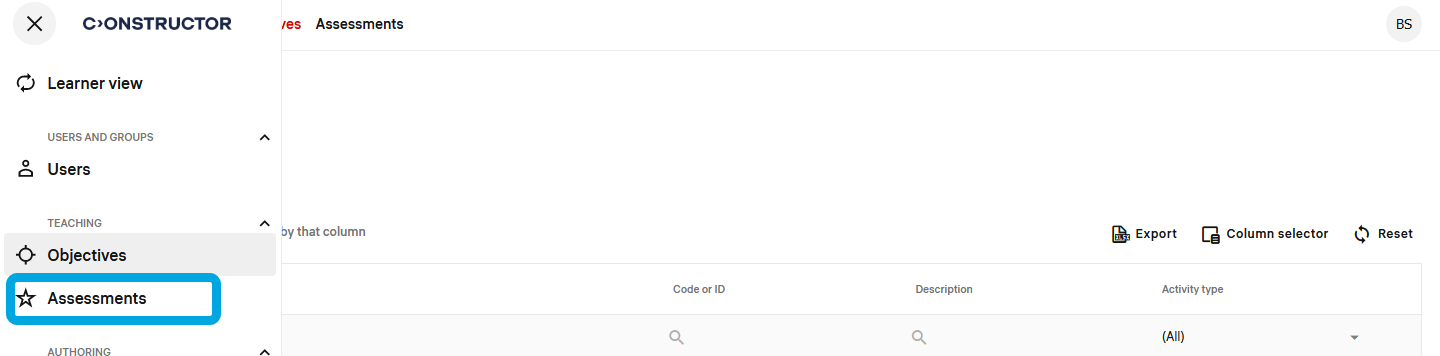
A list of learners' assignments with progress information will be displayed. - In the assignments list, click an assignment to open it.
- Click a question to expand its content.
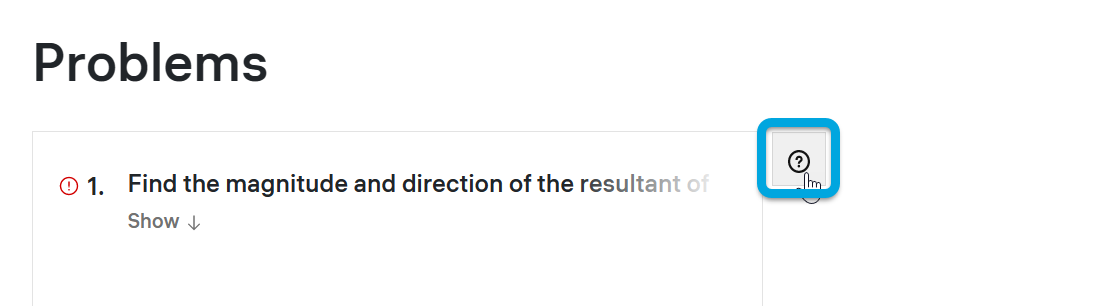
- Click the question icon
 .
.