
Managing assessment
Finishing learners' attempts
In some cases, you might need to forcibly finish a learner's attempt to pass an assignment. For example, when the attempt prevents the assignment from reaching the Finished state. To finish a learner's attempt:
- In the Learn management portal, click
 in the upper-left corner.
 - Go to Teaching > Assessments.
- Filter the required assignment.
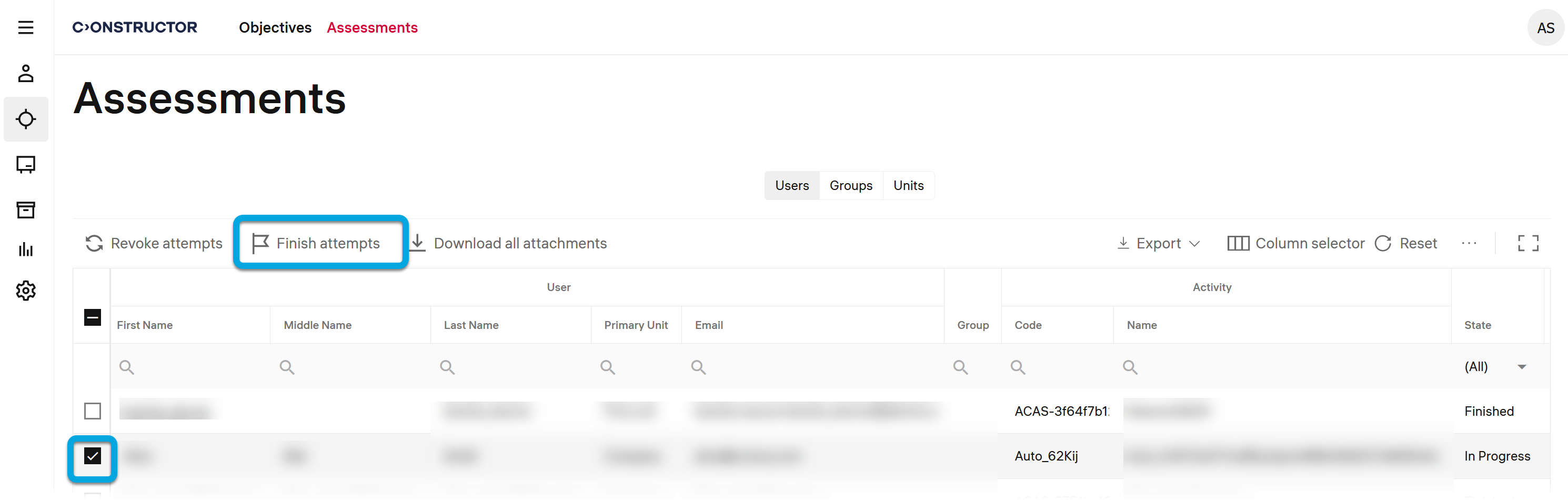
- Select the assignment row and click Finish attempts.
- In the pop-up, click Finish attempts to confirm the action. The selected assignment will be finished.