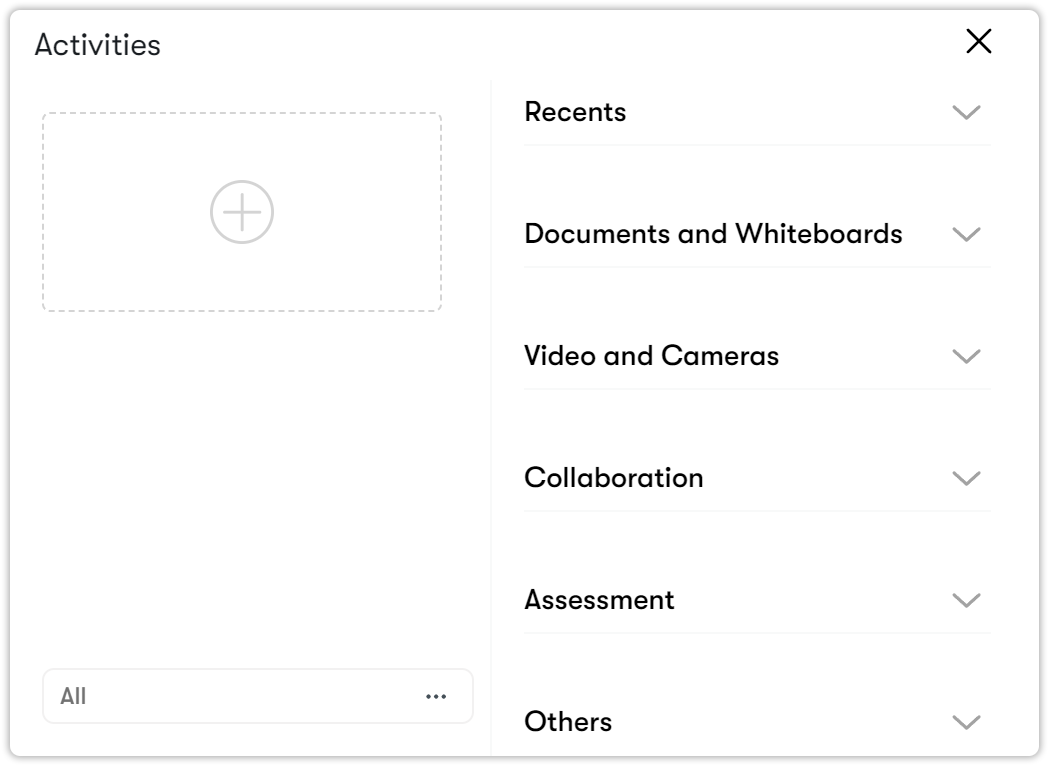
Flow menu
With the Flow menu, you can use multiple documents, videos, screen sharing, and other tools during your virtual classroom sessions. Flow lists the tools you have used, which allows you to quickly return to previous documents or presentations. For example, if your students need to revisit a topic discussed earlier, you can go back to the original presentation using the Flow panel.
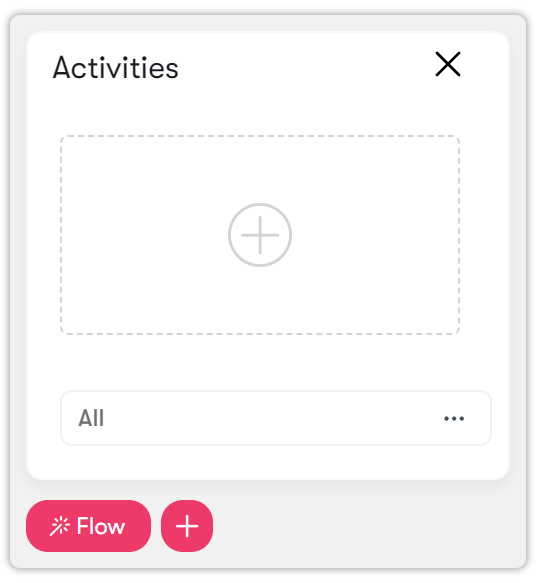
Before using the Flow menu, you need to create activities.
To create an activity, click on the red plus  button, which serves as a shortcut. The function of this button is detailed in Adding activities using the shortcut menu.
You can also click on the white plus button in the flow.
button, which serves as a shortcut. The function of this button is detailed in Adding activities using the shortcut menu.
You can also click on the white plus button in the flow.
Then the following menus will appear.