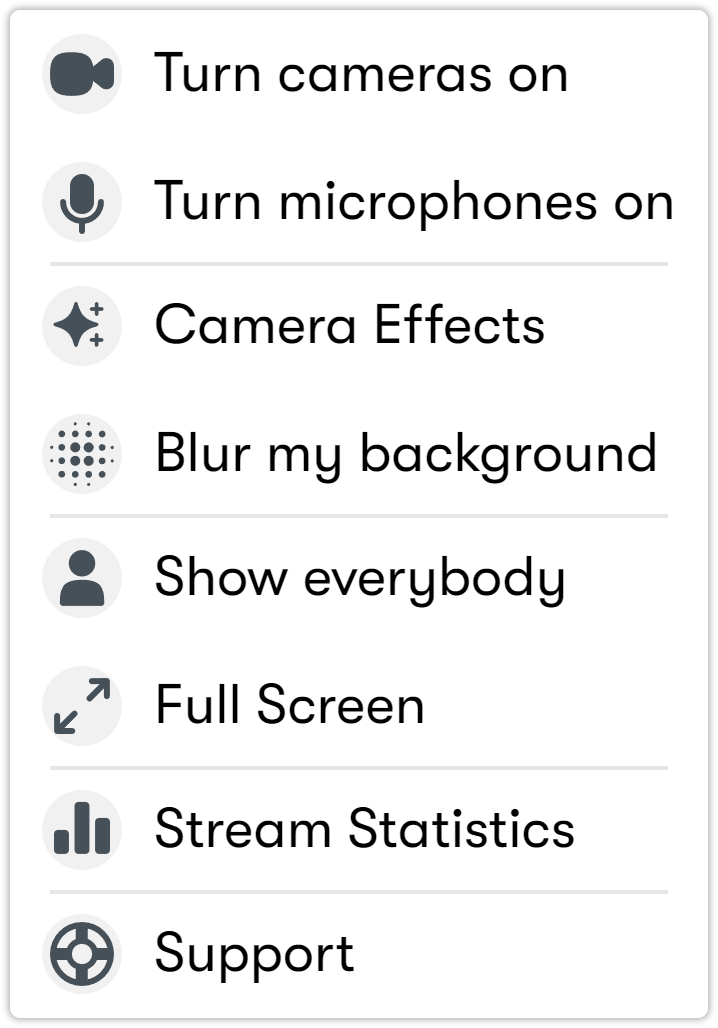
Menus on the Home screen
This section describes the menus and their functions located in the center of the main screen.
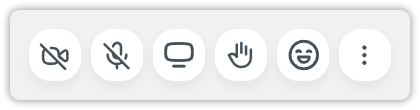
Icons on the main menus:
 Camera icon: Turns your camera on or off.
- Active camera indicator: Shows that your camera is currently on.
 Microphone icon: Turns your microphone on or off.
 Active microphone indicator: Shows that your microphone is currently on.
 Screen sharing icon: Allows you to share your screen with participants.
 Raised hand indicator: Displays which participants have raised their hands.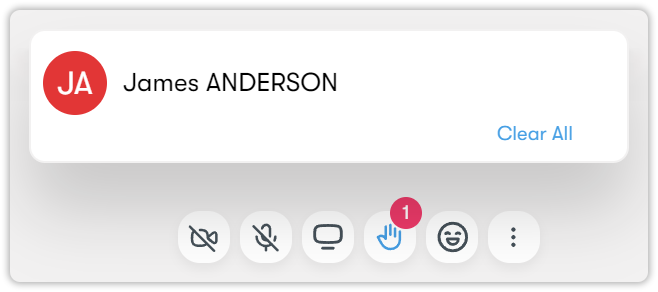
 Reactions indicator: Allows you to share quick emoji reactions (such as applause, thumbs up, or laughter) during the session.
 More options icon (three dots): Opens additional settings.