Joining sessions or rooms
Starting lessons
As the instructor, you are responsible for starting the virtual classroom session. This ensures that students cannot join until you start the lesson. If you want to upload course presentations before beginning, follow the document upload steps. You can also upload documents after the course has started.
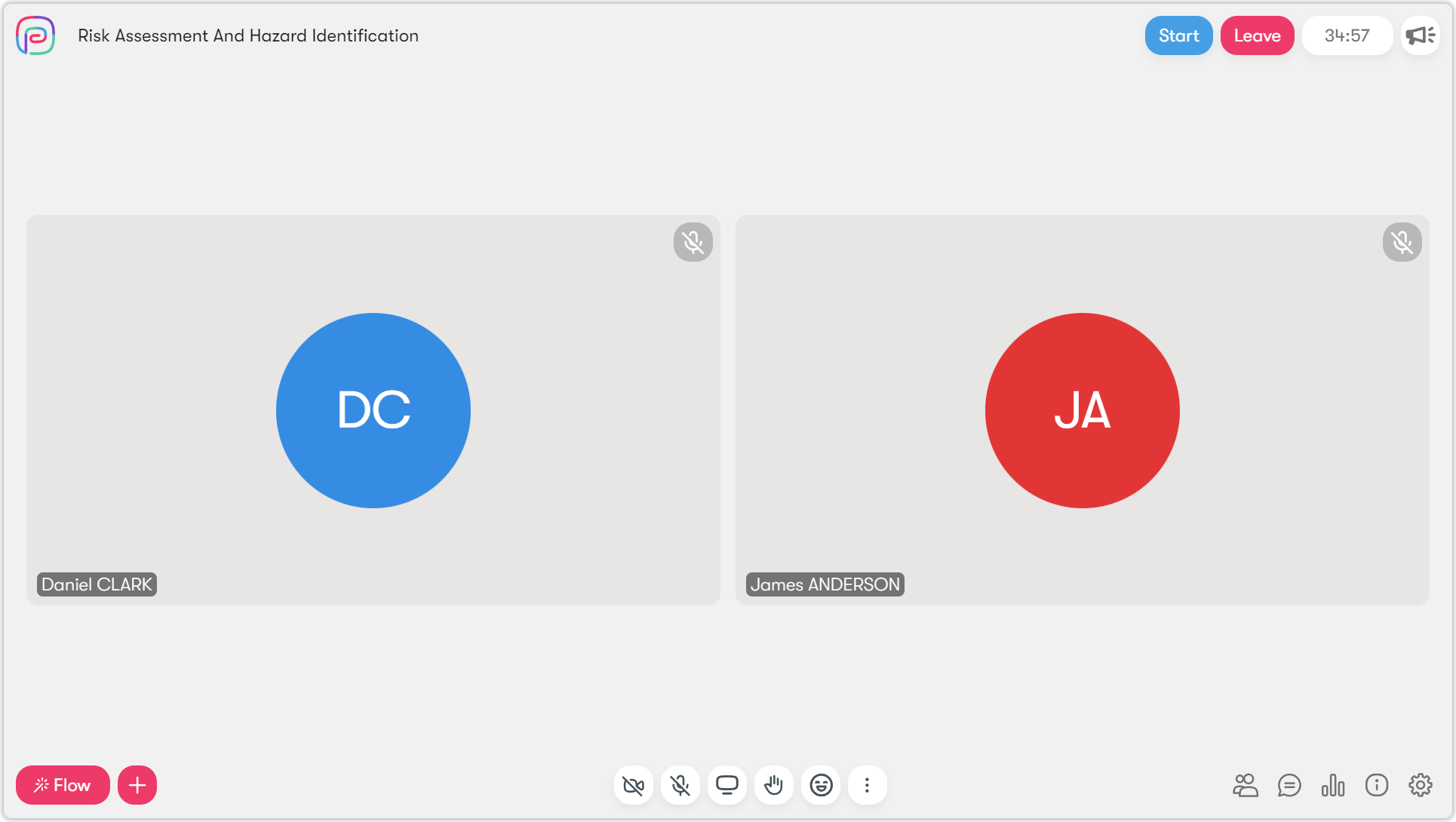
To start the lesson:
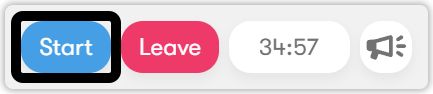
- Click the Start button to begin the lesson.
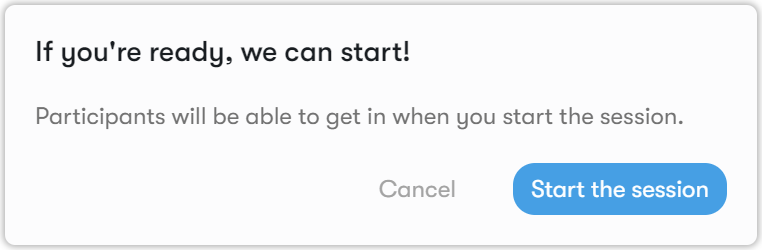
- Confirm by clicking Start Session.
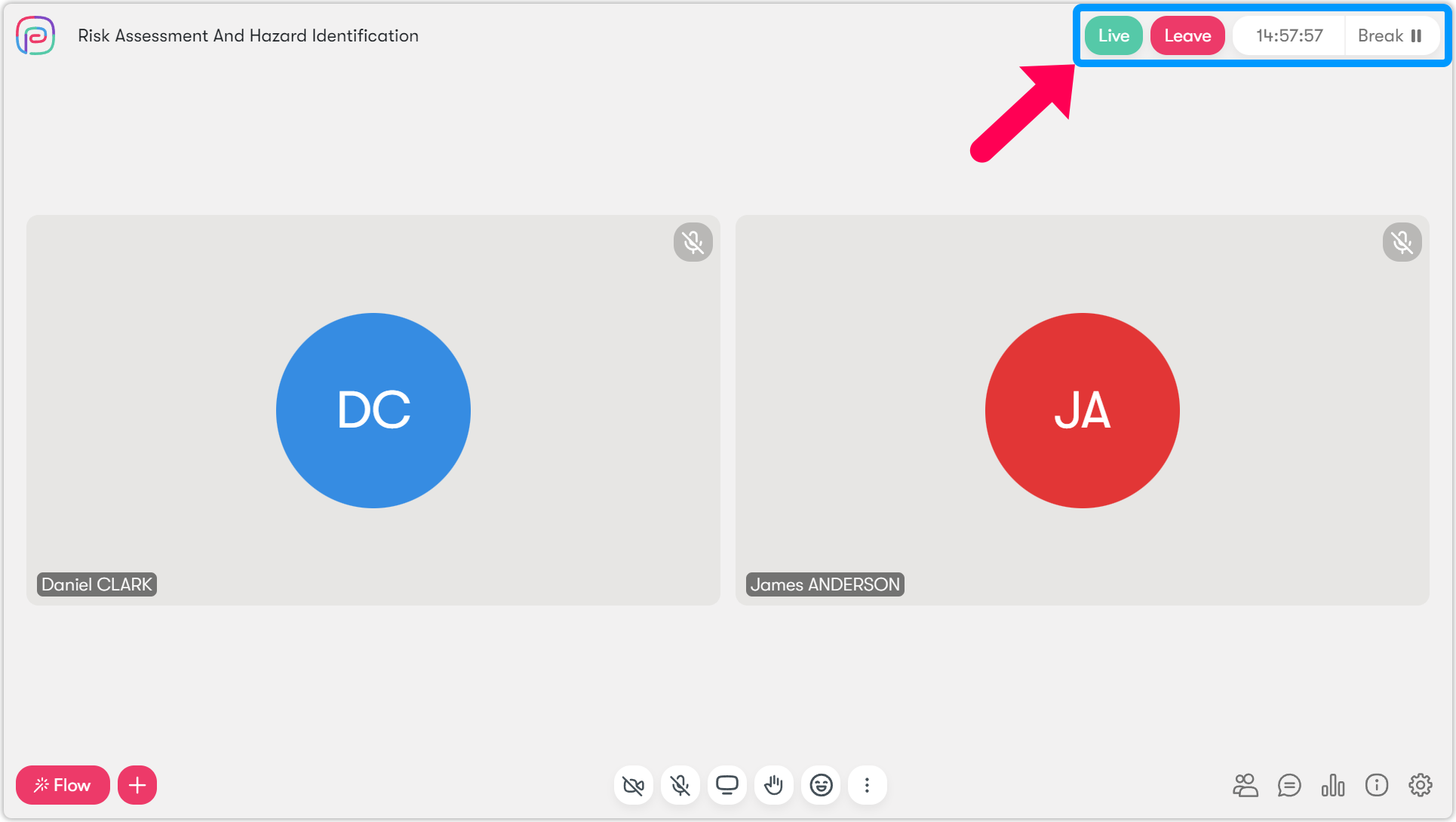
The virtual classroom session will begin. You will see the word LIVE, indicating that the session has started.