
Virtual room menus
Participants menu
The Participants menu allows you to view the participation of students registered in your course in the virtual classroom. It is the first menu located in the lower-right corner of the page.
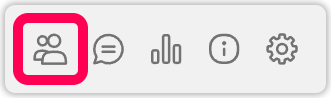
Click the participants icon, and your active participants in the virtual classroom will be listed.
You can grant your students Camera, Microphone, and File Sharing permissions from the individual settings in a student’s details. In these settings, you can also forcefully remove a student from the class.
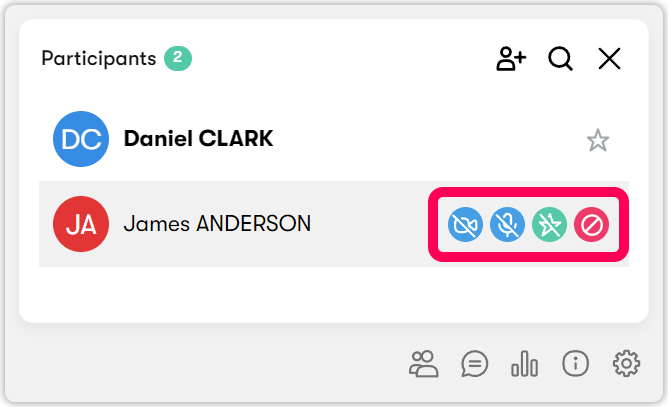
 Camera: Click to send a Camera sharing request to your student named Eda.
 Microphone: Click to send a Microphone sharing request to your student named Eda.
 File Sharing: If you want your student named Eda to upload documents to the virtual classroom, click to authorize. If you do not give students file sharing permission, students cannot share documents in the system.
 Expel: You can expel students who sabotage the lesson.