Constructor Tech
HomeSupport ResourcesConstructor Website
  • About this guide
  • General overview
  • System requirements
  • Logging in to Groups
  • Home
  • Rooms
  • Sessions
    • Joining sessions or rooms
    • Starting lessons
    • Turning on your camera in rooms
    • Turning on your microphone in rooms
    • Virtual room menus
    • Participants menu
    • Chat menu
    • Session Analytics menu
    • Information menu
    • Settings menu
  • Virtual room time display menus
    • Menus on the Home screen
    • Sharing your screen
    • Flow menu
    • Documents and Whiteboards
    • Videos and cameras
    • Collaboration
    • Assessments
    • Others
  • Adding activities using the shortcut menu
Flow menu

Others

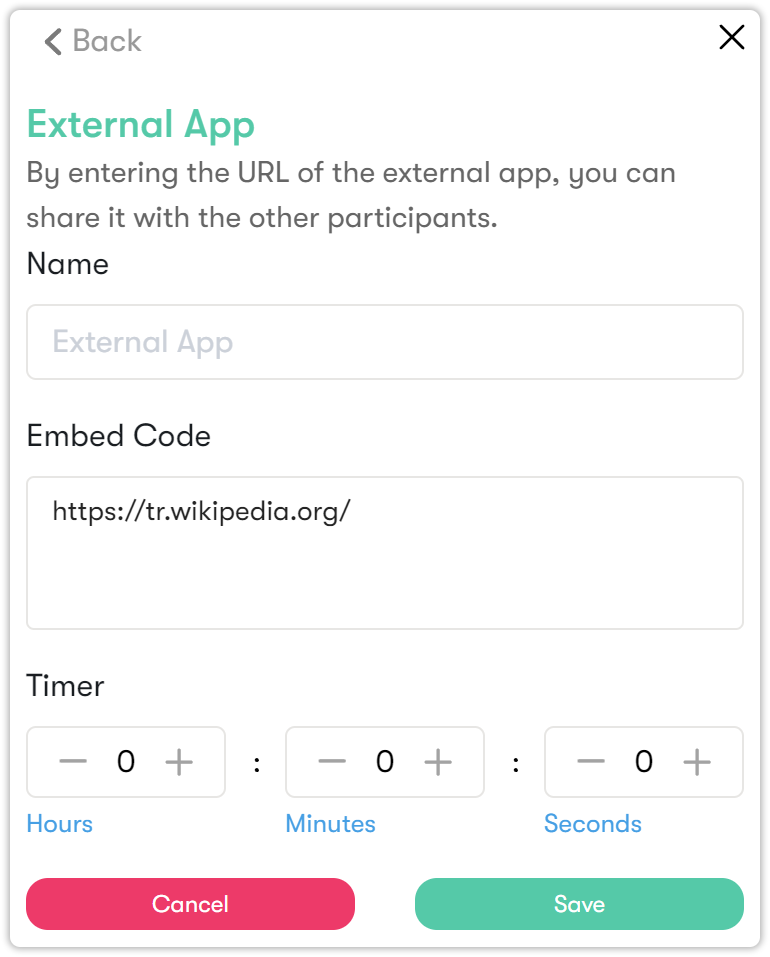
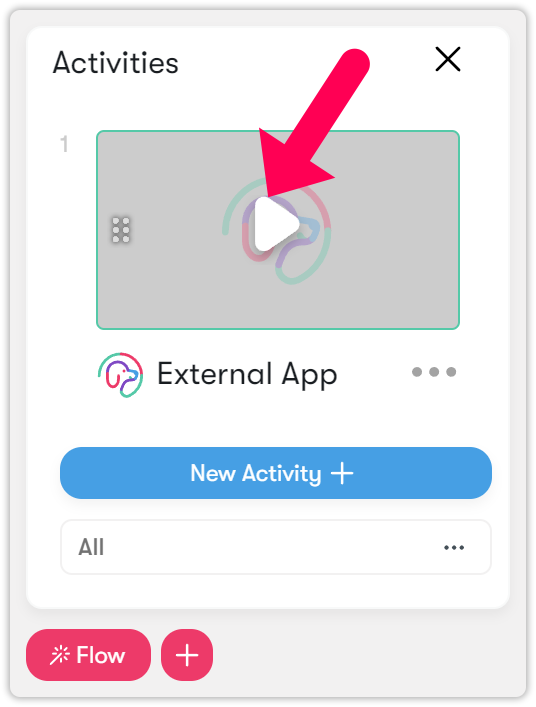
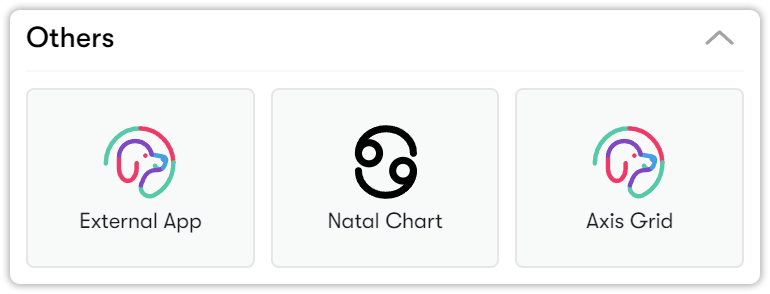
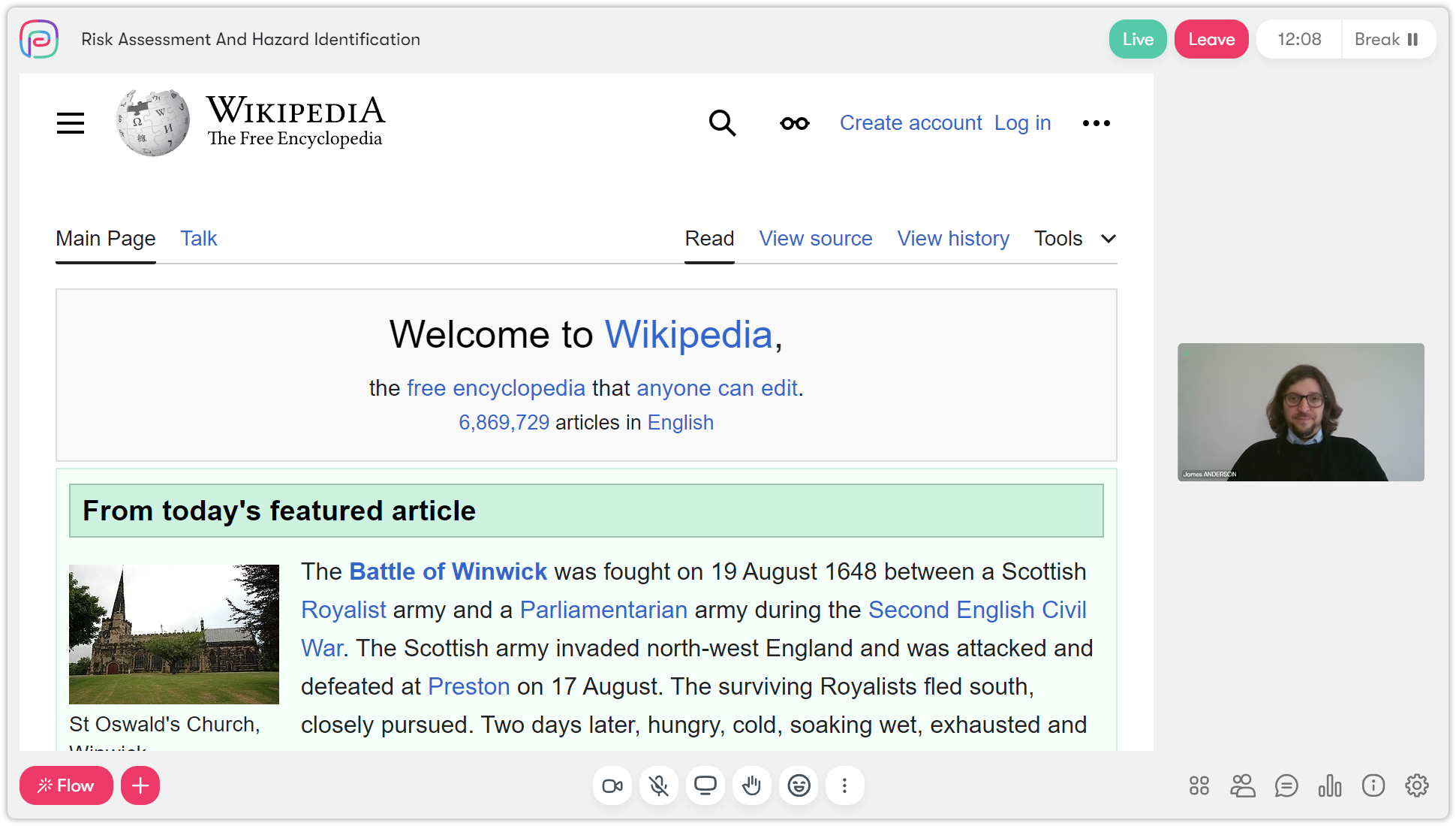
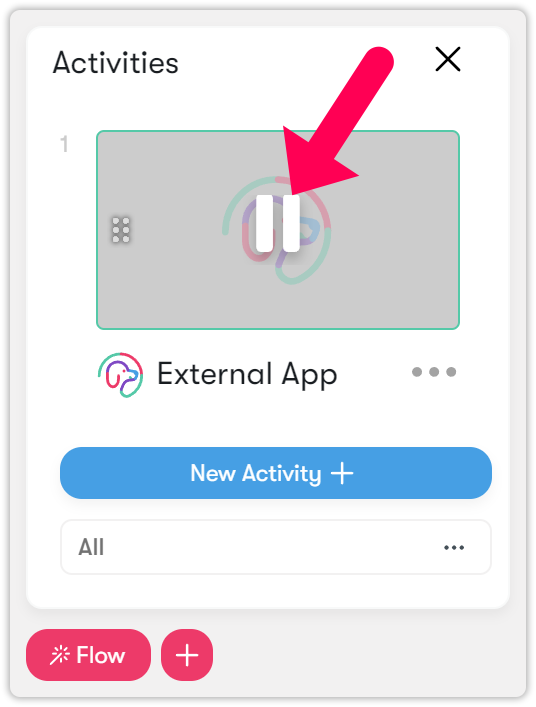
If you want to use tools such as Google Docs or Padlet and share them with your students, you can do so using the External Application feature in Others.
You can share your work with students by getting the embed code from the third-party party application.
Assessments

Adding activities using the shortcut menu

© Constructor Tech. All rights reserved.