
Groups Instructor Guide
Virtual room time display menus
These menus are located in the upper right corner of the screen.
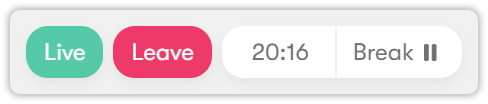
- Live icon — indicates that the virtual class has started.
- Leave button — allows you to exit the virtual classroom before the scheduled end time. If you, the instructor, end the session, the session will be closed for everyone.
- Time indicator — shows the time remaining until the end of the virtual class.
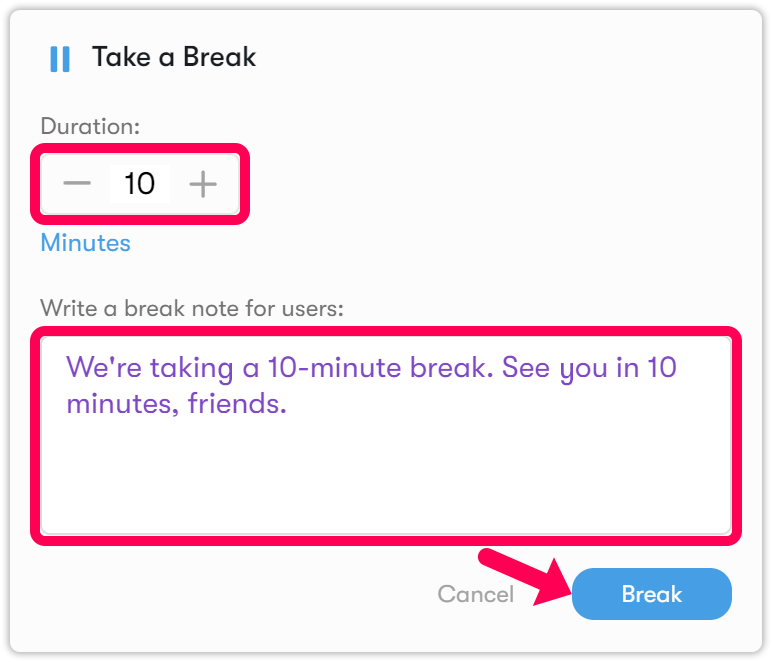
- Pause button — allows you to take a break during your live lesson. Click the button, enter the desired duration in minutes, and add a break note if needed.
Extending the session time
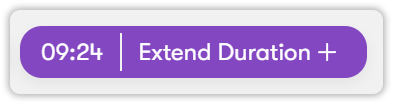
With 10 minutes left in your lesson, the system allows you to extend the session.
- Click Extend +.
- Choose one of the available extension options: +10 minutes, +30 minutes, or +60 minutes.
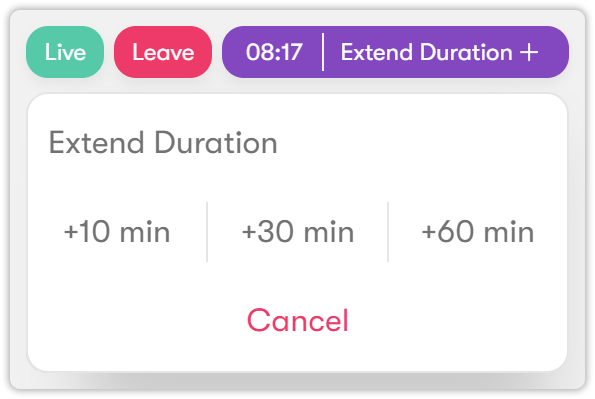
- You can end the session at any point by clicking Leave; you do not have to use the full extra time.