Joining sessions or rooms
Once the virtual classroom is created, it becomes active at the scheduled class time. We recommend checking your microphone and camera before class to ensure everything is working properly.
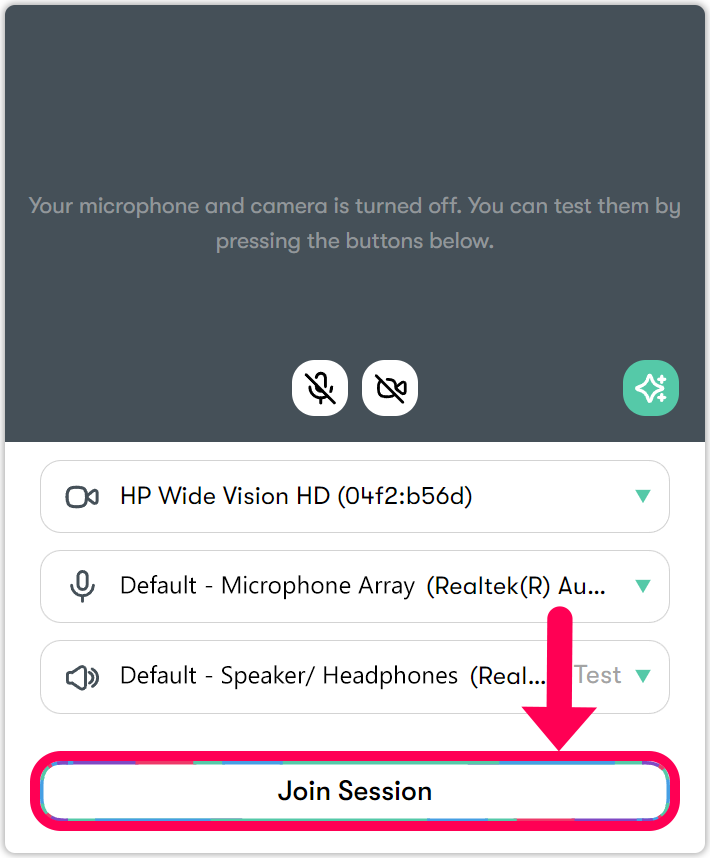
- Click Join to join the Virtual Classroom session or room.
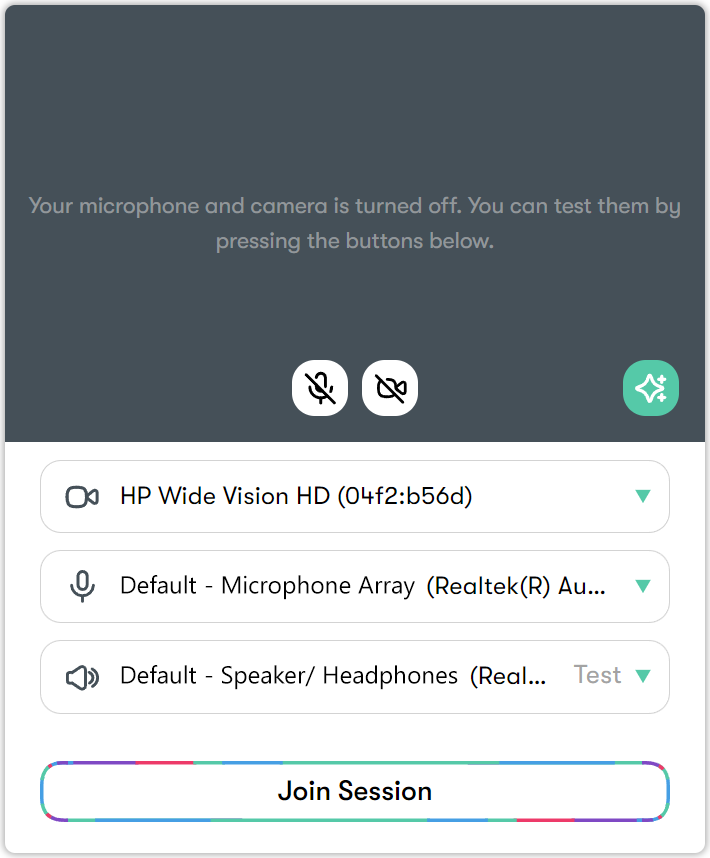
Specify your first and last name. - Configure your speaker, camera, and microphone settings. If you are using more than one camera or microphone, make sure to select the correct ones.
Your default camera is selected automatically, but you can switch to an external camera if you have one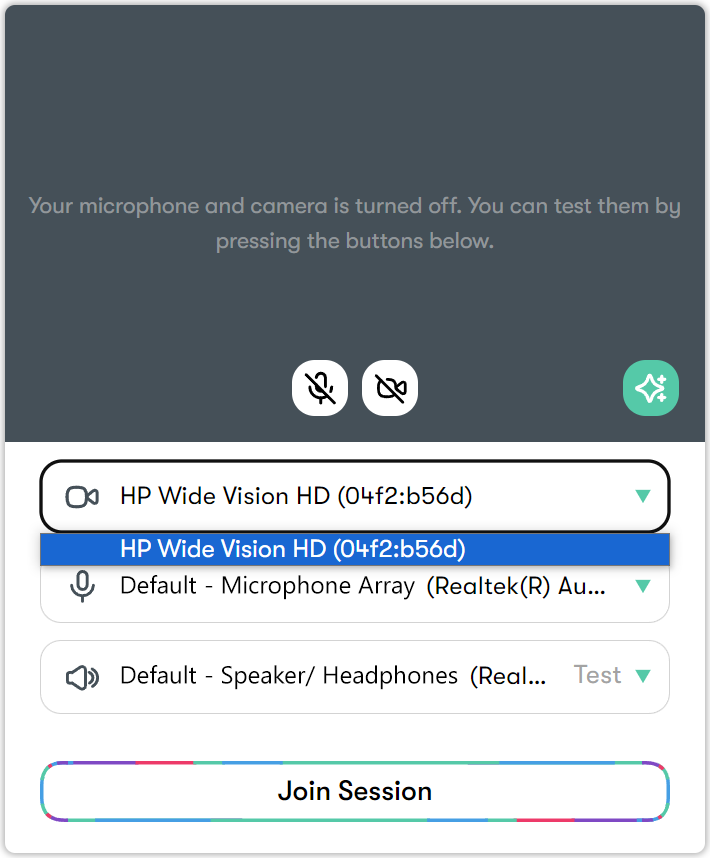
Your default microphone is selected automatically, but you can switch to another input if you’re using a headset or external microphone.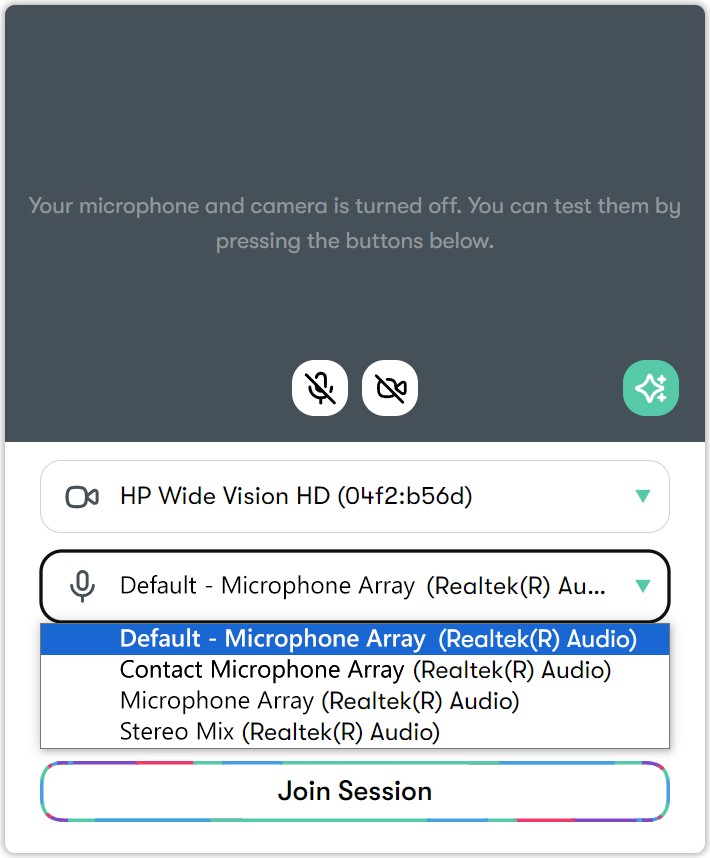
Your computer’s built-in speakers are selected by default, but you can switch to another speaker if you have one connected.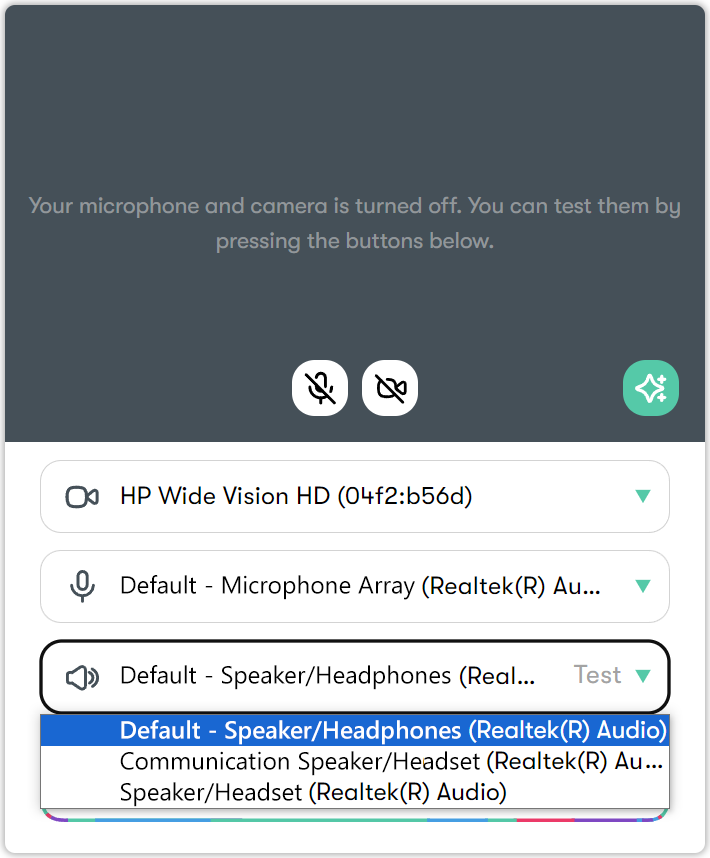
- After completing all your settings, click Join Session to enter the session.