
Creating media blocks
Constructor Learn provides you with a modern uncluttered rich text editor that allows you to create sophisticated learning content items. With this editor, you can apply advanced formatting to your text, use complex formulas, easily embed images, links, visualization boards, videos and other elements that help better engage your learners.
To add a media block component:
- Open the Learn management portal.
- Go to Authoring > Content libraries. A page with available pre-configured libraries will open.
- Click Media Block.
- Click the plus sign
 .
. - Specify the properties of the component you are adding:
- Title— the component title.
- Unique Code or ID — the identifier of the component to ease the search in the future.
- Description — a short description of the component.
- Duration — estimated time for learners to complete the component activity.
- Cover image — either upload a file from the local storage or specify the URL.
- Click Save and Go to the Content Editor.
- Enter your text. Use the following control elements when working with components:
Heading formatting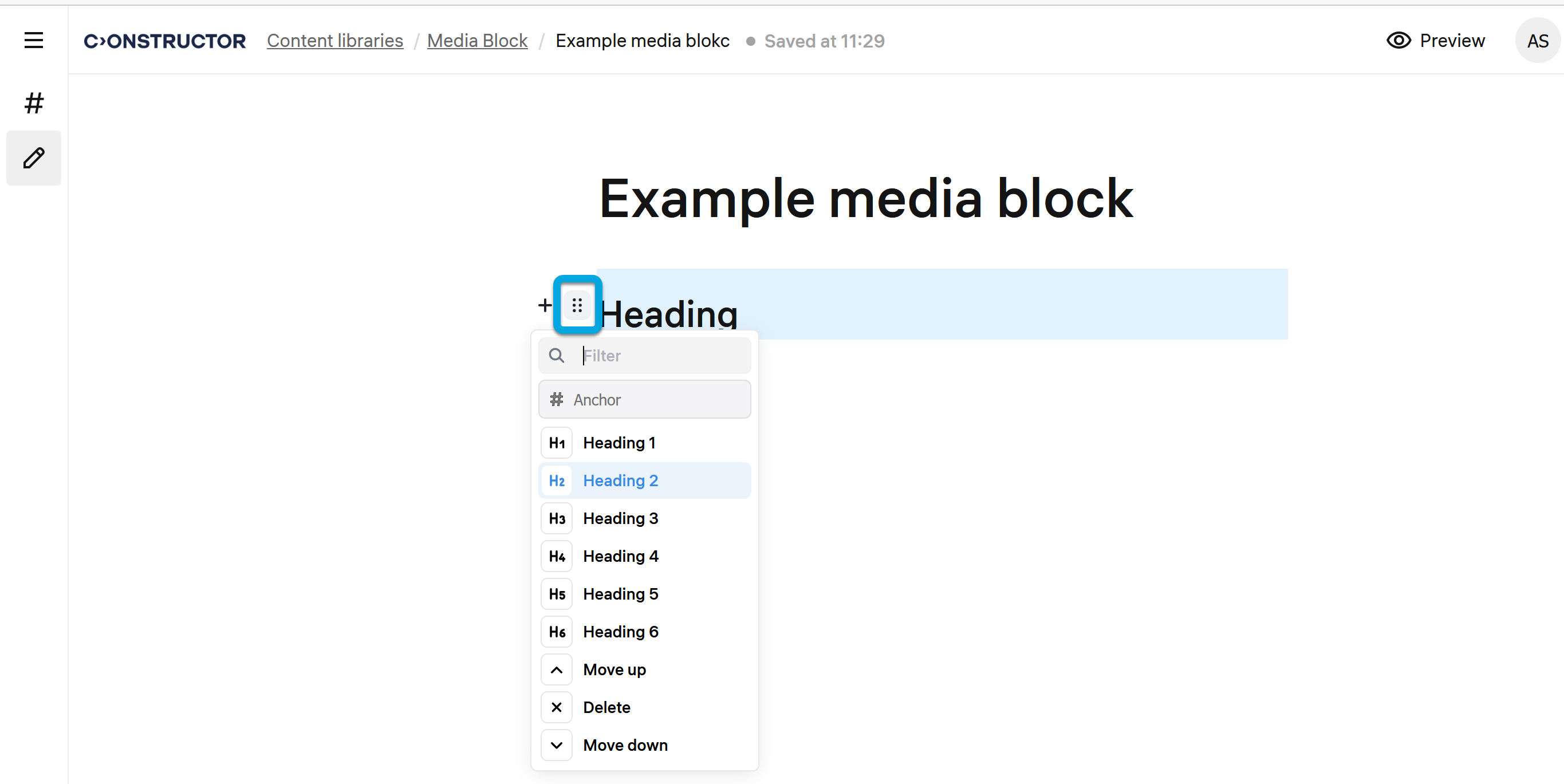
See also:
- Adding anchors to headings in media blocks
- Inserting and editing images in media blocks
- Adding a carousel gallery to media blocks
- Duplicating media blocks
- Attaching files to media blocks
- Using advanced text formatting in media blocks
Body text formatting
Click + on the left to open the advanced text formatting and insertion menu.
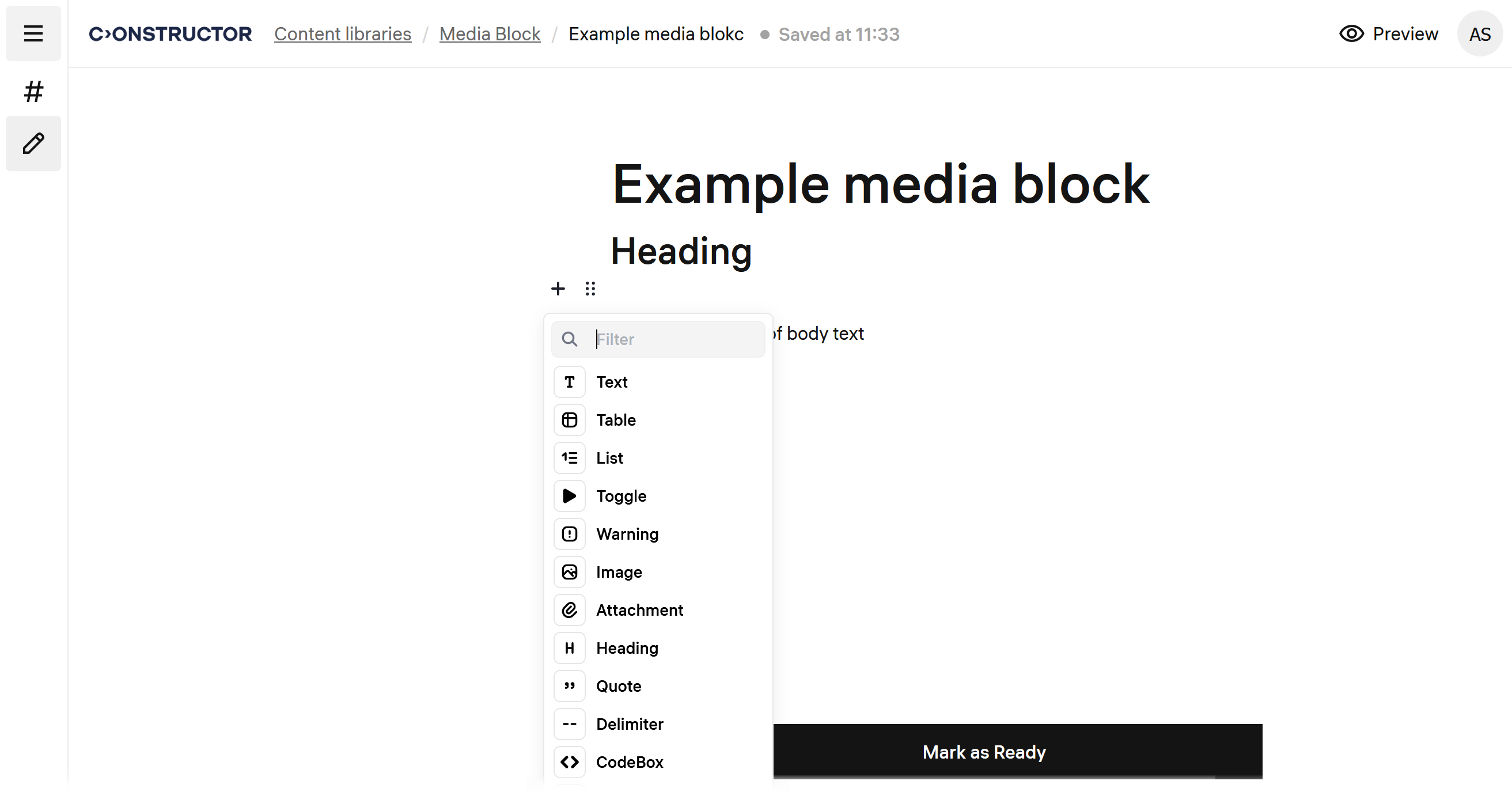
Press TAB on the keyboard to call the text indentation menu.
- Click Mark as ready to save the component in the Ready status.