
Creating SCORM components
Configuring SCORM display modes
To make it easier for learners to navigate through courses that contain SCORM components, you can select a mode of displaying the SCORM window.
To configure how a SCORM component is displayed to learners:
- In the Learn management portal, click
 in the upper-left corner.
 - Go to Authoring > Content libraries.
- Click Interactive component.
- Find the required SCORM.
- Click
 to call the menu, then click Edit.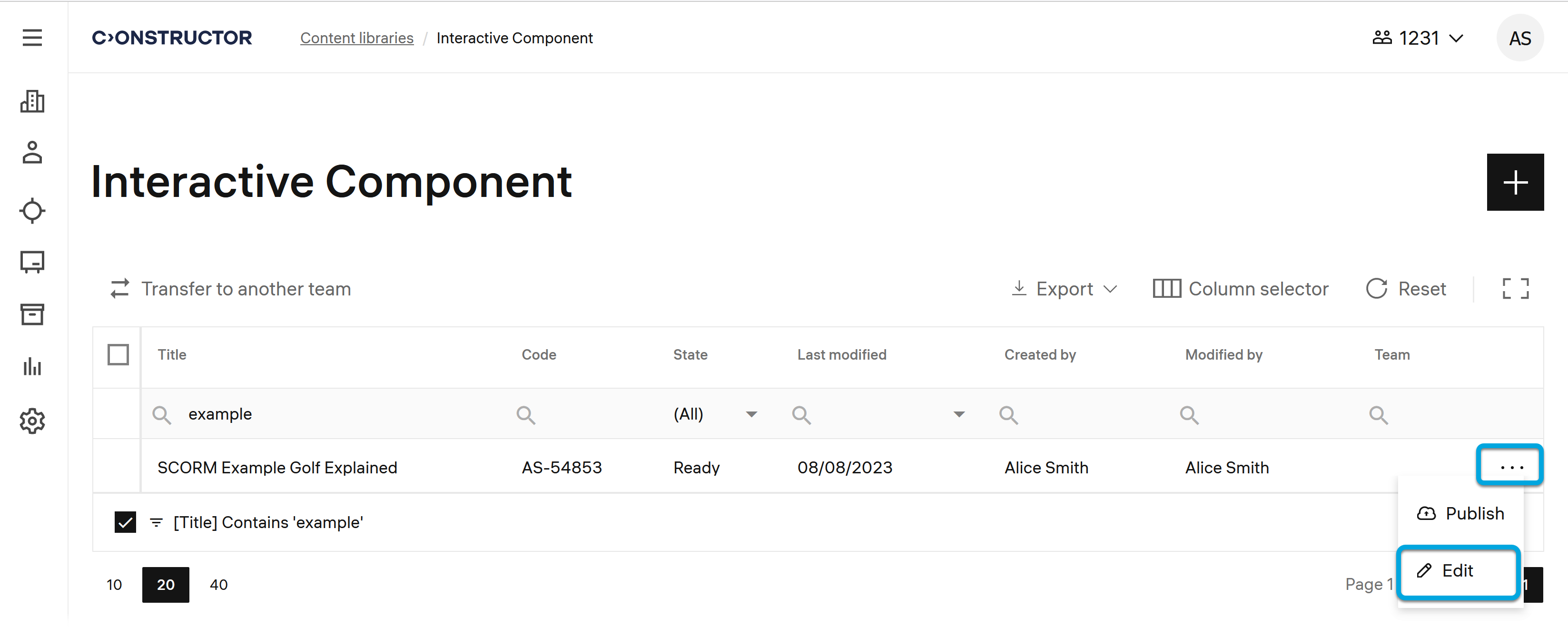
- On the SCORM edit page, scroll to Settings.
- In the Window size field, specify the required SCORM display mode:
- Full screen — to display the SCORM window full screen. In this case, the SCORM window will ocupy the full size of the screen when opened, without showing the navigation panel.
- Embedded (auto size) — to insert the SCORM window into a course content. In this case, the SCORM window will be embedded into the course content window, and the navigation panel will be shown.
Select the Allow maximize/minimize checkbox to enable for learners the options of maximizing and minimizing the SCORM window. Learners can move the maximizing and minimizing button.Note: If you intend to insert the SCORM component into a composition, select the Embedded (auto size) value.
- Custom size — to manually set the required width and height of the SCORM window. Values for both dimensions are required.
- Click Save.
Now you can preview the changed SCORM component to ensure it is displayed as you want.