
Grouping content components by categories
To keep your content libraries tidy and organized and easily locate necessary content components, you can group components into categories. Each category is represented as a folder. Subcategories and sub-subcategories are represented as child folders within the main folder.
You will be able to find all components included into a category in the corresponding folder.
Currently, you can group components by categories in the following libraries:
- Compositions
- Rich Text
- SCORM
To assign a category to a content component:
- In the Learn management portal, click
 in the upper-left corner.
 - Go to Authoring > Content libraries.
- Click the required library (for example, Compositions).
- Locate the required content component and click
 to call the menu.
- Click Edit.
- Switch to the properties tab.
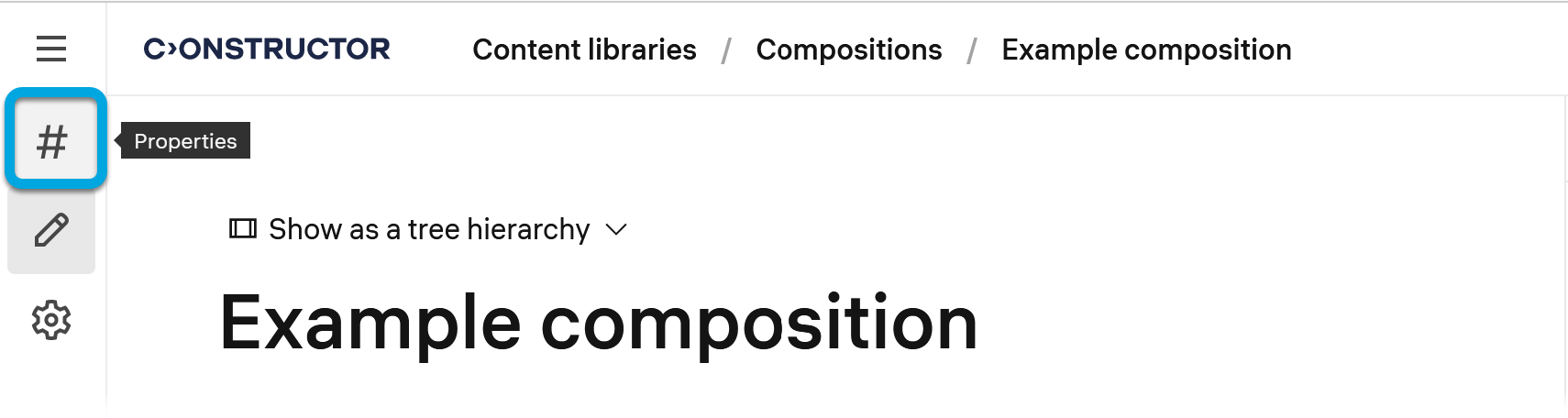
- Scroll down to the Categories field.
- Click + Assign categories.
- In the list of categories, select the required categories and click Assign.
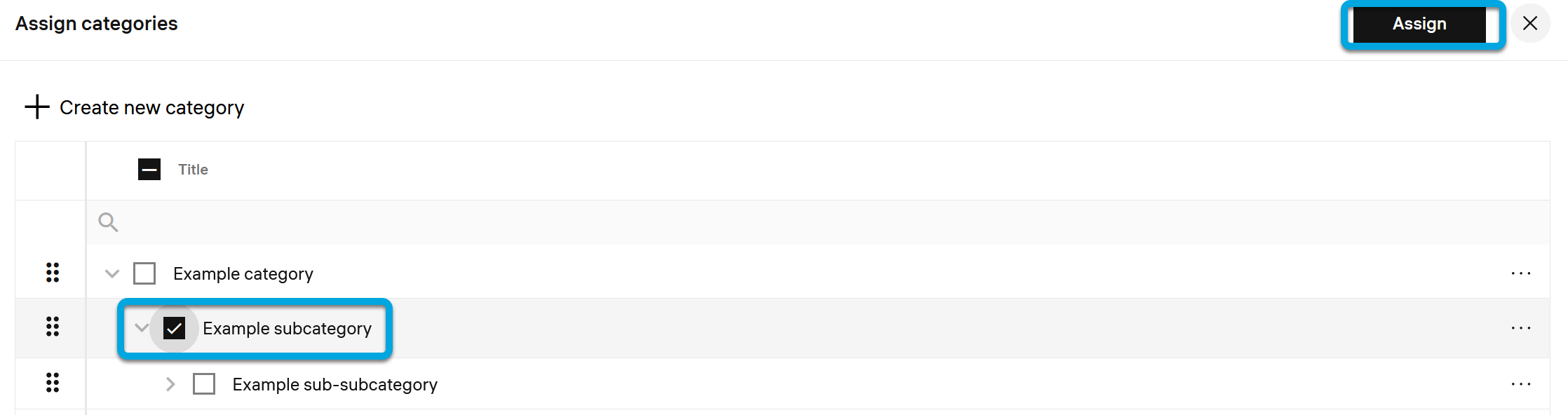
The content component will be added to the selected folder or subfolder representing the selected category.
Note: Content categories are created by system administrators. If a specific category you need is missing, please request its creation from your administrator.