
Creating media blocks
Adding a carousel gallery to media blocks
Carousel galleries allow you to display multiple images in a compact, swipeable format within a media block, which makes it easier to showcase visual content without taking up extra space.
To add an image gallery to a media block:
- In the Learn management portal, click
 in the upper-left corner.
 - Go to Authoring > Content libraries.
- Click Media Block.
- Double-click the required media block to open it.
- Click Go to editor.
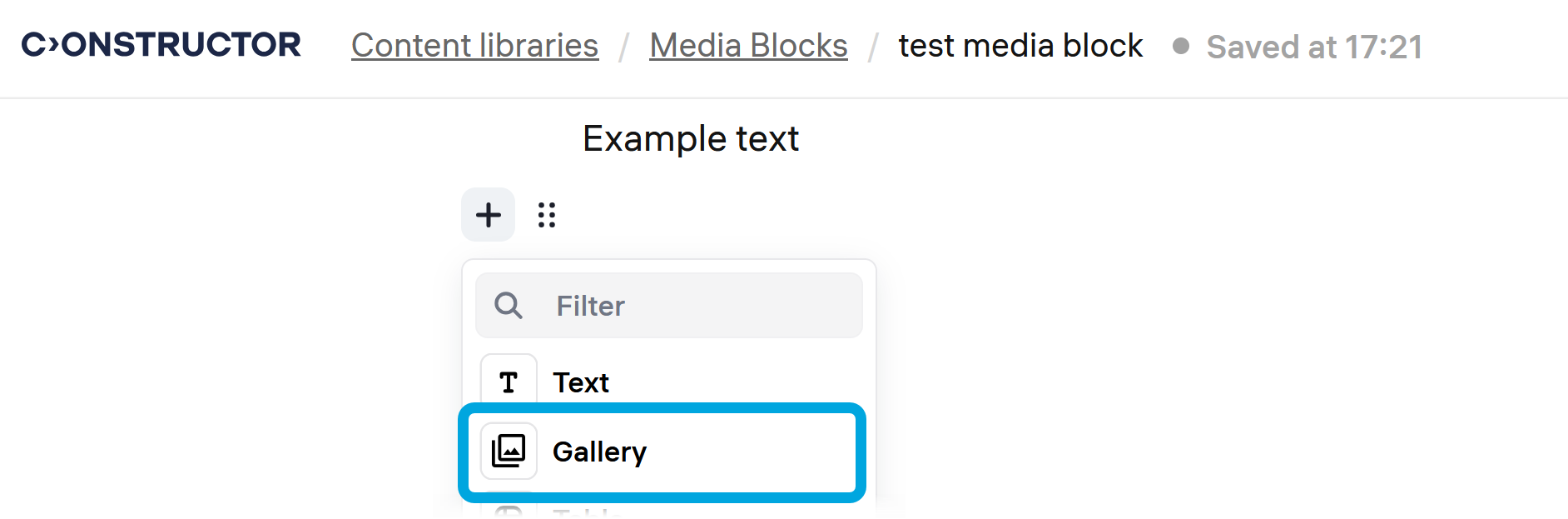
- Click + on the left to open the menu and click Gallery.
- Click Select images and select local images that you want to add to the gallery.