
Managing user notifications about course progress
Enabling notifications for yourself
You can configure automatic notifications about changes in your learners' progress in the courses you teach.
To enable notifications in a course:
- In the Learn management portal, click
 in the upper-left corner.
 - Go to Teaching > Courses.
- Double-click the course you need to edit.
- Switch to Notifications.
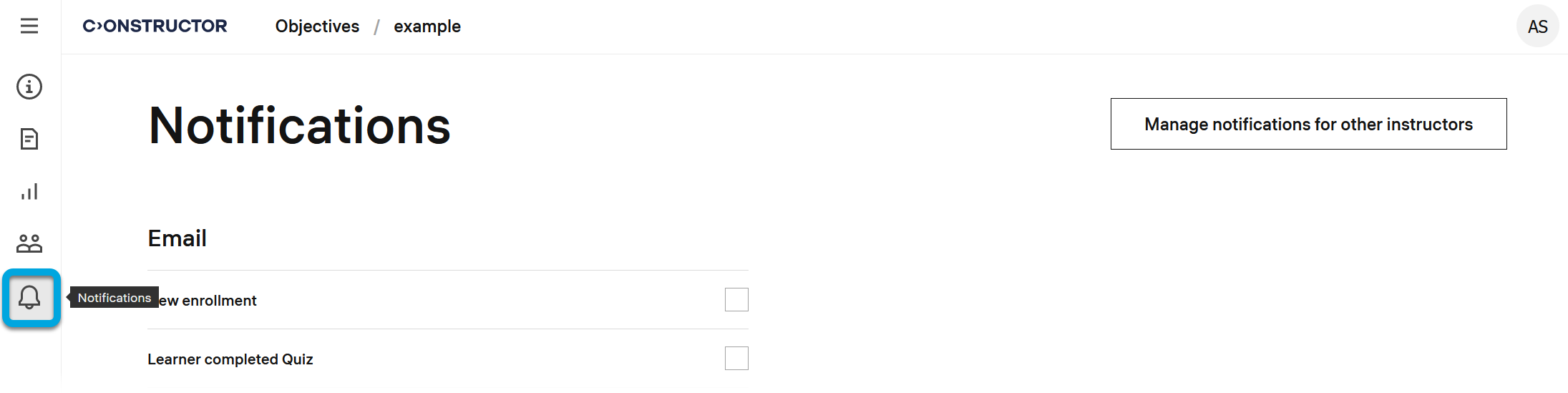
- Check the boxes for the required notifications:
- New enrollment — notify when a learner enrolls in the course.
- Learner completed quiz — notify when a learner completes a quiz in the course.
- Learner completed course — notify when a learner completes the entire course.