
Creating quizzes
Previewing quizzes
To preview a quiz:
- In Content libraries, go to Quizzes.
- Click the required quiz for editing.
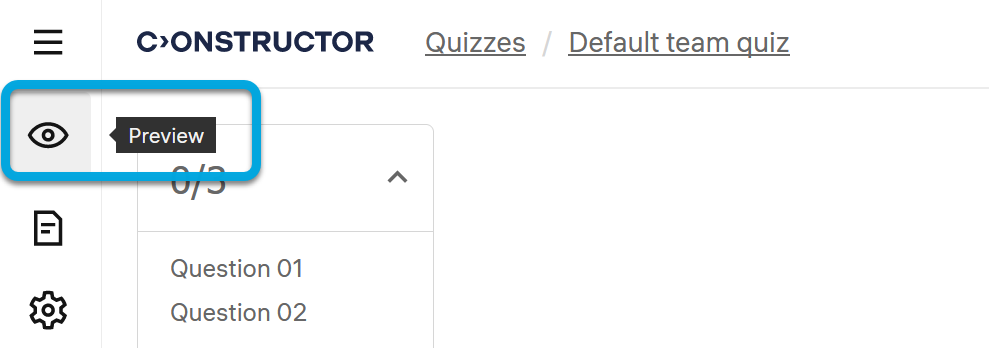
- Click the preview icon
 .
.
Note: Previewing PDF files attached to questions within a quiz is not possible. To preview a PDF file, open and preview the respective question.
See also Previewing questions.